I have a local HTML file that I want to run as a Chrome application (that is, it opens in it’s own window and without tabs). For web pages this is done with ‘Create shortcut…’, but it is not available for a local file. In Windows I can achieve this by creating a shortcut to some web page and then editing the shortcut and use the ‘-app’ flag with a path to my local file. How can I do the same in Ubuntu? I tried editing the file I found under ~/.local/share/applications/, but it didn’t work. That is, when I click the icon in the apps grid is still loads the web site in the window.
You may also like

Sometimes I have magento installations where my coleagues do edit files in ./vendor folder. Therefore, I cannoty use the existing seeder. Therefore, […]
I need to run a command to compile my theme styles and commit them every time I need to push something new, […]

i do all this command bin/magento setup:upgrade bin/magento setup:static-content:deploy -f bin/magento setup:di:compile bin/magento indexer:reindex bin/magento catalog:images:resize bin/magento cache:flush bin/magento cache:clean but images […]
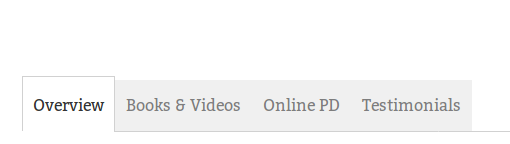
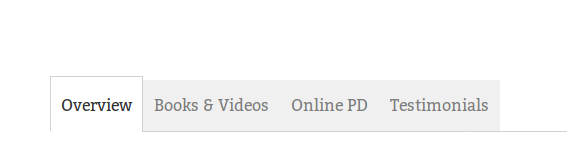
When my product page loads the first tab is active: How do I get the 2nd tab to be active on page […]