I am on Windows 10, MS Office Home and Student 2021. It’s just my own personal computer, no associated company.
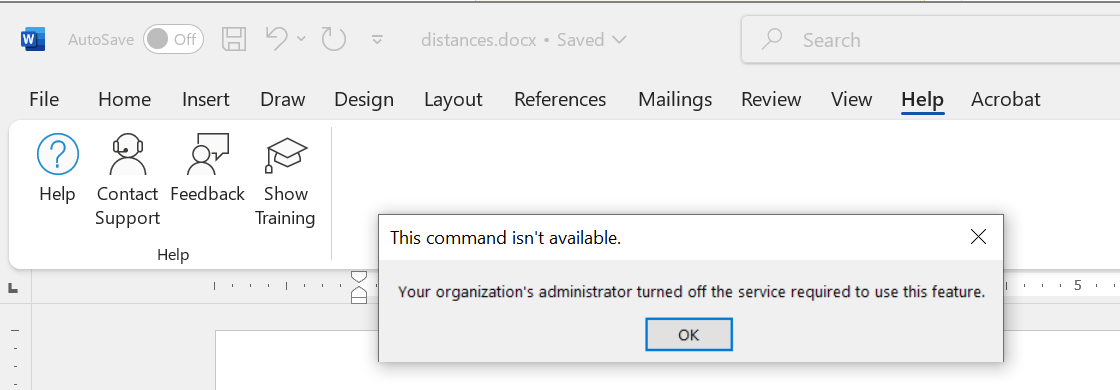
When I attempt to access Help, I get a message that “the organization’s administrator has turned off the service required to use this feature.
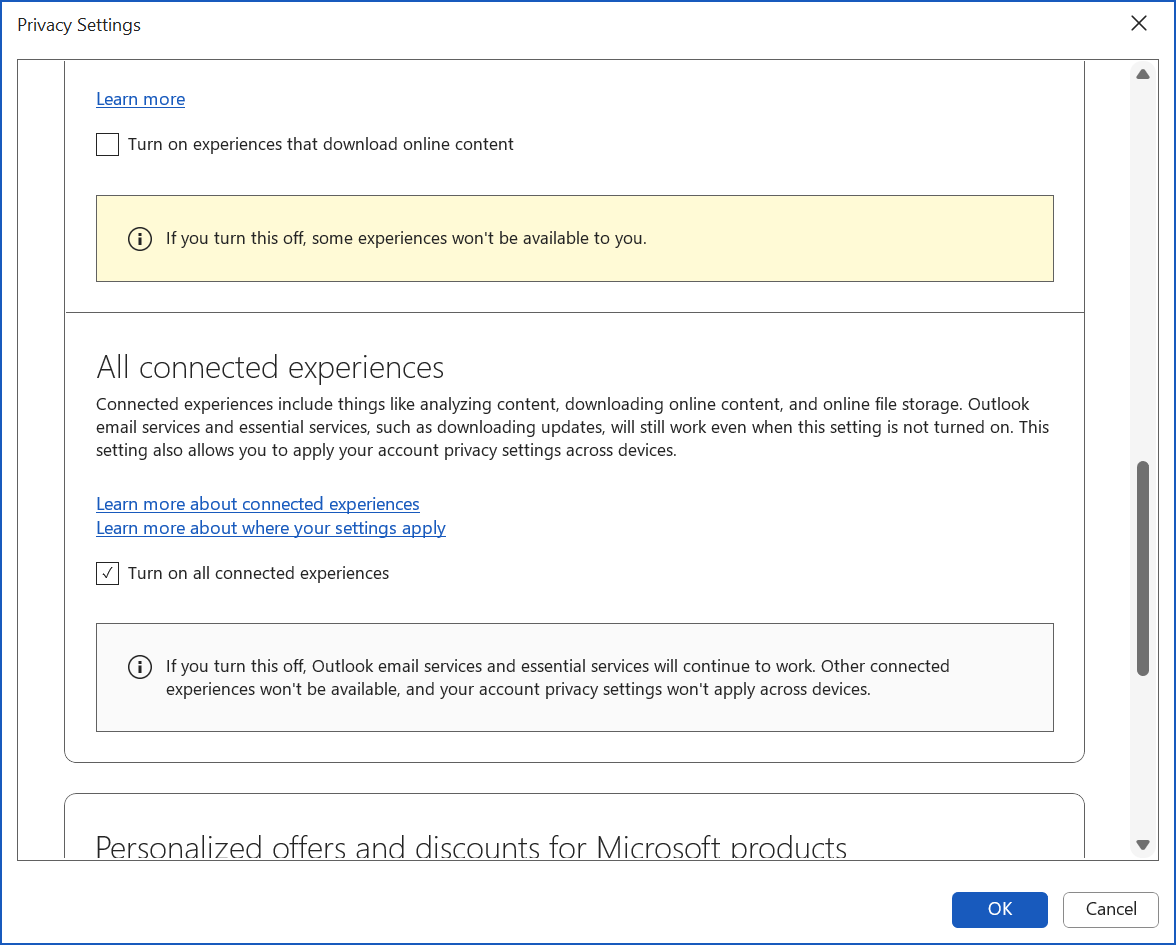
I have read that I can open a word doc, click on “file/account/(account privacy)manage settings”, scroll down to “All connected experiences”, enable those, and then restart. I did that, and restarted the entire machine. But help continues to give the same message.
I went back to “All connected experiences”, and it now shows as enabled.
What can I do to enable help for this installation?