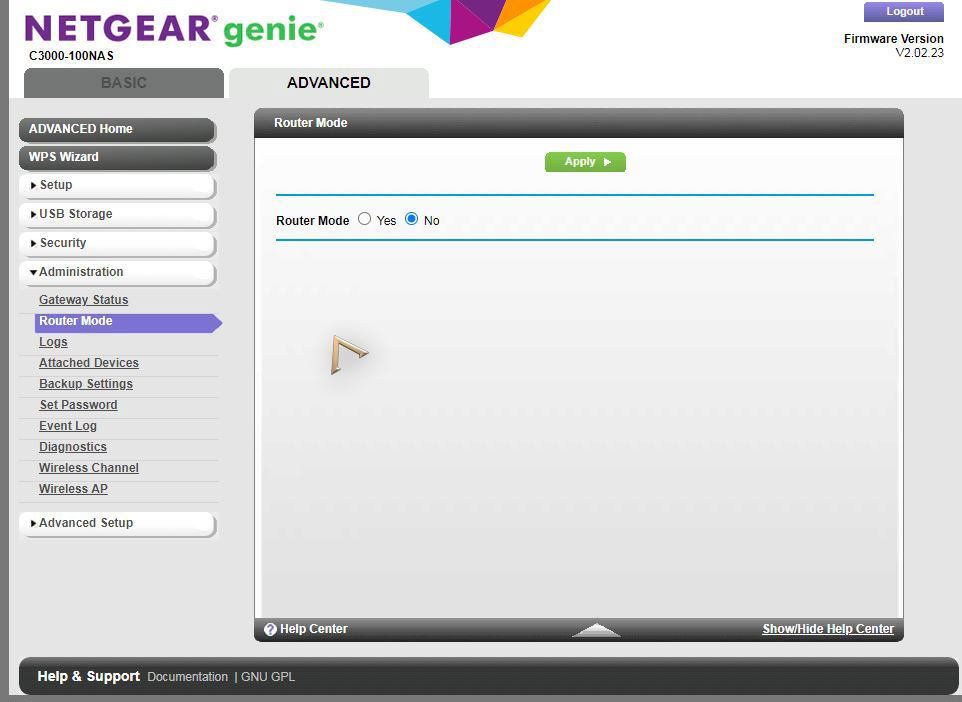
I have put my Netgear C3000-100NAS Comsat modem (yes, I know it is old 🙁 ) into “Router mode = no”:
Then:
- I tried to spoof the CM MAC of the C3000 onto the WAN port of the OpenWRT router, with the WAN port set to DHCP client (so Comcast would give OpenWRT an IP, I assumed). But even after some 30 minutes of having a cable plugging in between one of the LAN ports of the Netgear, and the WAN port of the OpenWRT router, I got no WAN IP:
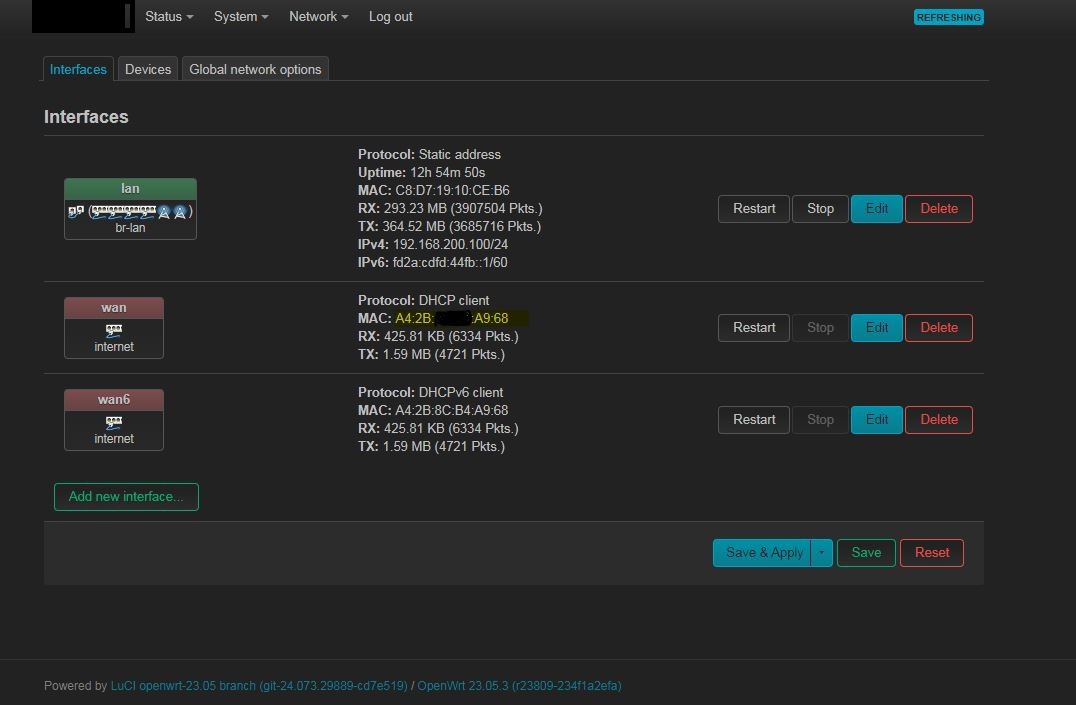
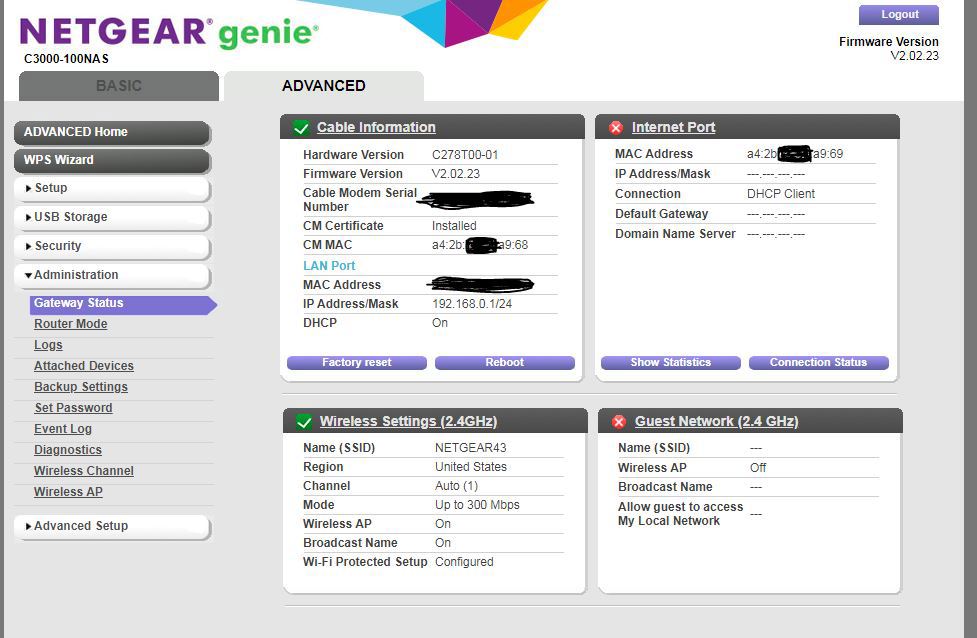
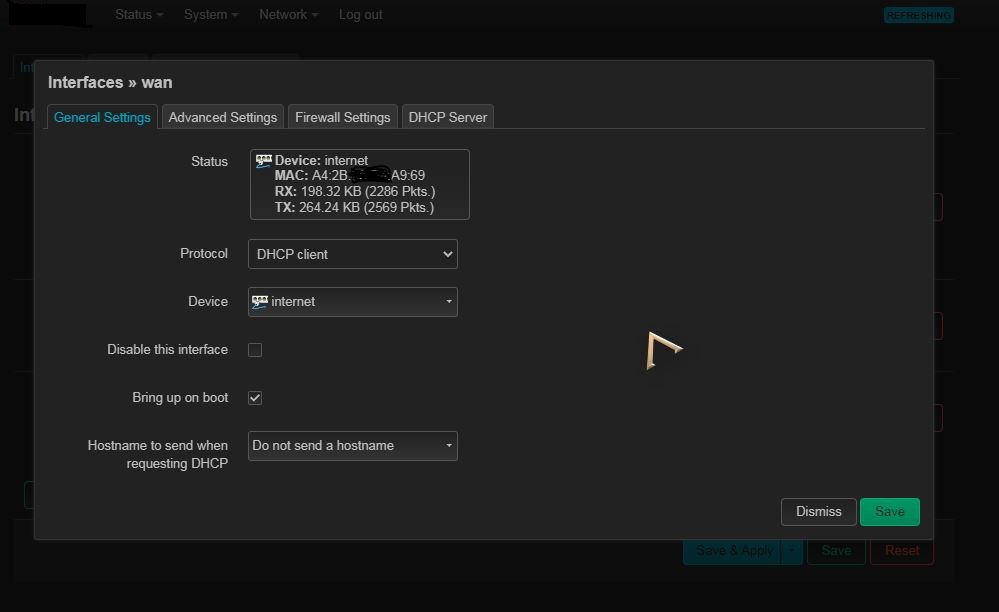
- Then I try to spoof the “Internet port” MAC of the C3000 onto the WAN port of the OpenWRT router, with the WAN port set to DHCP client. But even after some minutes of plugging a cable between one of the LAN ports of the Netgear, and the WAN port of the OpenWRT router, I got no WAN IP:
- At some point in my testing, it seems that the C3000 provided a DHCP IP in it’s default range (maybe when I left DHCP on before turning routing off, which I didn’t think would make a difference), but still no routing to the internet through.
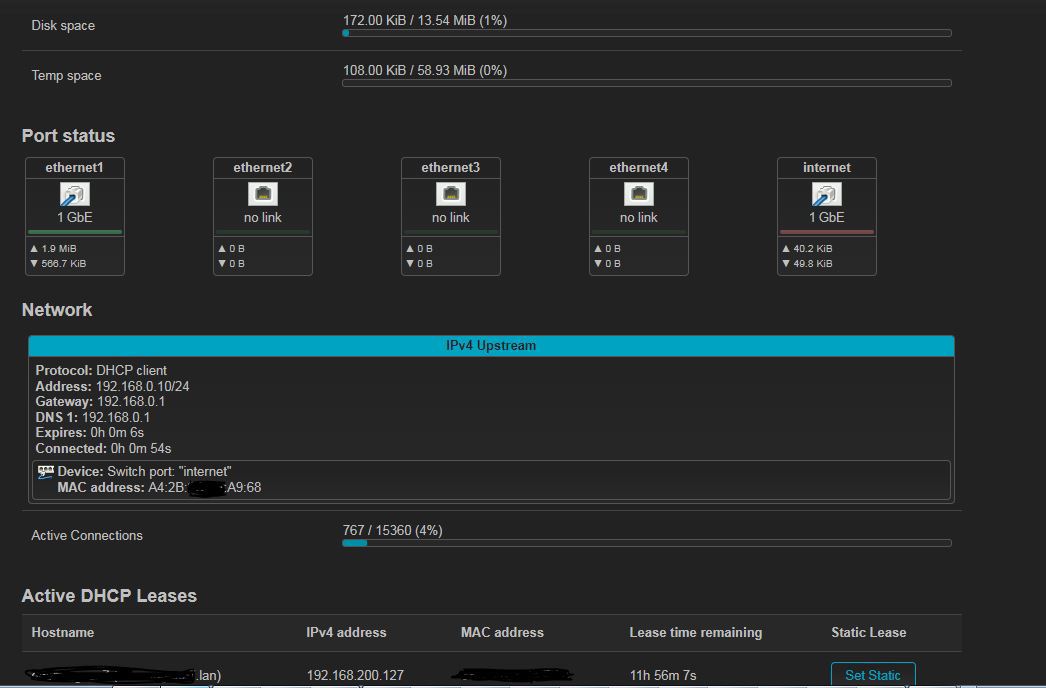
- I have also tried: a) Unmanaged (no IP, no routing), and b) PPP (some error message about not being able to find signal on the line, even though it is a modem that is upline, right?). I also tried static address, which I realise now would never work.
I did try powering on both devices in different orders, and connecting them together at different times, as I read about MAC address leaking. No change in internet access.
I trust the issue is with settings on the OpenWRT side, because when I connect my PC to the C3000 in bridge mode, I get an internet IP address, and can browse fine.
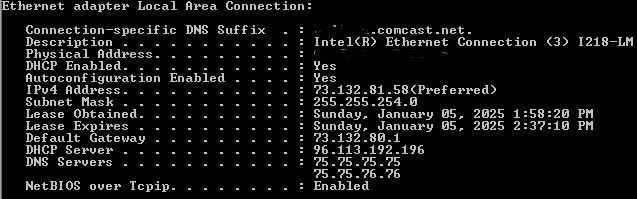
What am I missing???? SO many hours spent thus far 🙁
