My Lenovo ThinkPad X1 Carbon Gen 8 (20U9) 14″ laptop will not update to Windows 11: it says TPM 2.0 not found. I checked in the boot menu and it says TPM 2.0 is installed and active. I checked on the Lenovo website and it says that this computer has TPM 2.0. I’d appreciate any suggestions on how to resolve this.
You may also like
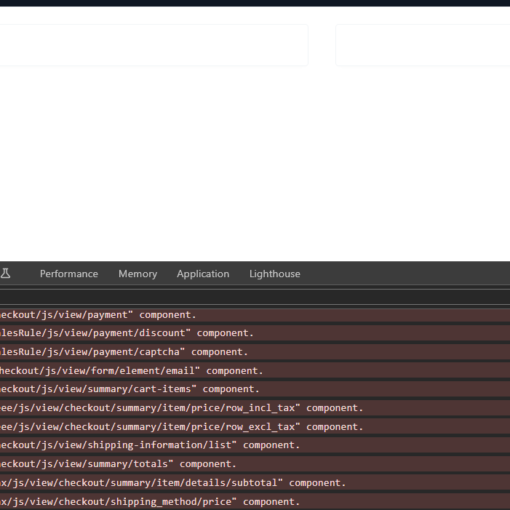
After upgrading, I encountered an issue with the checkout page. After adding the product to the cart and proceeding to checkout, the […]

Given two arrays A and B of length N, find the maximum length of a common interval of A and B such […]
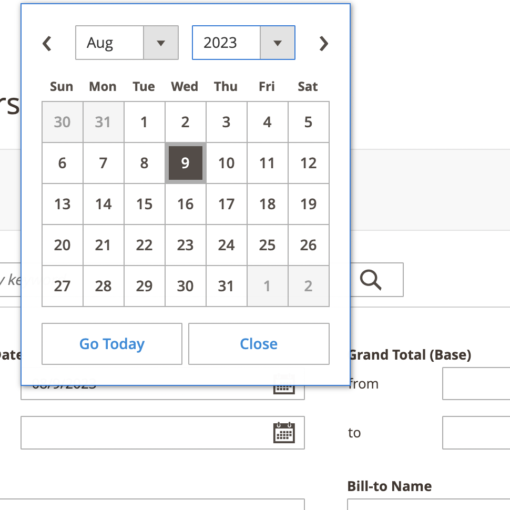

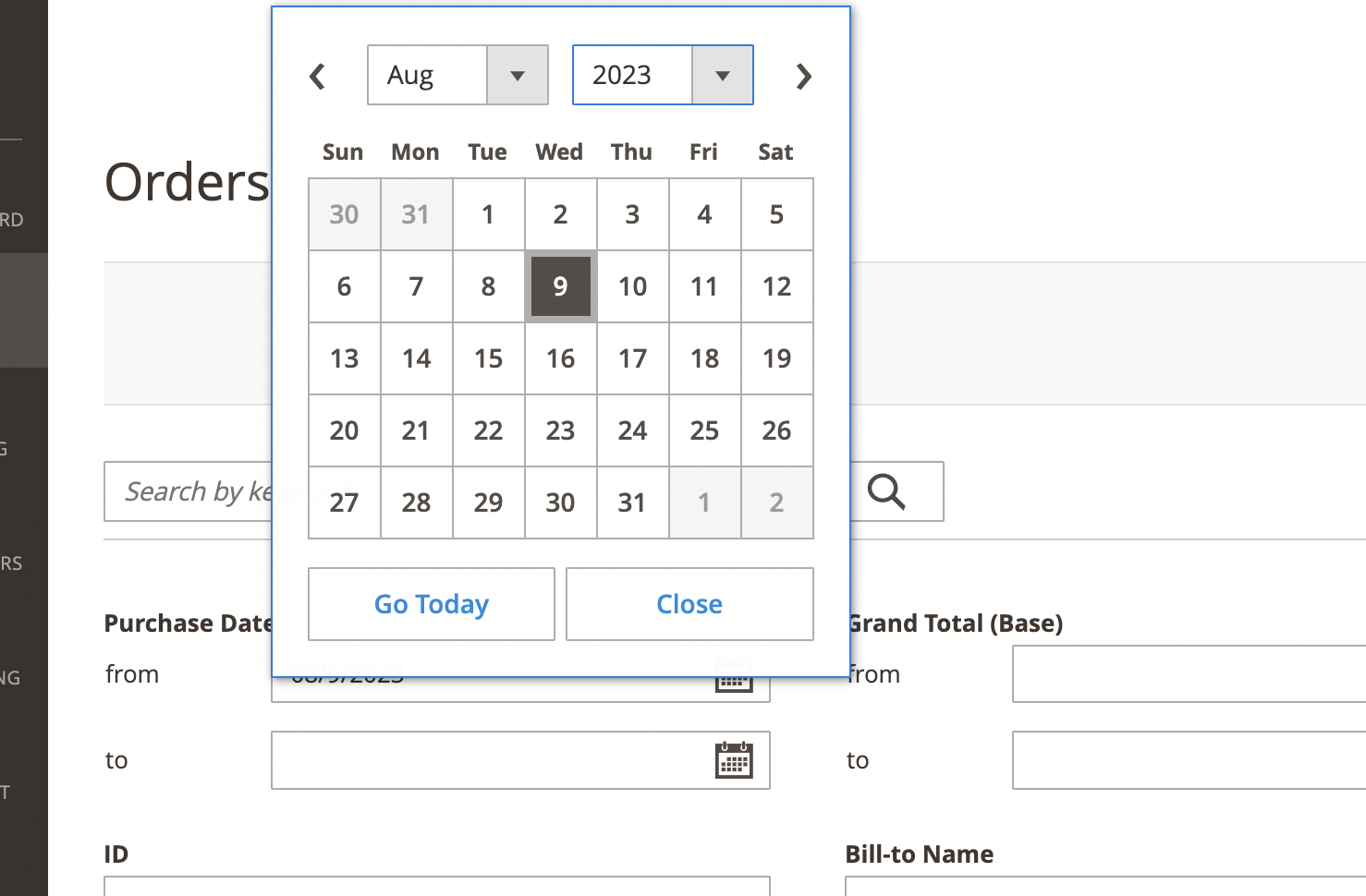
In checkout, I created a date picker for the delivery date. When the date picker is opened the ui-datepicker-today selects the today […]
I need to copy a file if exist to a list of destinations. The Destination contain %variables% . When I run it […]