I want to keep display English 
but remove it from keyboard layouts.
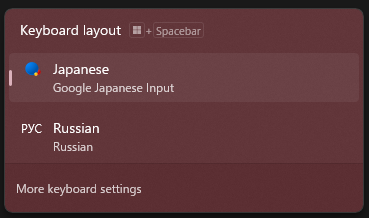
The reason i want to do this is because Japanese IME can be used as both EN and JP and therefore the original EN is redundant for me.
I have tried multiple things, like removing the keyboard from Keyboard LayoutPreload.

This worked for a short time, until the keyboard just reappeared. I even tried removing SYSTEMControlSet001ControlKeyboard Layouts0000409, but that didn’t remove the keyboard, and it still showed up and i could select it by pressing alt+shift, and the only thing it did is make the desktop crash if i were to click on it manually.
The closest i got to was a solution from here, but this created a new problem, where Microsoft Store and some applications (presumably from the Store as stated here)

are now in Japanese(or Russian, depends on which language is at the top), and not in English.
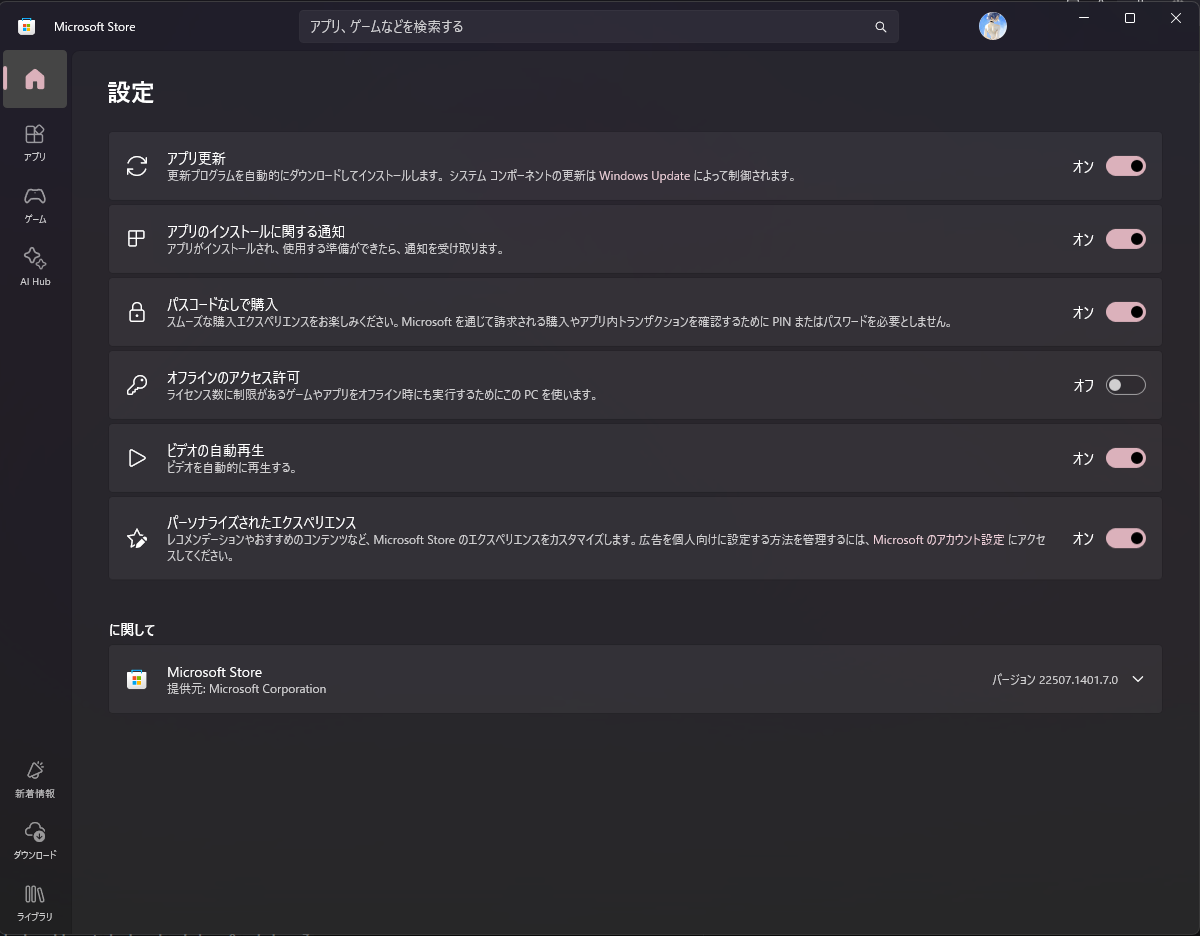
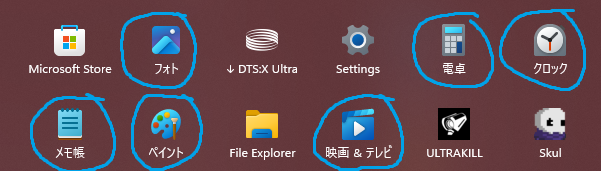
It’s not just the names, but also insides of the apps and even the normally english windows the open.