Assume I have two cells. The value of each is selected from a drop down list that is created using data validation. The data is pulled in from a table on another sheet.
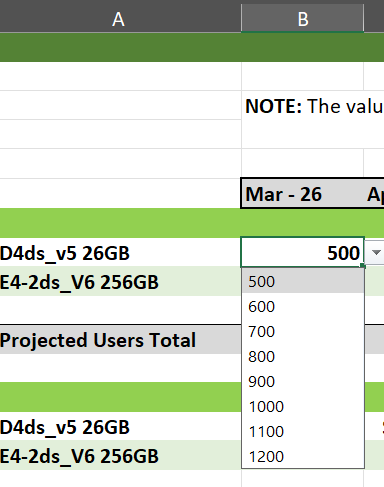
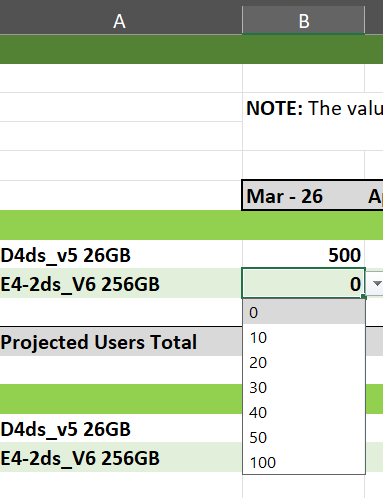
I can set a formula in the top cell such as
=SUM(1000-$B$9)
but this isn’t helpful because regardless of what I choose in the top cell (B8), when I make a selection from the bottom (B9), the value of B8 will always be calculated using the hardcoded number. I can’t use INDIRECT because of the data validation; It results in a circular reference. I guess any self-referencing formula will fail?
I can’t use VBS because that requires code signing and I don’t have access to the certificate. Are there other ways to accomplish this using formulas?
Is there a way to add data validation that will allow self-referencing formulas?
Am I fighting a winless battle?
