I am scratching my head and can’t figure out how did I achieve this a week ago.
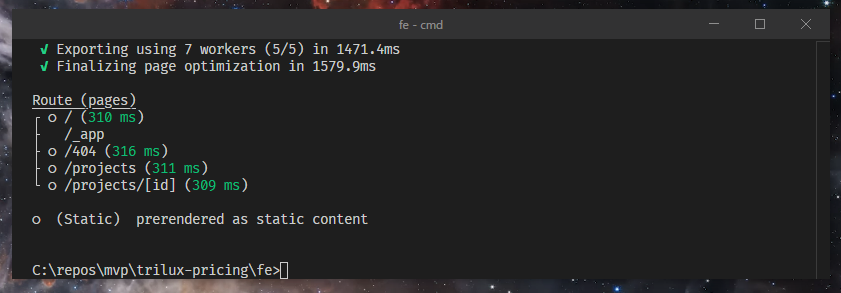
All my current attempts only give this window:
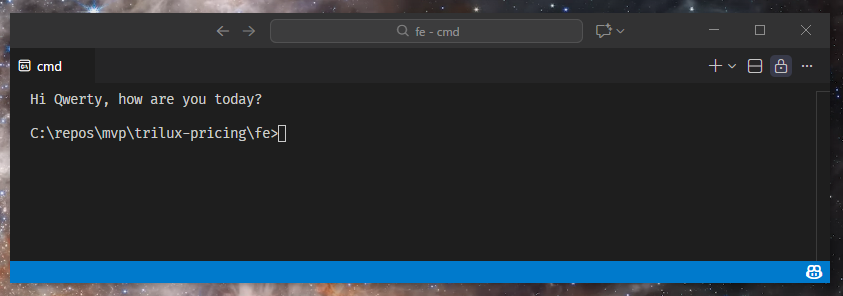
I tried:
Terminal: Move Terminal into New WindowTerminal: Move Terminal into Editor AreaView: Move Editor into New Window- Drag and Drop Terminal into Editor, then Drag it outside of Window