I am facing a persistent issue with VMware Workstation Pro on Windows 11. My Kali Linux guest machine cannot establish a Bridged network connection. Every time I start the VM, the network icon shows “Disconnected” immediately.
Hardware/OS Details:
Host OS: Windows 11
Guest OS: Kali Linux (Pre-built VMware image)
Network Adapter: Intel(R) Wi-Fi 6 AX201 160MHz
What I have tried so far (with no luck):
Used Virtual Network Editor to manually bridge VMnet0 to the specific Intel Wi-Fi adapter (instead of Automatic).
Performed Restore Defaults in Virtual Network Editor multiple times.
Tried to reinstall/repair VMware Workstation.
Tried to re-install the VMware Bridge Protocol in Windows Network Adapter settings (Getting error: “The specified service has been marked for deletion”).
Ran netcfg -d in CMD as Administrator to reset network stack.
Disabled Hyper-V, Virtual Machine Platform, and Windows Hypervisor Platform.
Set a Static IP inside the Guest OS to match the host network range.
Note: This setup was working perfectly before. The NAT mode works fine and provides internet, but I specifically need Bridged Mode for penetration testing labs.
Is there a known conflict between the Intel AX201 drivers and VMware Bridging on Windows 11? How can I force the Bridge Protocol to reinstall properly?
Thanks in advance!
You may also like
![Convert Array a[] to b[] through Subsequence addition](https://www.rubin.com.np/wp-content/themes/customizr/assets/front/img/thumb-standard-empty.png)
Given an array a[] equal = {1} and a target array b[], the task is to check whether you can transform a […]
how to override file app/lib/web/image/validation.js? I want to change the System Error Message in this JS file. Please help
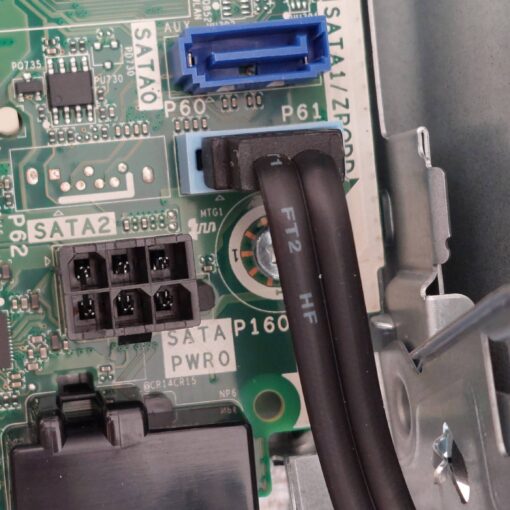
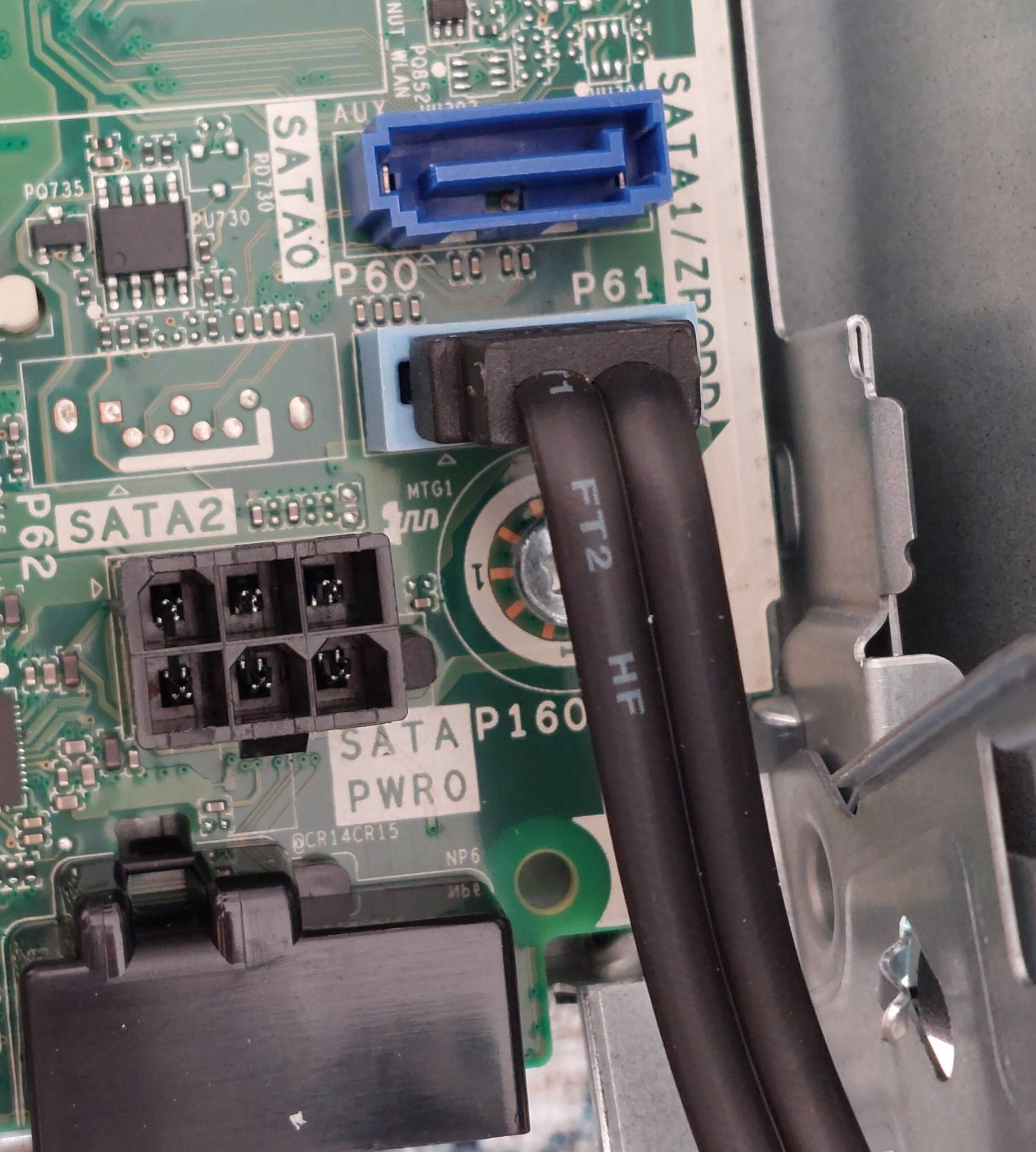
My HP ProDesk 400 G9 sff has a 6-pin power output (P160 SATA Power) on its motherboard to deliver power to HDDs […]


As you can see the above image. I am getting spam search on my store. we are using algolia search, but anyway […]