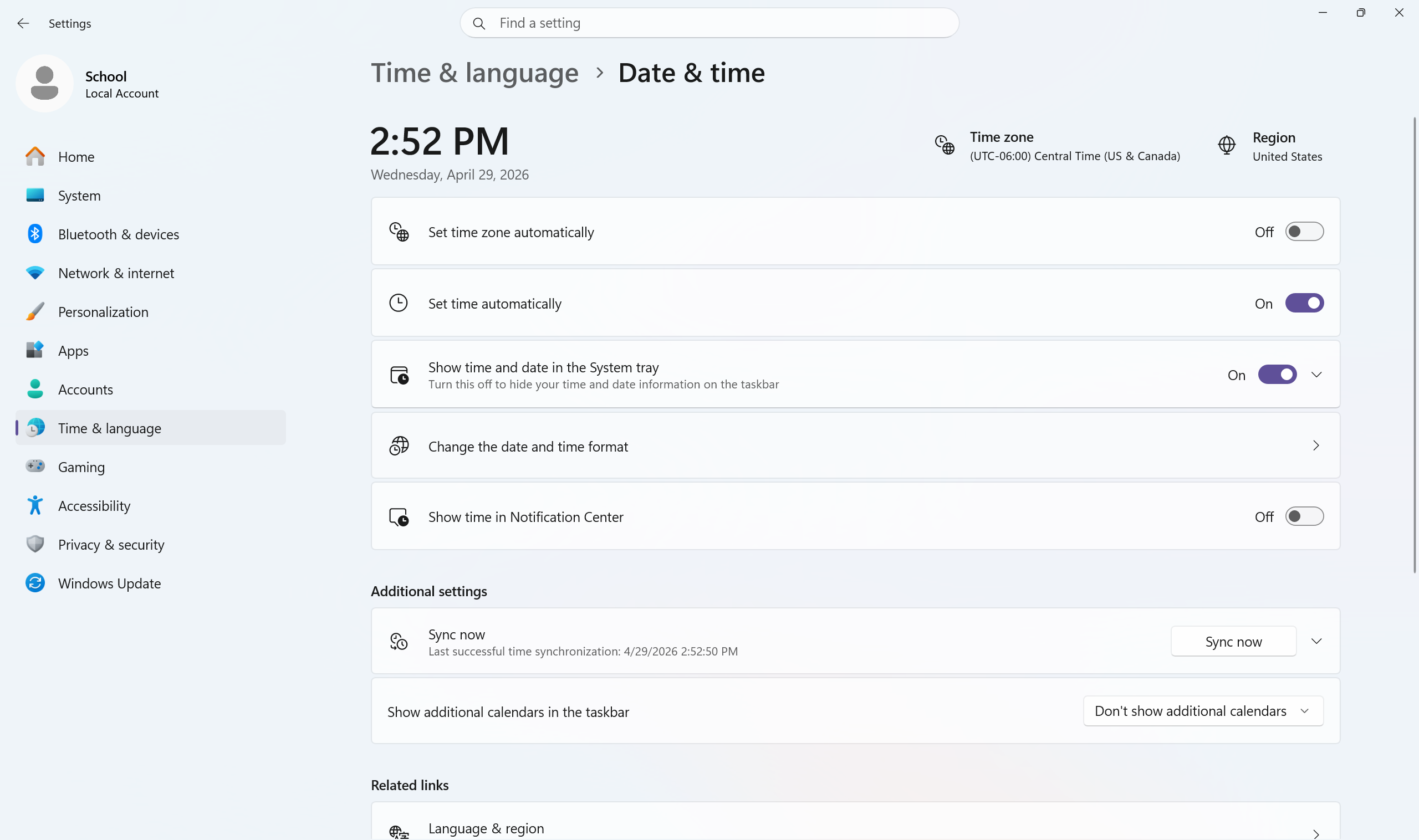
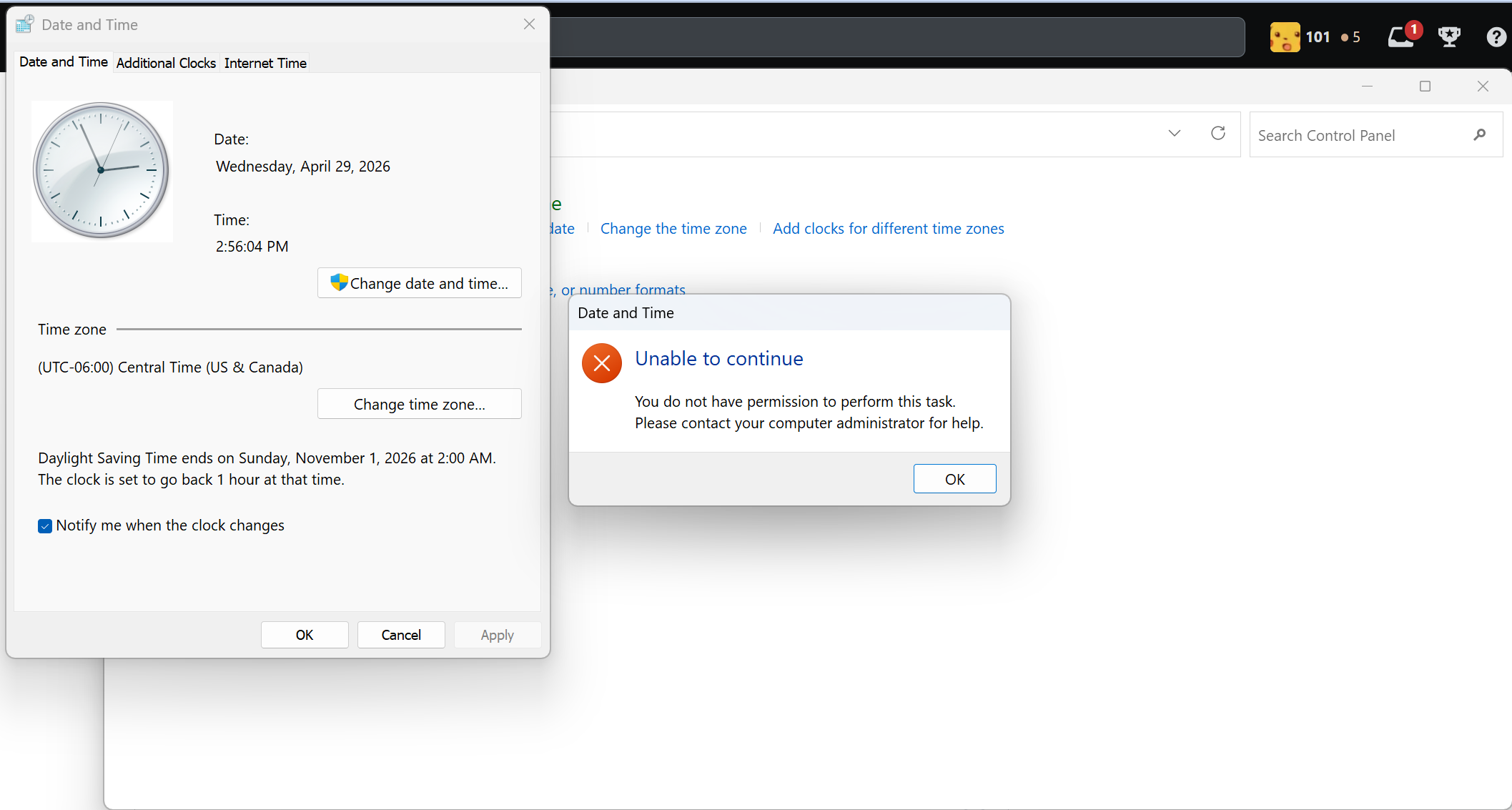
My computer’s location suddenly jumped to a place so far away that it put me in a different time zone, and I want to correct my computer’s time zone back to the correct time zone. I tried searching for how to change my time zone for my windows 11 computer, but I don’t see the dropdown menu for time zone. I also tried changing it through control panel, but it says I don’t have access when I click “Change time zone”.
To my knowledge, I am not using a VPN. I am also on an administrator account, so it’s strange that control panel said I don’t have access to change the time zone.
This started happening a few dozen minutes after I physically moved my laptop to another building within the same wifi network at my college (about 290 ft/90m away). I am connected to my school’s WiFi network, and I don’t reliably have access to another WiFi network.