Often Byobu’s man page refers to the upper bar, e.g.
     whoami - the name of the user who owns the screen session;
     displayed in the upper bar toward the far right in bold black text on
     a grey background
However, even in the presentation video, there seem to be only one bar, at the bottom:
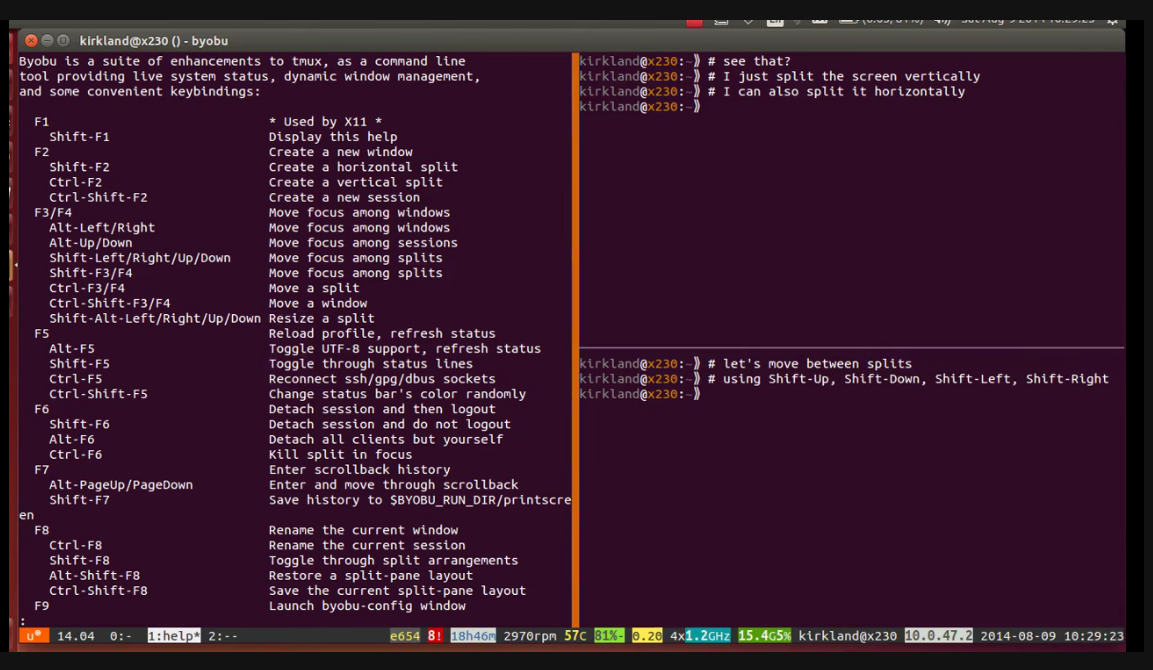
So what is the man page referring to?