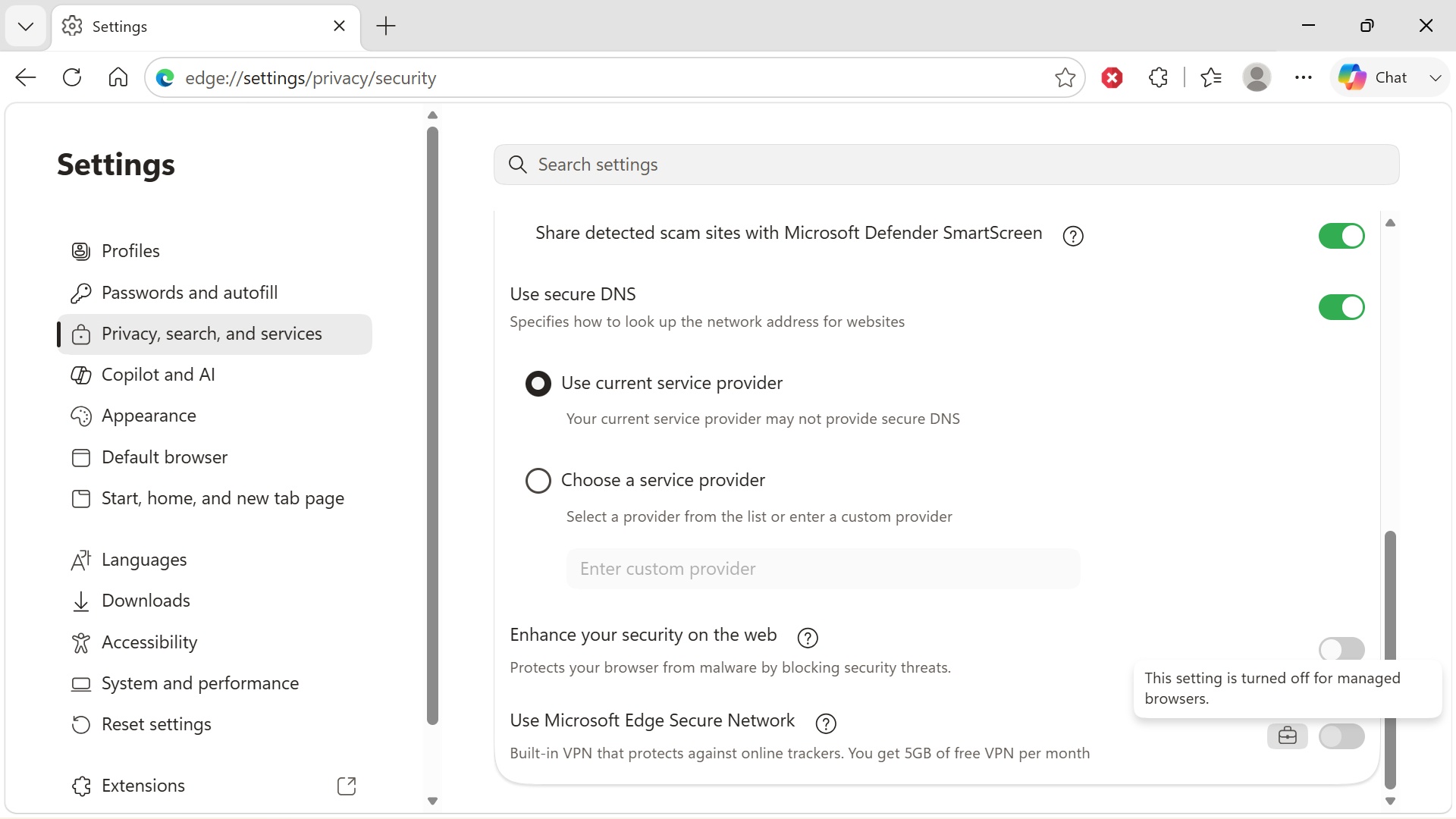
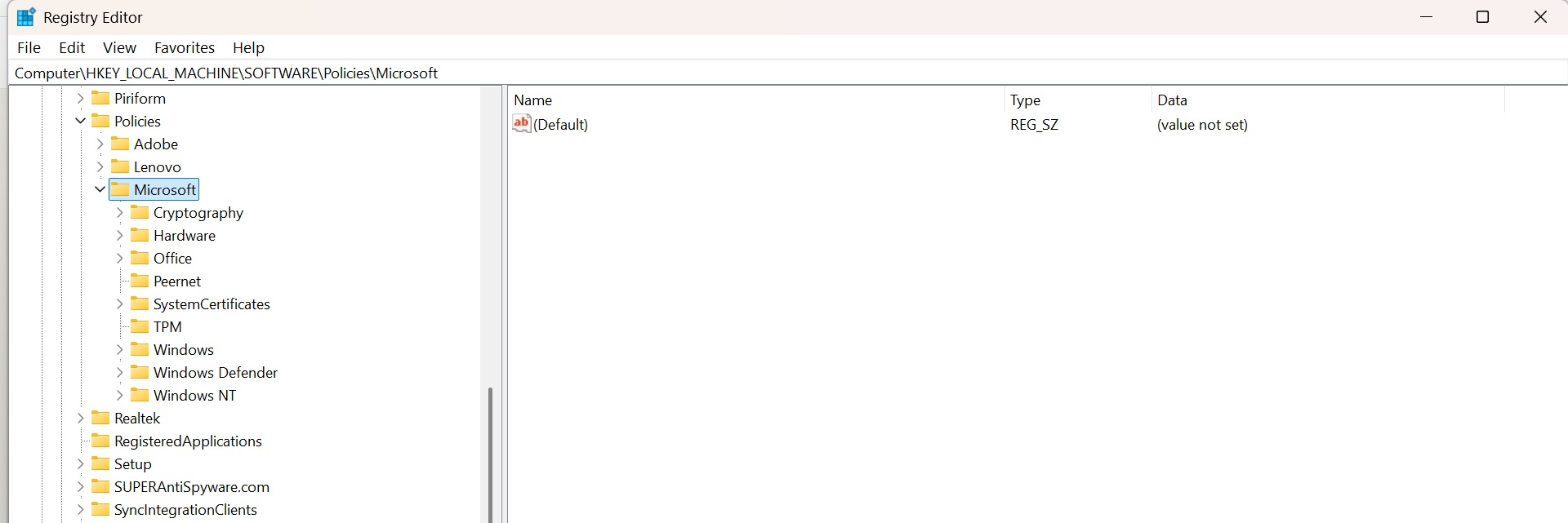
I was trying to follow this step 2, but can’t see these registry paths! why not? I see the “Microsoft” folder, but not “Edge”. kindly see screenshots below. undeniably, my Windows 11 computer is running Edge just fine!
2. Navigate to the following registry paths:
–HKEY_LOCAL_MACHINESOFTWAREPoliciesMicrosoftEdge
–HKEY_CURRENT_USERSOFTWAREPoliciesMicrosoftEdge