I back up my HP PC windows 11 to external drive which is a WD My Book model. Im told that recently there has been an error caused by Windows update KB5124008 which caused the external drive and backup file history to not be recognized. That is my issue. Is there a work around or can I determine when MS will deliver a fix for the error? Now when I try to mount external drive it is not recognized and the file history on the drive is not being recognized. I was told about the error by tech support at Best Buy – but also found information on microsoft.com re: the drive not being able to connect error. I do see that space is being used on the external drive and I do see a File History Folder with Configuration and data Folders outside the backup program. When I connect the drive I get this message:
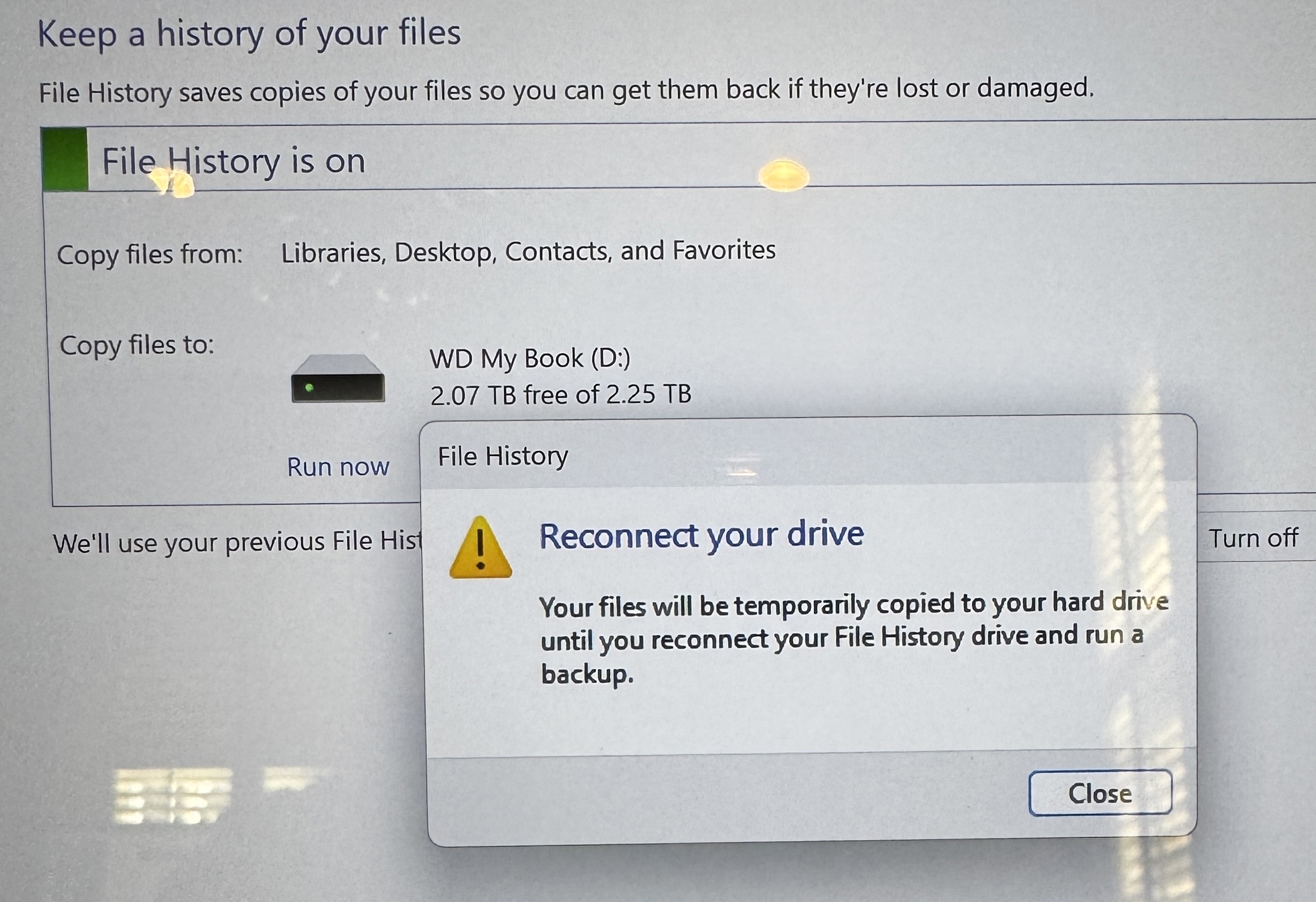
I see my drive – D:
and select it. But it does not connect.
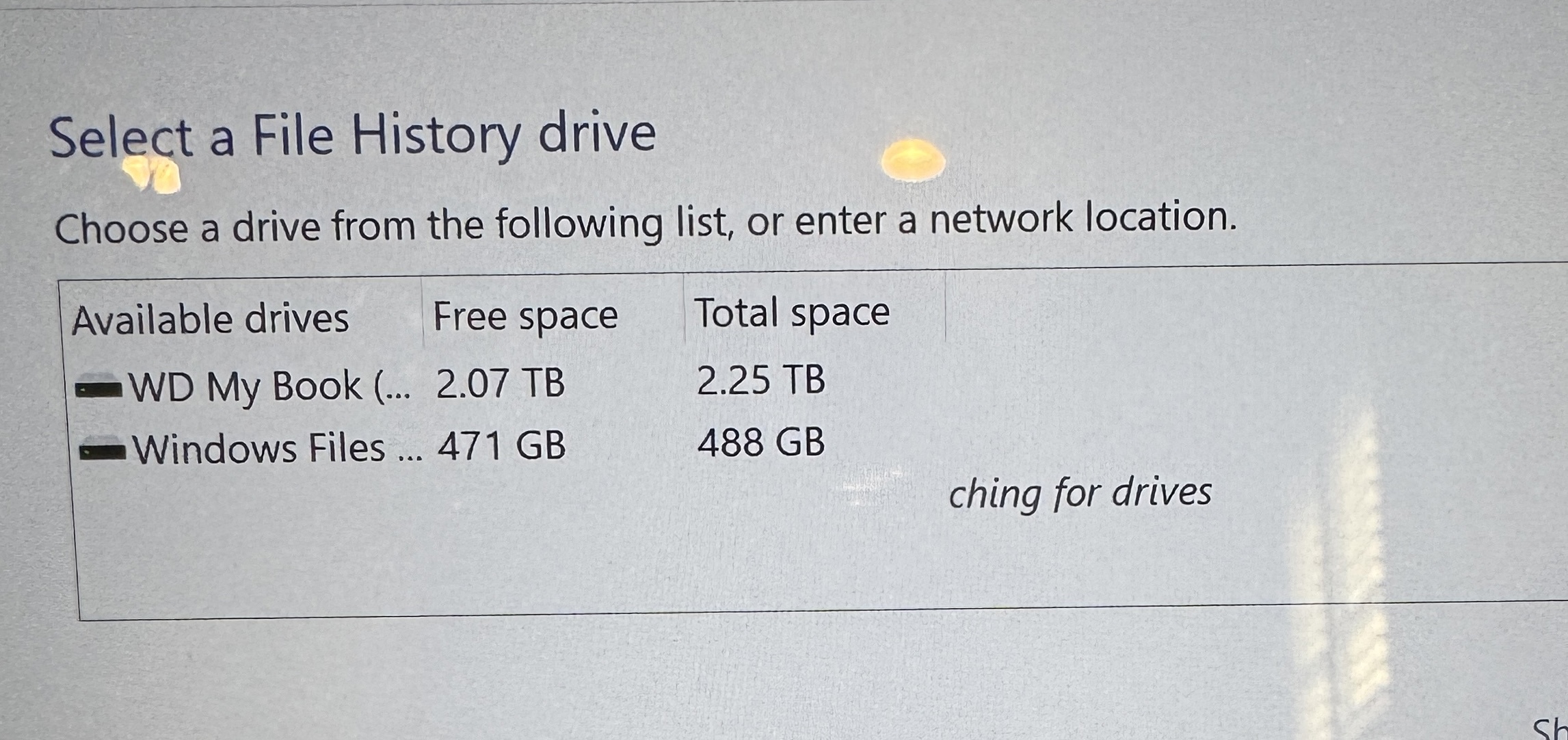
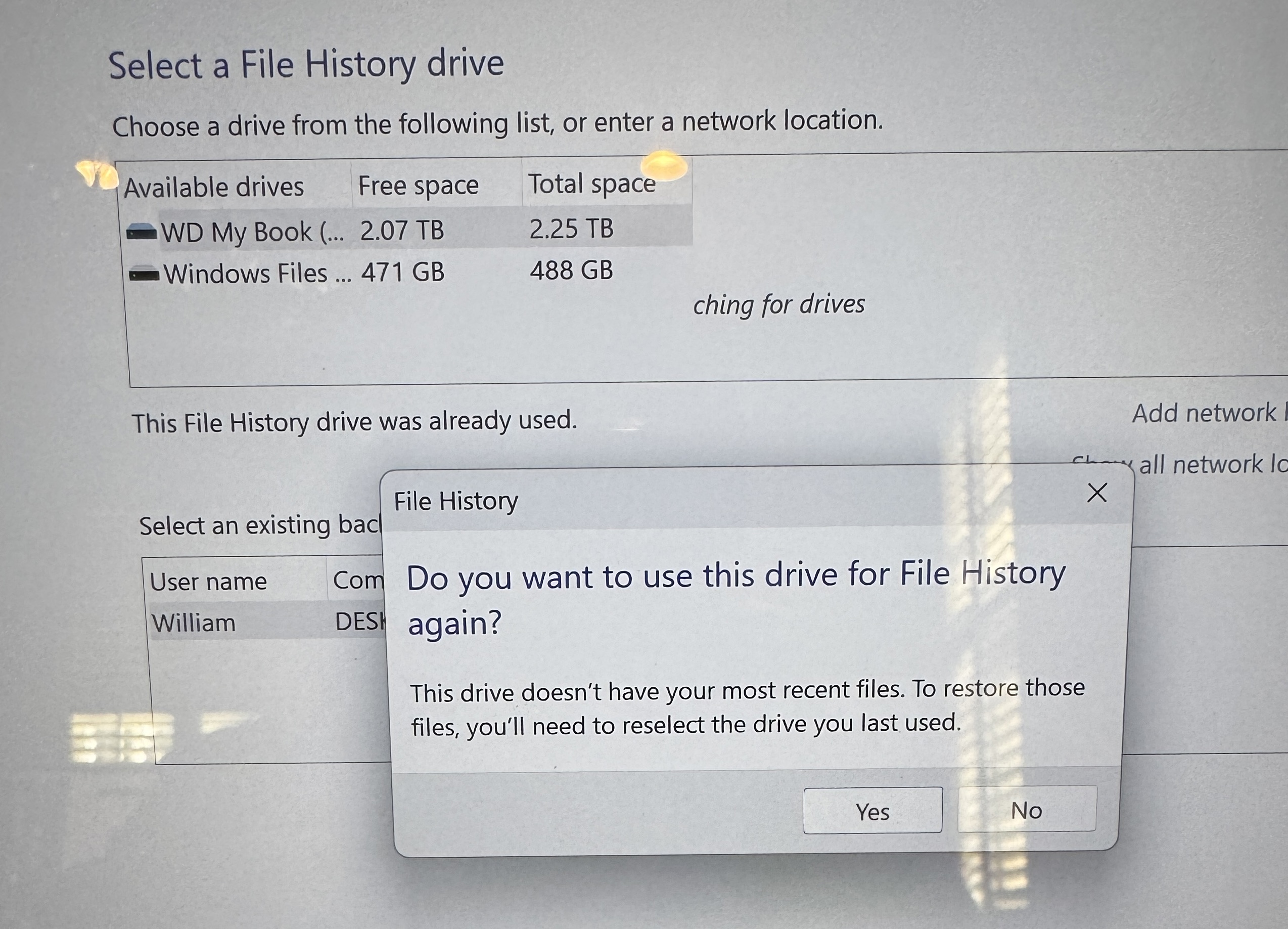
Im on Windows 11 Home Edition, Version 25H2, Build 26200.9457
