I am trying to download pages of a maths book.
In previous years I could use:
FOR /L %%i IN (1,1,350) DO (D:SchoolSoftwareWGETwget –execute robots=off –recursive –no-parent –continue –no-clobber -nd https://apps.noordhoff.nl/api/ebook-assets/production/main/1338671ad186989a8f5e9e80002b5cfe_kclgU0_23_%%i.png)
Now they changed the filenames to have a 6 letter random code (so it seems) and dash-number-dash-number. The number part I can handle. The 6 letter random code I cannot.
It is like 200 pages and I can copy and paste every image, only then I do not get the full quality (I guess).
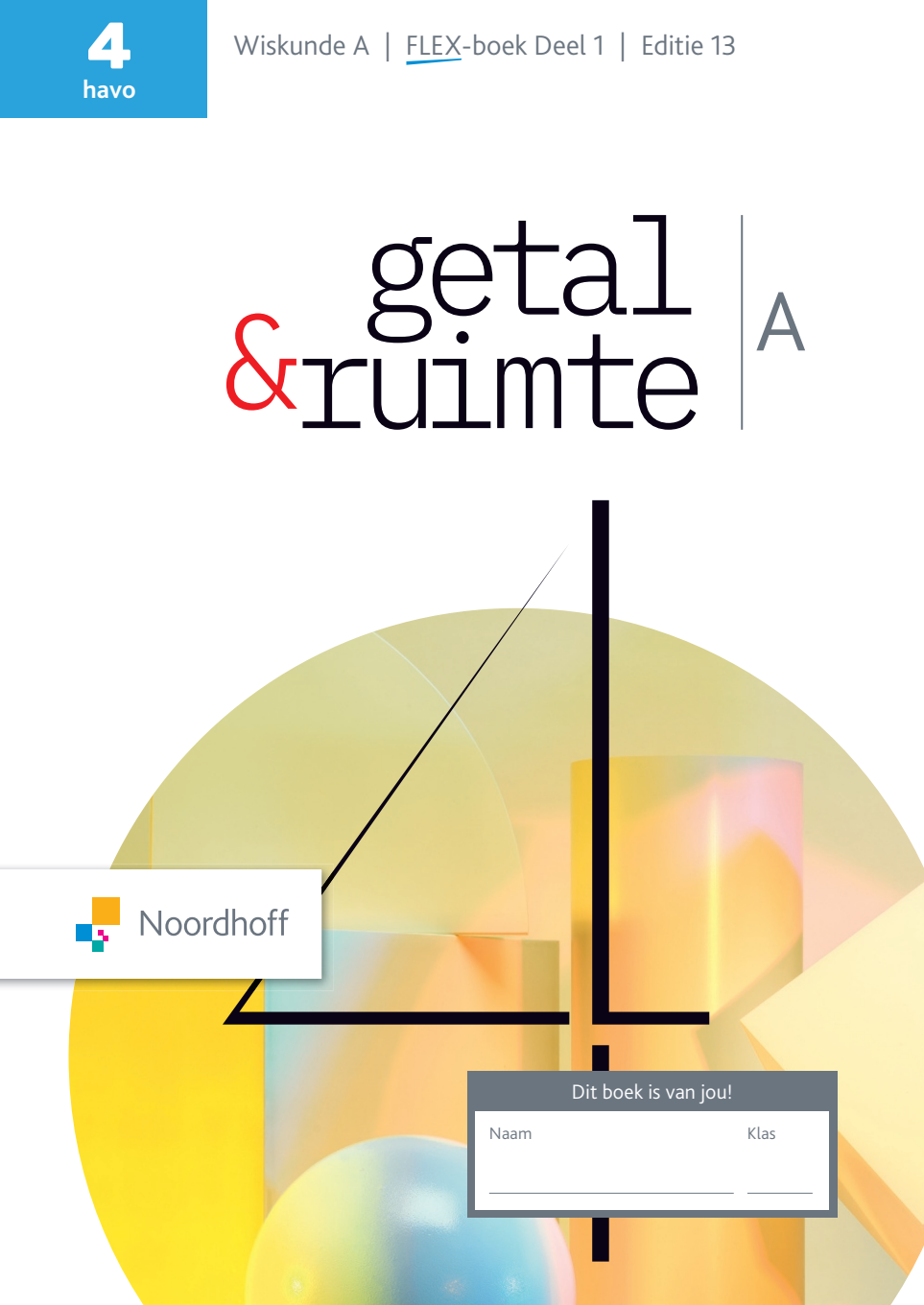
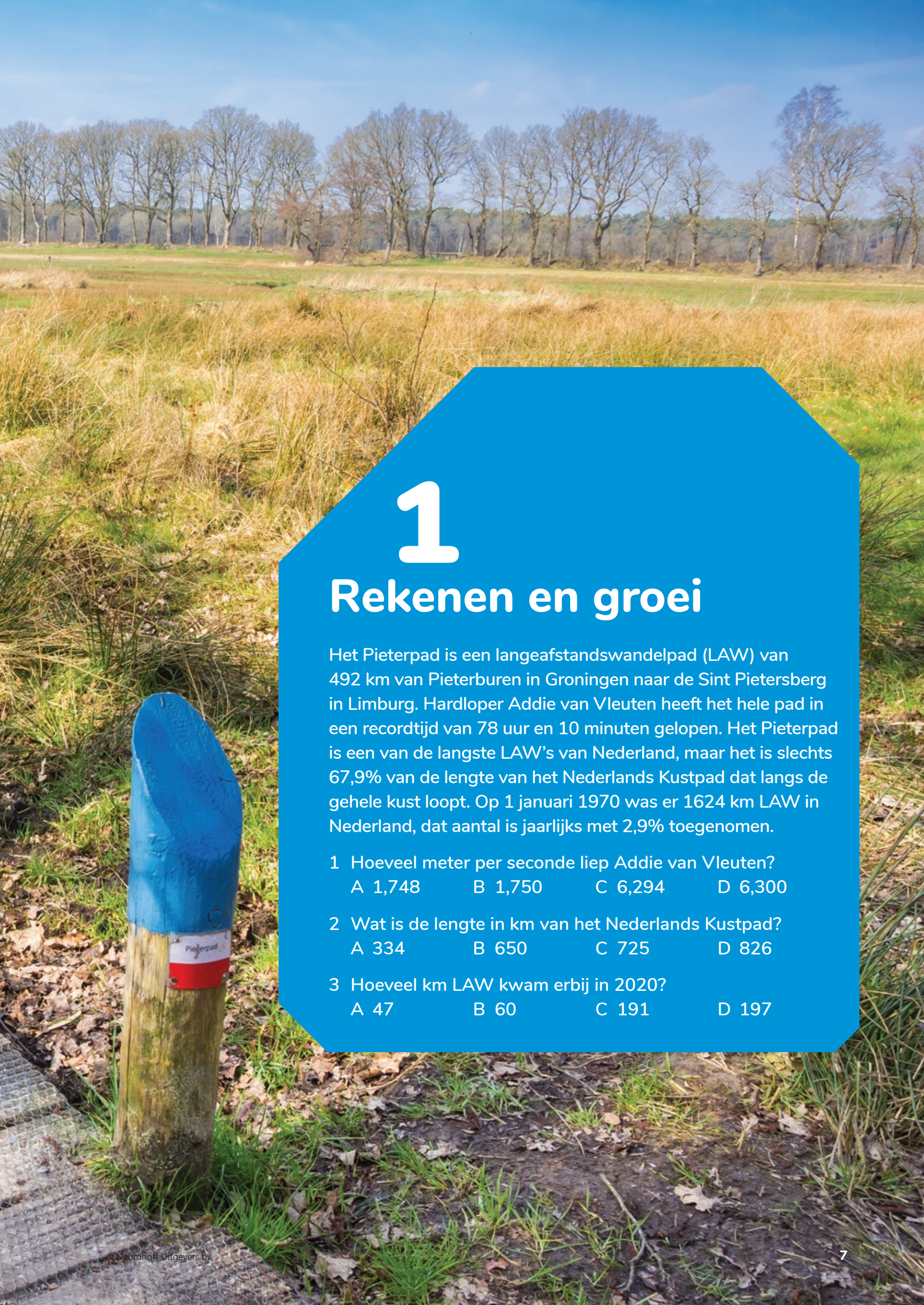
Examples of pages I would like to download
What I have tried, just to get all images of the folder ‘main’
try1
wget -r -A.png https://apps.noordhoff.nl/api/ebook-assets/production/main/
try2
wget -nd -H -p -A jpg,jpeg,png,gif -e robots=off https://apps.noordhoff.nl/api/ebook-assets/production/main/
try3
wget -nd -r -l 1 -A png https://apps.noordhoff.nl/api/ebook-assets/production/main/
Who can help me overcome the ‘wget does not do wildcards’ (I asume).