I am trying to add a folder to my home network as a shared folder but I am having issues. What I do is
- Ensure I am on a private network
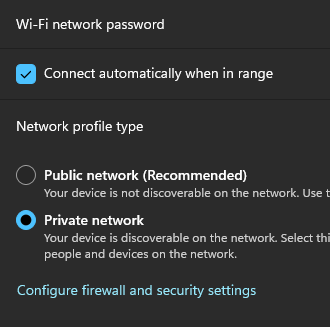
- Then I set it up using properties>shared and I set everyone to read
- I go to my macbook and try to connect using smb and it fails.
- I turn off the windows defender and try to connect and it works.
I tried setting this…
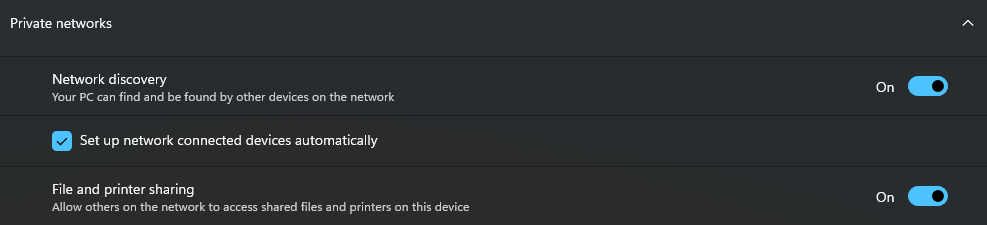
But there is no save button and when I leave and come back it is still set to off.
I also tried to look in the defender settings to bypass for File and Printer sharing but there is no app….
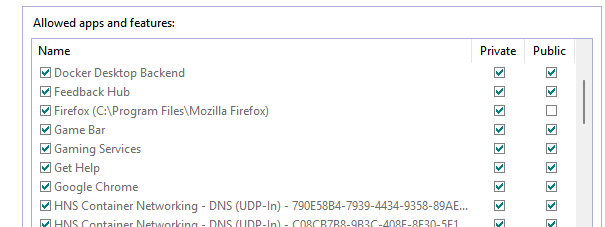
So I am confused, short of turning off the defender firewall how do I allow my file and printer sharing?
