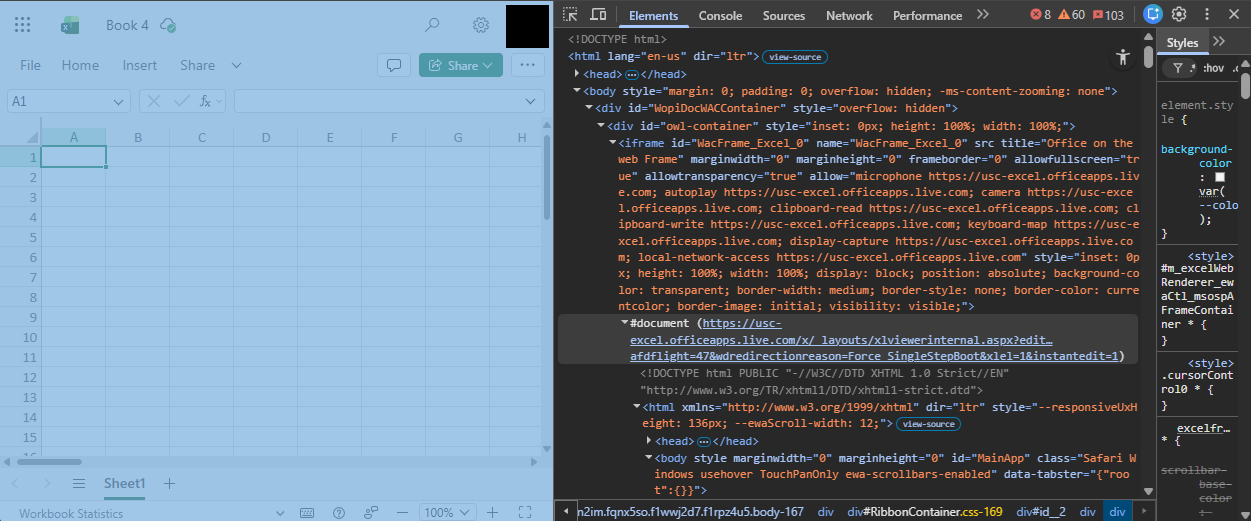
I am trying to use Google Chrome’s developer tools to freeze the Microsoft Excel webapp while a documents is loading. The goal is to investigate a Copilot button that briefly appears during page load so I can add it to my AI filter list. However, when I load the page and pause script execution, the Excel page continues loading anyway. This occurs in both Chrome and Microsoft Edge.
From what I can tell, the Excel app is unaffected by the pause because it is embedded in an iframe. This iframe originates from a different URL than the main page. Attempting to directly open the iframe’s URL causes Excel to get stuck on a loading screen.
How can I pause script execution on an iframe?