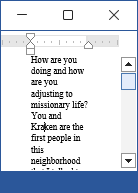
My Microsoft Office Home and Student 2019 edition has started displaying a 22 inch layout for MS Word (22 cm = 8.5 in). I have two MS Office accounts on one computer.
- First, Home and Student version.
- Later, Office 365.
I lost my Office 365 account this month and am transitioning back to the Home and Student version. Whenever I open a new or old file in MS Word layout appears between around 1-22 inches, depending on the size of the window.
21 inch margin.

1 inch margin.
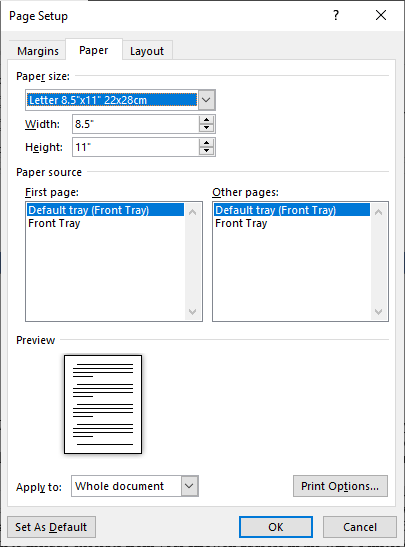
My page orientation is set to portrait. The size is set to 8.5 inches wide and 11 inches tall.
Layout > Page Setup > Paper
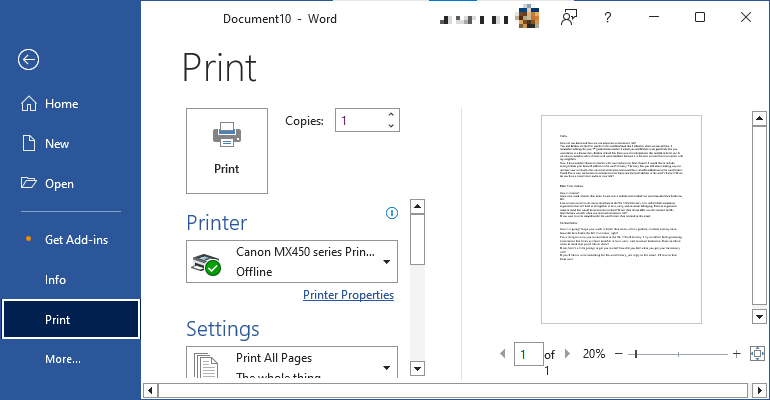
The Print Preview looks fine.
Print Preview
What do I need to do to make the layout appear normal?