MacOS Sequoia 15.3 won’t let me sign in. On my MacOS Sequoia desktop I open 3 applications:
- TextEdit
- A browser pointed at account.apple.com’s sign-in page.
- System Settings > Sign in with your Apple Account.
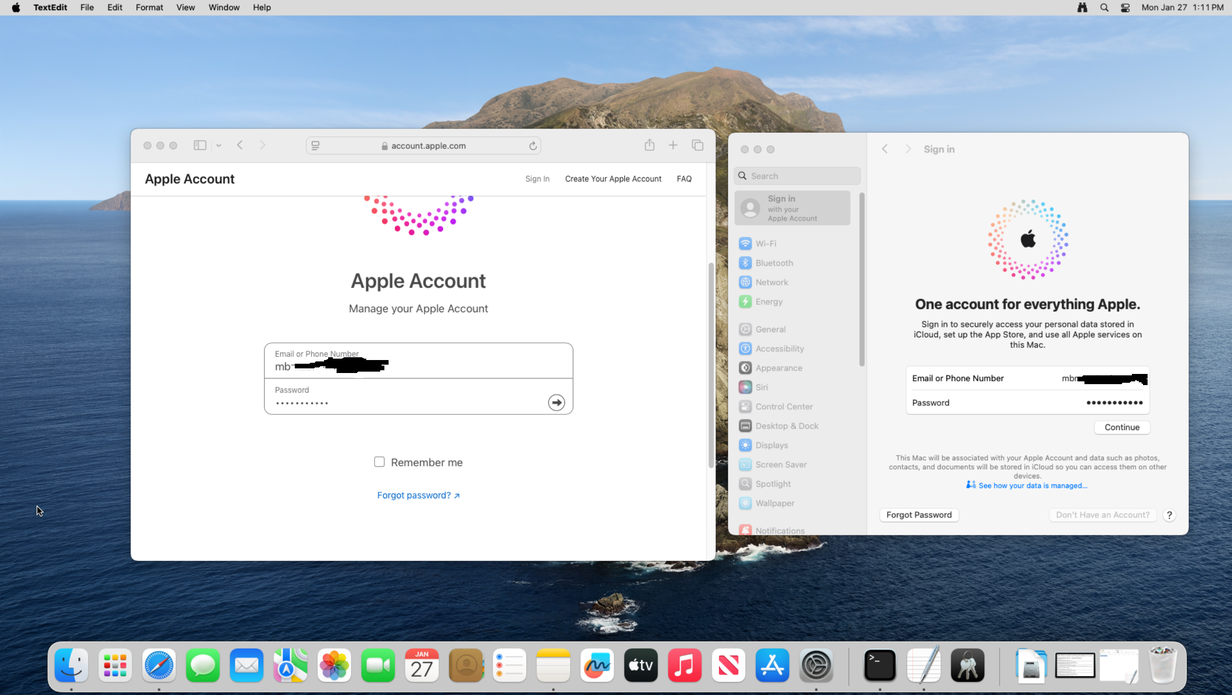
In TextEdit, I type my Apple user ID and copy it into the clipboard. I then paste it into the browser’s email address field and into System Settings > Sign in with your Apple Account’s Email or Phone Number field. I then do the same, but with the password:
Clicking Continue in only the browser produces this:
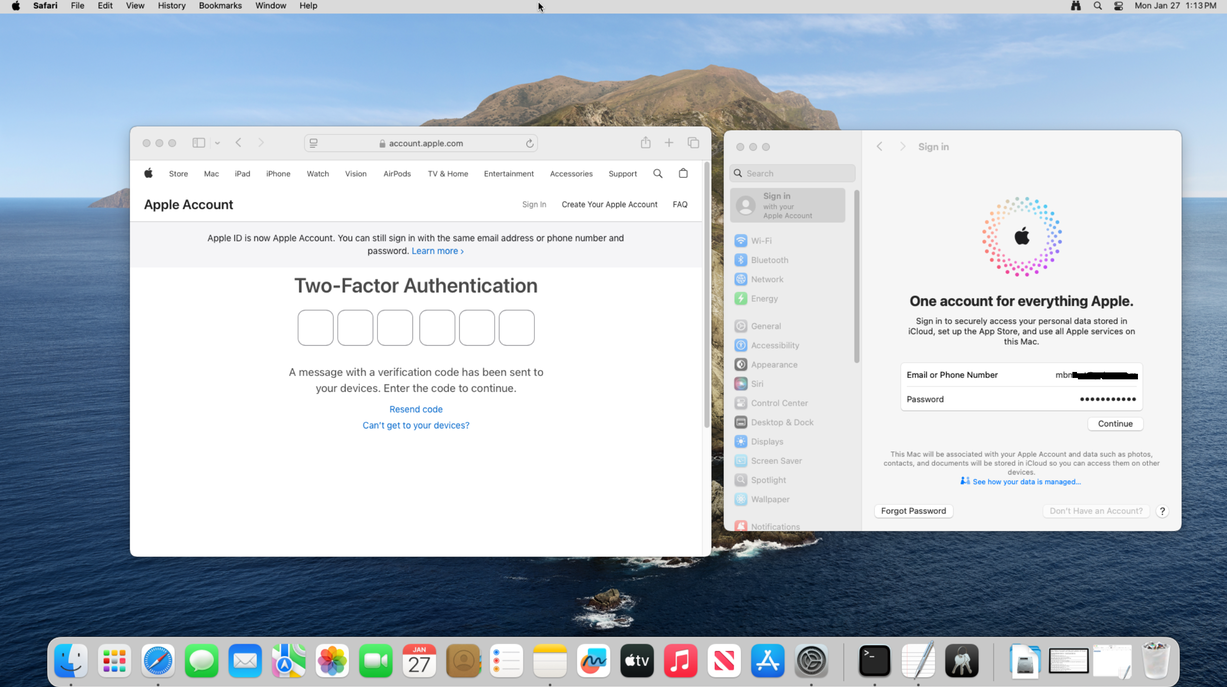
I enter the verification code in the browser window and click Continue in the Sign in dialog box:
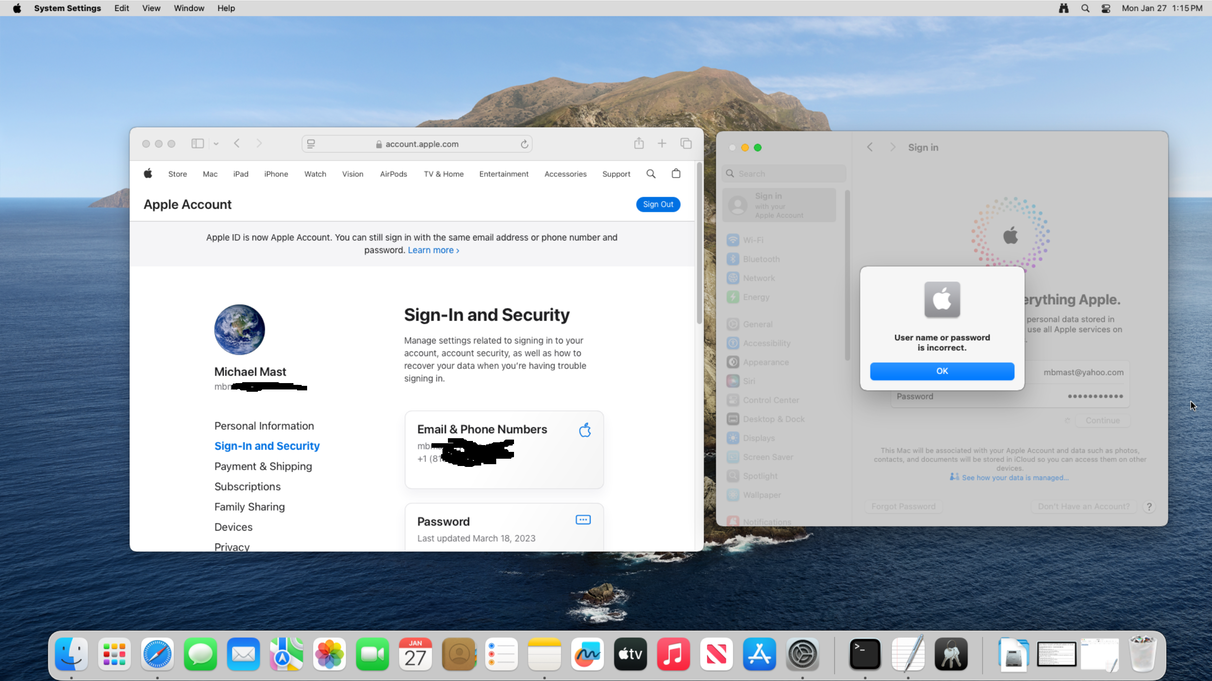
You can see that Apple Account in the web browser signed me in, but the Mac did not. In both cases the user id and password were typed once in TextEdit and then pasted into both windows. Why is this happening? The credentials presented to both platforms are identical.