I want only two keyboard layouts, English (Canada) and French (Canada) in the language bar.
Two more appeared over time:

Is it possible to remove them?
I only see the two desired languages defined in the settings.

Same over here:

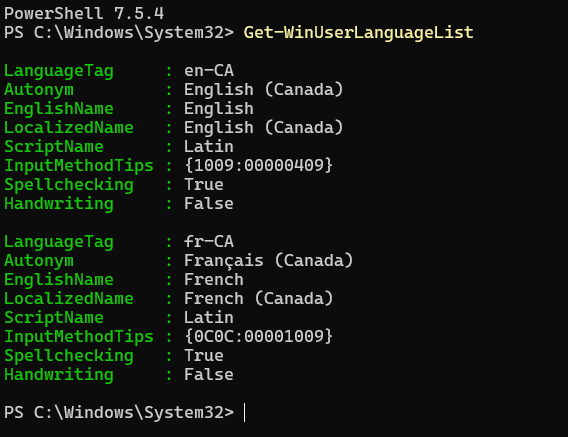
Only those two languages are returned by PowerShell command Get-WinUserLanguageList.
An earlier Q&A suggests using the following PowerShell commands.
$1 = New-WinUserLanguageList en-CA
$1.Add( "fr-CA" )
Set-WinUserLanguageList $1
But that resulted in English (United States) being added after I rebooted!?!
