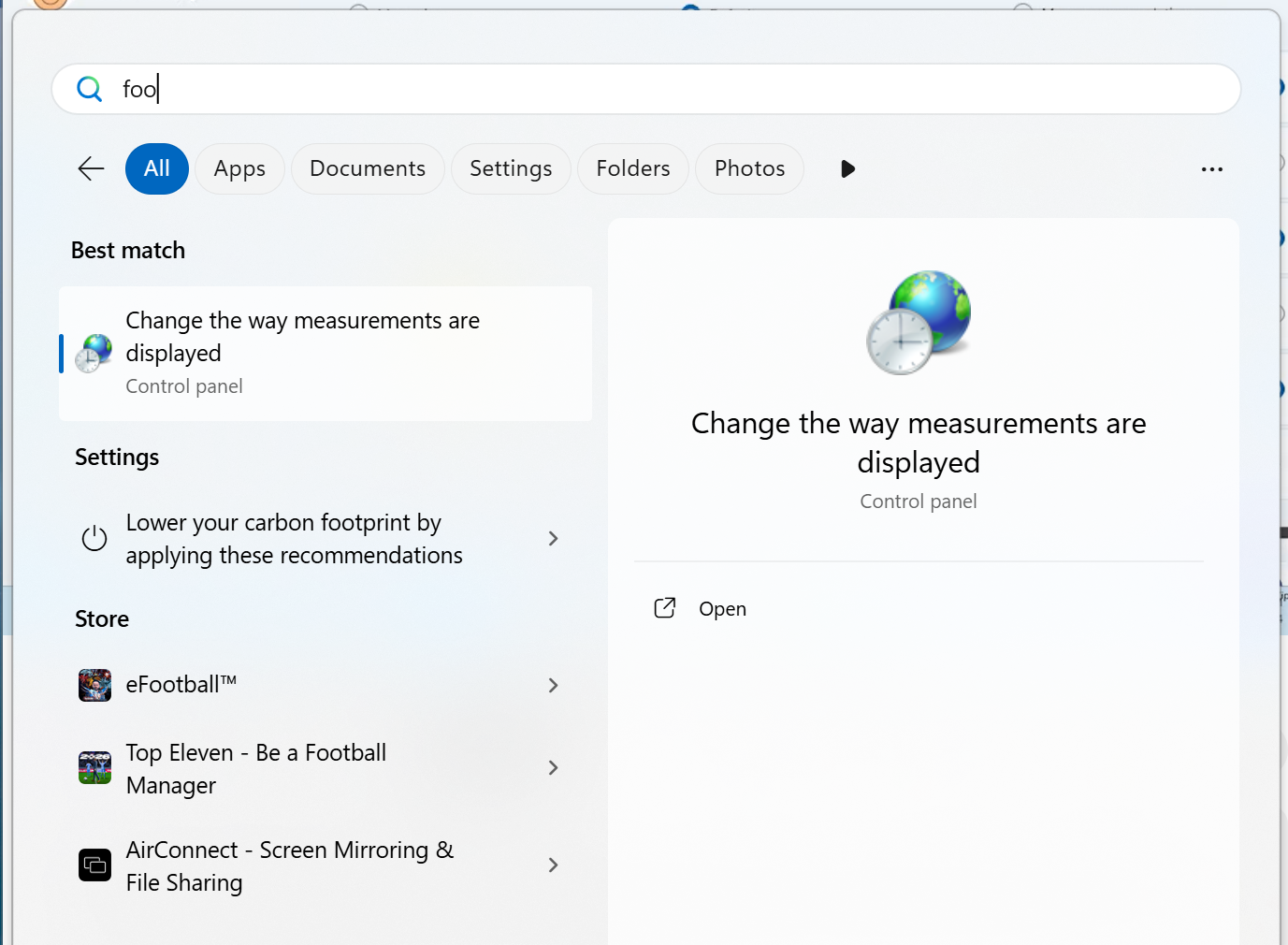
I have noticed Windows Store applications listed when searching my Start Menu and would like to remove them.
My PC is running Windows 11 (25H2, build 26200.6901).
I have tried:
- using the Settings application to set
Personalisation>Start>Show recommendations for tips, shortcuts, new apps, and moreto disabled. - using Local Group Policy Editor to set
Local Computer PolicyComputer ConfigurationAdministrative TemplatesWindows ComponentsSearchDo not allow web searchto enabled.