I found one way is to use a formula like: =IF(start=””,””,IF(B5=””,ROUND(RAND(),dp),B5))
Name one cell “start”. The random number will not appear, until something is entered into the start cell. For example, you could require someone to enter their name or simple answer into the start cell. You would put this formula at cell B5. Once something is entered into the start cell, a random number rounded to dp decimal places appears in cell B5. However, once B5 is no longer blank, it will keep its first random number. To change B5 to a new random number, delete what is in the start cell, and then enter something into it.
You may also like

We’re back again with another installment of the Alphabet for Web Business series; I trust that you find these two words inspiring […]
In some Venia components (for example in @magento/venia-ui/lib/RootComponents/Product/product.shimmer.js) <Shimmer> has “key” prop: … <Shimmer width=”100%” height={2} key=”product-name” /> <div className={classes.productPrice}> <Shimmer width={3} […]
I had upgraded the PHP version from 7.1 to 7.2 and also the Magento2 version from 2.2 to 2.3x community version, since […]
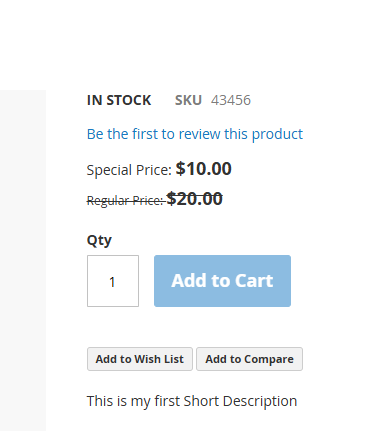
I can able to add product to AddToCart in PLP page. However, when i try to add AddToCart in PDP page i […]