Disclaimer: I’m not an electrician or programmer, and I did this with the battery connected (power cable unplugged). I don’t know if that was safe, so don’t copy this blindly, use your own judgment and gloves. But I didn’t feel any electricity and my WiFi signal returned to high.
Another important thing is to handle the LCD with care, as it can easily break, bend or have it’s own cable pulled (the cable is behind it).
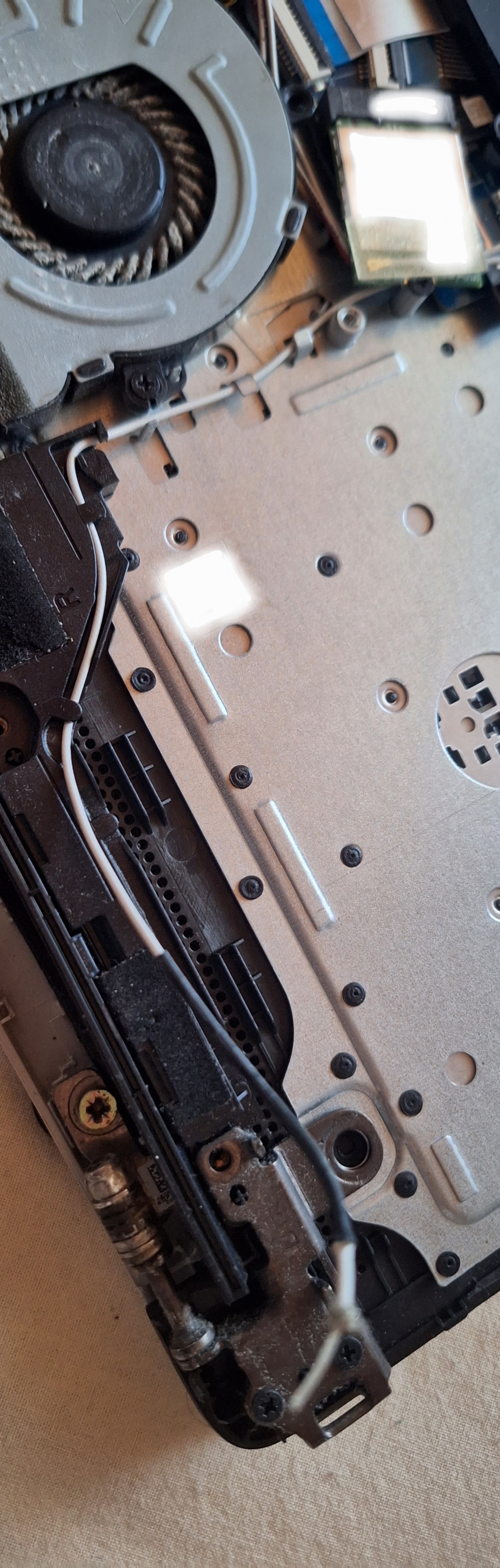
My laptop had been dropped multiple times over the past year, which destroyed the hinges. One hinge eventually pressed into the LCD, causing black spots, so I partially removed the hinges with pliers. Later, the remaining metal from one hinge cut through a thin cable near the screen.
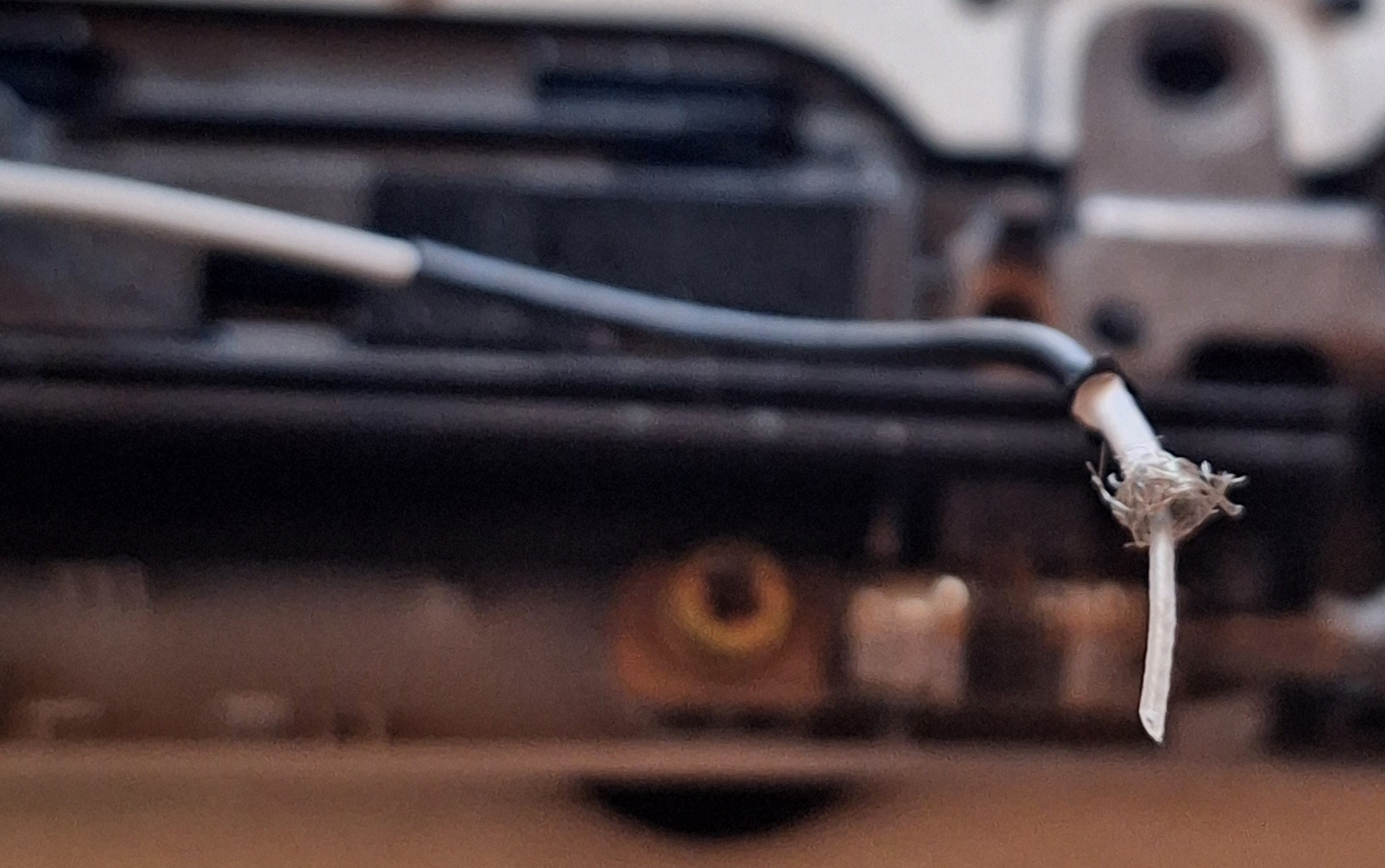
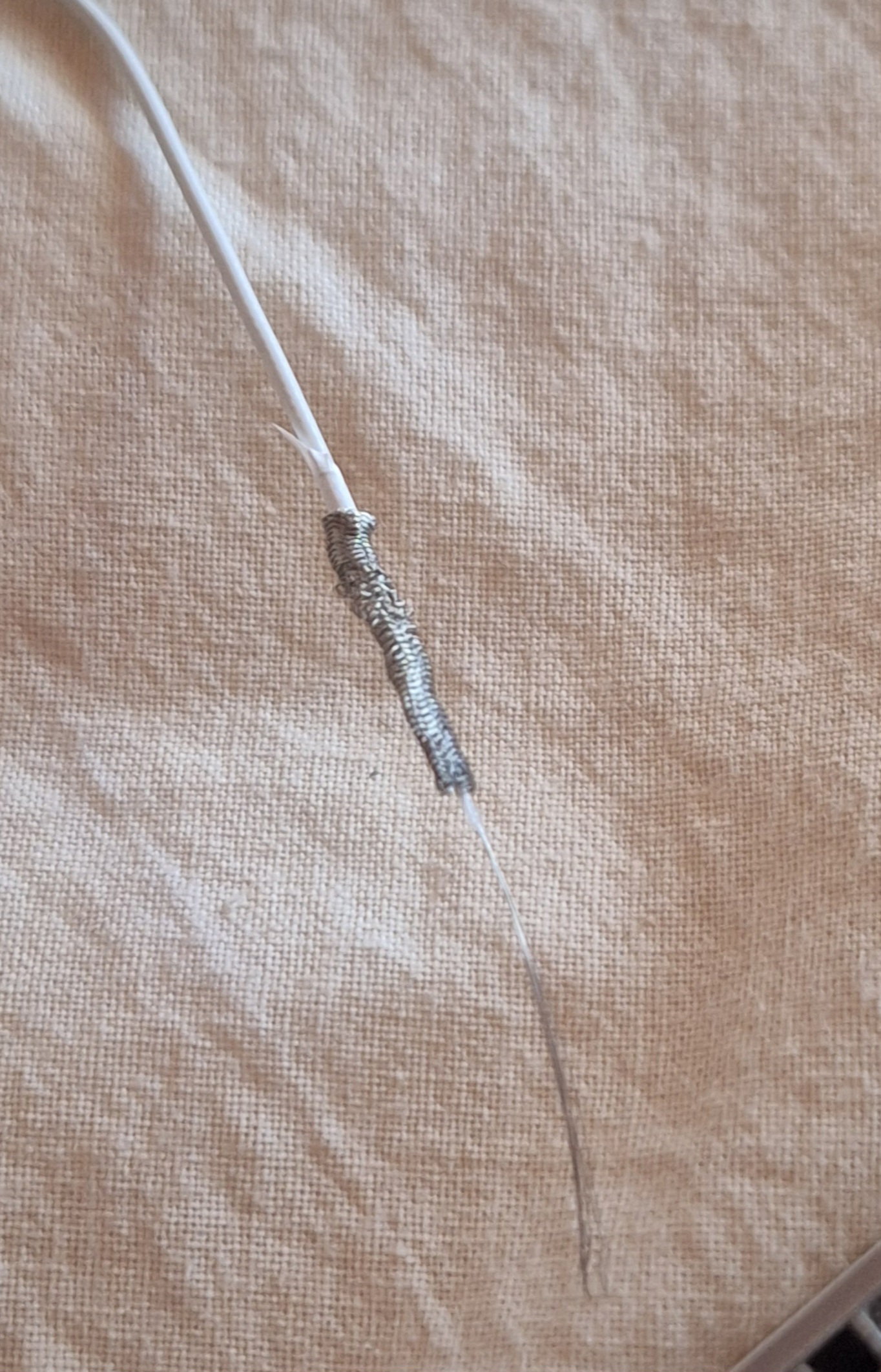
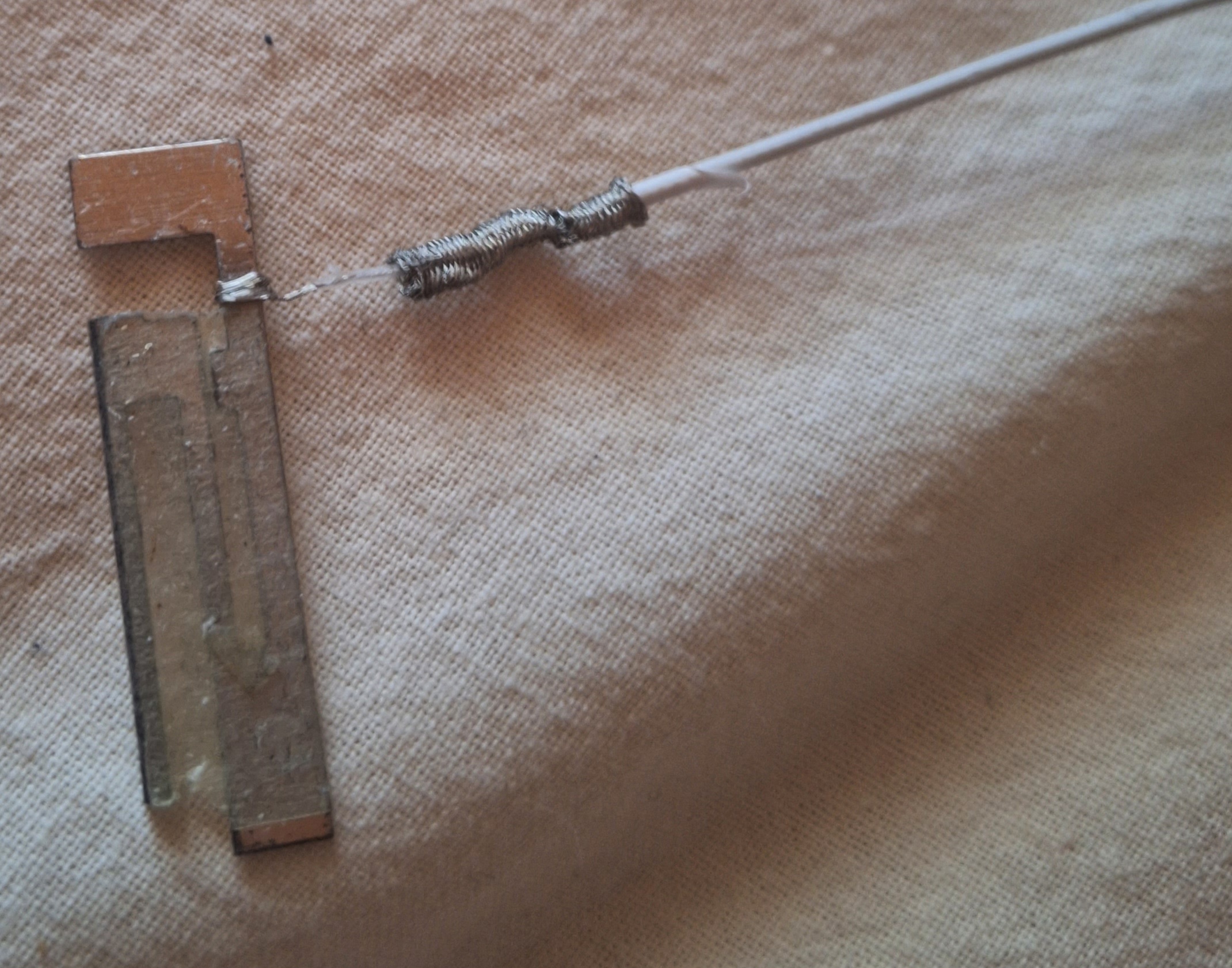
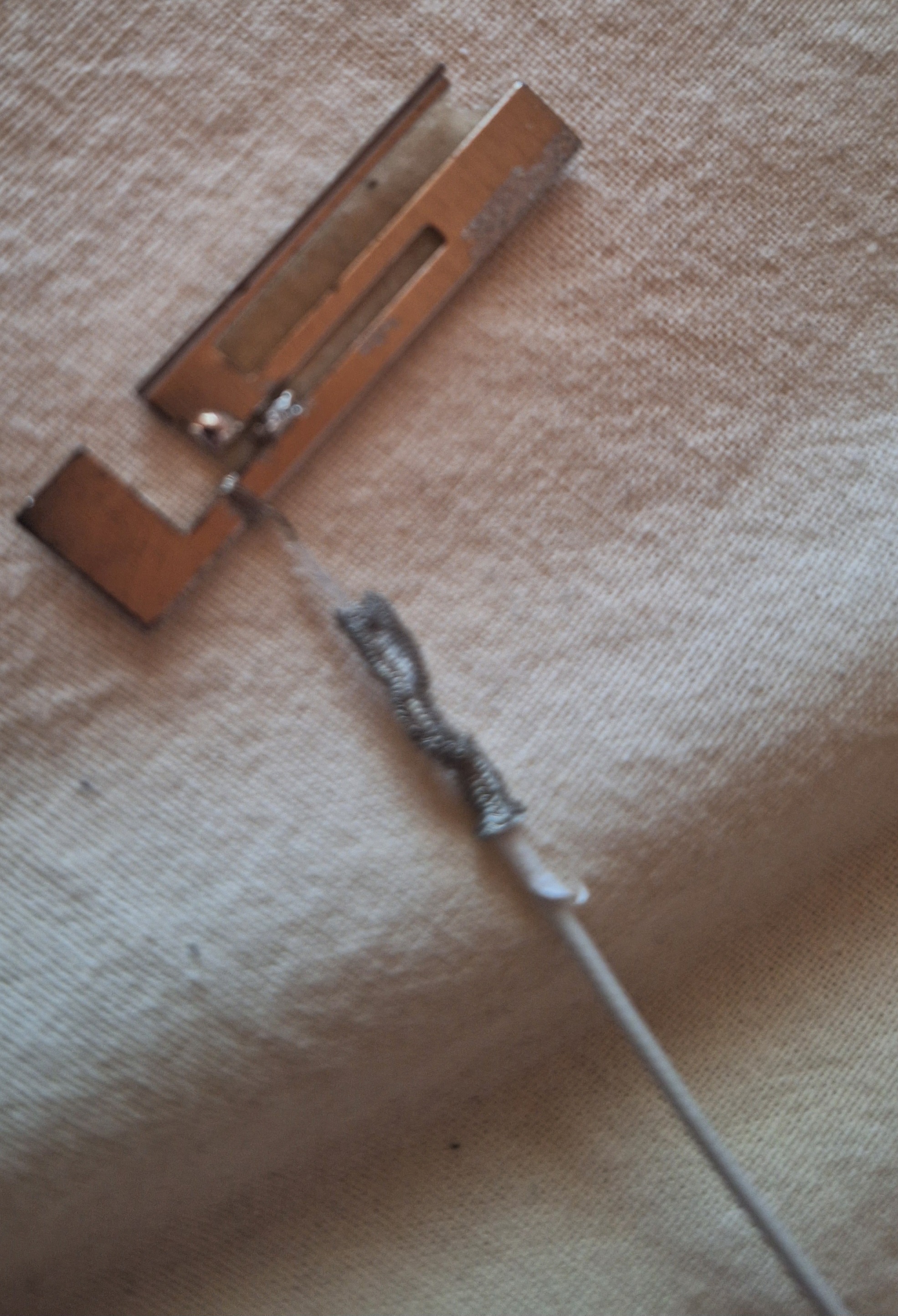
After noticing weak Wi-Fi signal, I discovered the damaged cable was the Wi-Fi antenna cable running along the top of the display. I opened the laptop and peeled back the cable layers: outer rubber coating, a wire mesh/shield layer, plastic insulation, and inside that, several extremely thin signal wires.
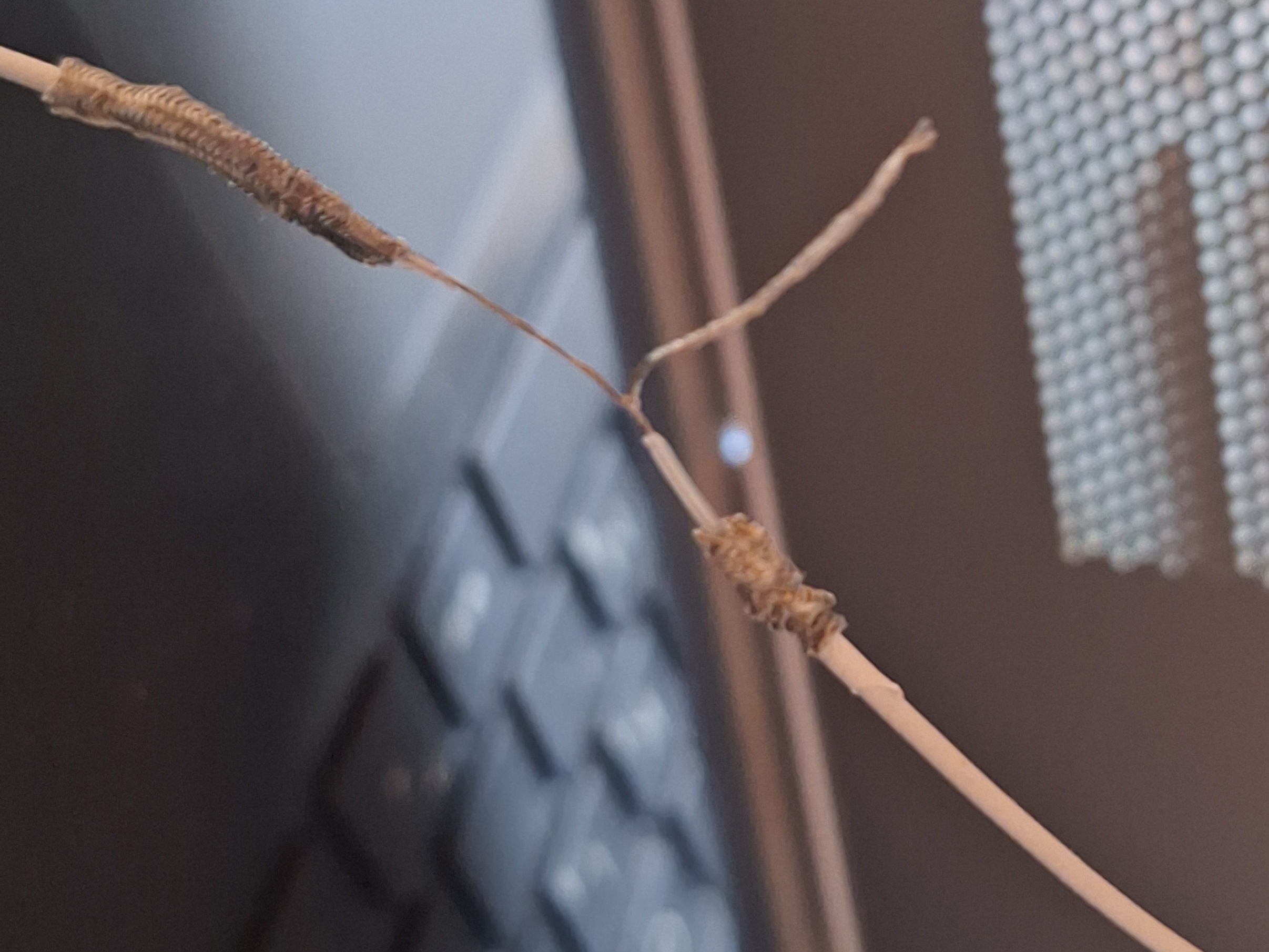
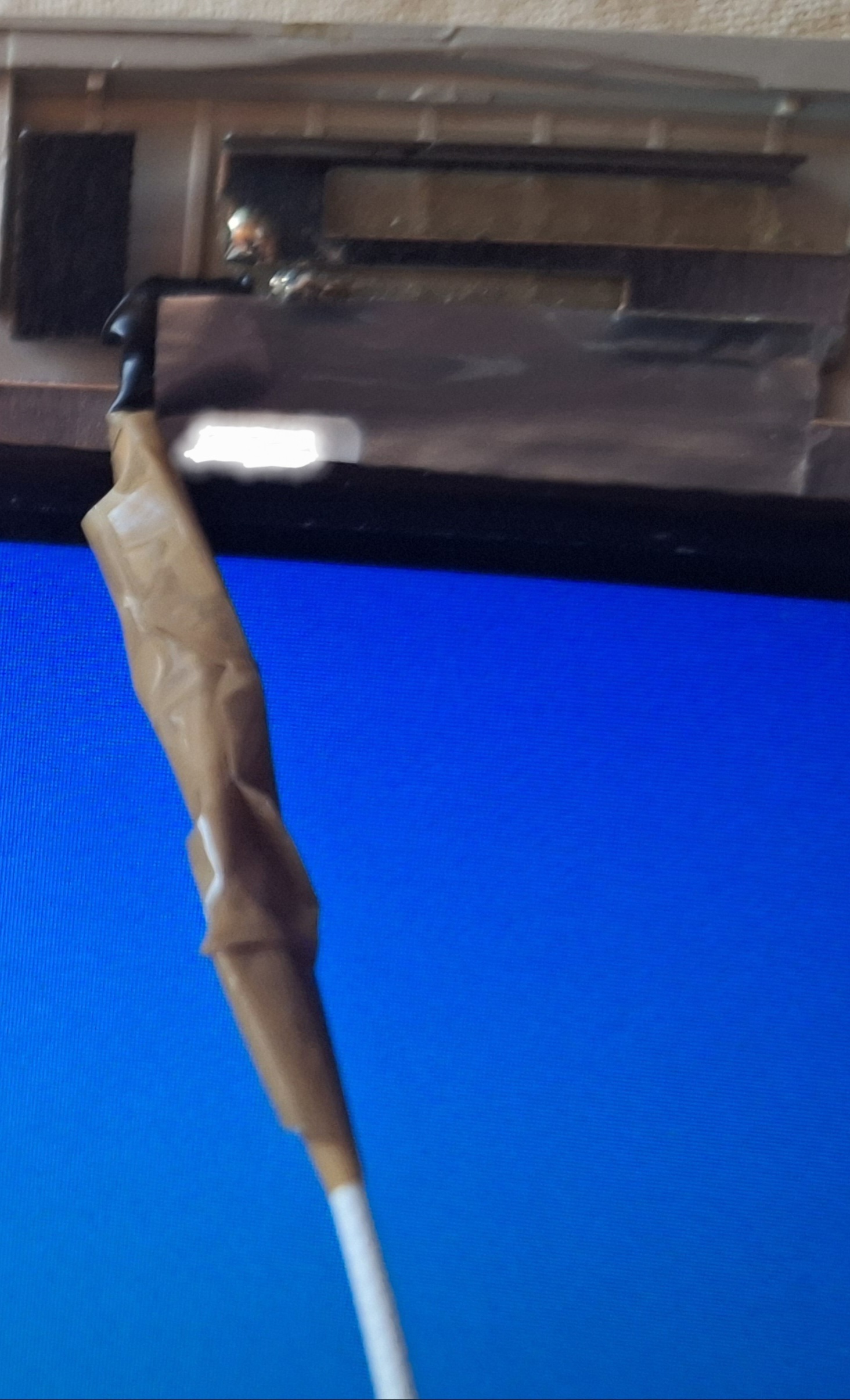
I carefully twisted the broken inner wires back together, insulated them with tape, and made sure the different layers didn’t touch each other. I didn’t reconnect the mesh/shield layer since I wasn’t sure what it did, I only insulated it so it couldn’t short against anything.
Finally, I wrapped the repaired wire end around the Wi-Fi antenna contact, taped it in place, and reassembled everything.
The DIY repair of the antenna cable worked and my Wi-Fi signal returned to normal.
I want to know, what the wireframe layer is for (I think the same bunch of wires appears when you slice the antenna cable for a TV, before the copper) and whether you would’ve done anything differently?