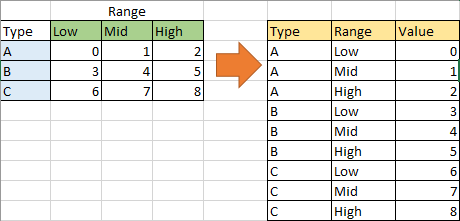
I have a spreadsheet created the Excel 365 (2604) which looks similar to the image below:

This is just a large table of data which is relevant to my job, with some conditional formatting. There are no formulas.
I also have an Excel script which sorts this table:
function main(workbook: ExcelScript.Workbook) {
let selectedSheet = workbook.getActiveWorksheet();
// Custom sort on range range A1:G13 on selectedSheet
selectedSheet.getRange("A1:K1048576").getSort().apply([{key: 0, ascending: true}, {key: 3, ascending: true}, {key: 4, ascending: true},
    {key: 5, ascending: true},
    {key: 8, ascending: true},
    {key: 1, ascending: true},
    {key: 9, ascending: true}], false, true, ExcelScript.SortOrientation.rows);
}
This is an office script, not VBA, and if I understand correctly, the second to last parameter (true) in that snippet is hasHeaders
This does exactly what I want it to do about 95% of the time. But the other 5% of the time, I will find that excel has automatically grouped some data; this appears above the header row:

In doing this, Excel sometimes also changes my data, mainly by filling blank spaces in the “Requested By” column with nonsense, but also sometimes by changing existing data in that column. I have to revert to an earlier version of this spreadsheet on a regular basis because of this.
Why is this happening, and how can I prevent it?