In Windows 11, the Snipping Tool has suddenly started capturing screenshots at a noticeably lower resolution than expected when using Print Screen (PrtSc) or Win+Shift+S, even when selecting the same screen area as before. The resulting images appear downscaled or blurry compared to previous behavior, despite no intentional changes to settings or display configuration. This issue occurs consistently across different applications and makes it difficult to obtain clean, full-resolution captures of selected regions. As a temporary workaround, I am using Alt+PrtSc to capture the full screen at correct resolution and then cropping the required area manually in Microsoft Paint.
I checked the settings, but there is nothing related to screenshot resolution, and I am certain I have not changed my display resolution. The issue started suddenly without any settings change, almost like a switch was toggled.
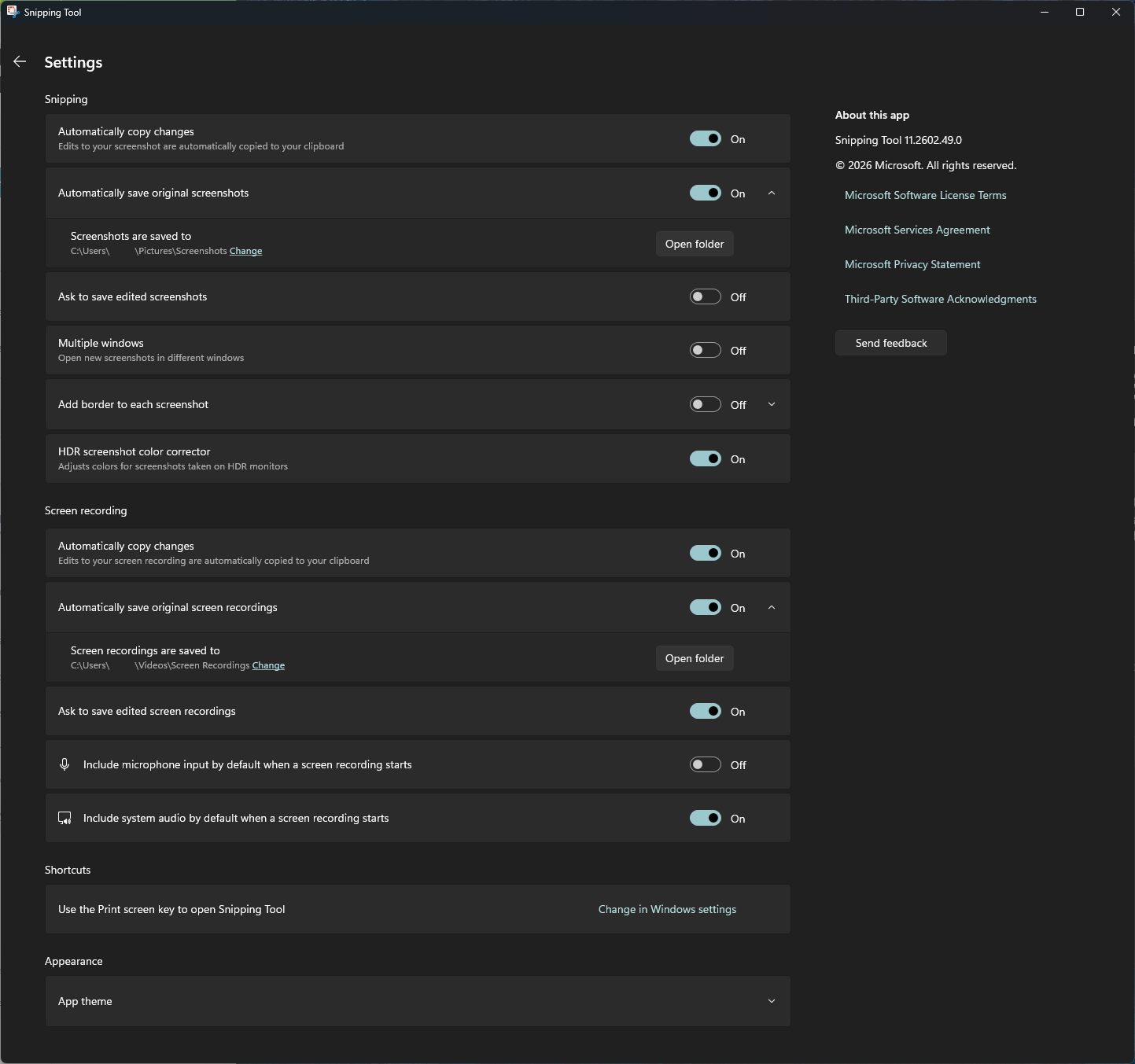
This issue appears to have started approximately 1–2 weeks ago. Around that time, Windows 11 also received an update on my system. My current system details are: Windows 11 Pro version 25H2 (OS build 26200.8655) with Feature Experience Pack 1000.26100.315.0.
Display settings:
- Main monitor: 3440 × 1440 @ 100% scaling (never changed)
- Secondary monitor: 1920 × 1080 @ 150% scaling (never changed)
- HDR: Off
Snipping Tool:
- Format: PNG (auto-saved to disk) (never changed)
- Clipboard image appears lower resolution (~65% of saved PNG)
- Full print screen is full resolution while region selection is 65%
GPU:
- GPU: NVIDIA GeForce RTX 4090
- Driver version: 32.0.15.9186
- DirectX:12 (Feature Level 12.2)
