I use Backblaze on Windows 11 Pro. I want to temporarily stop Backblaze from scanning my system drive (C:) for a few days while it continues backing up another drive.
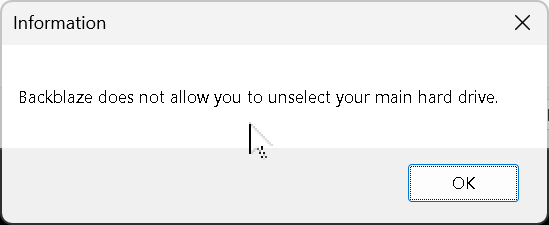
I tried unchecking C: under Settings -> Select Hard Drives to Backup, but Backblaze displays:
Backblaze does not allow you to unselect your main hard drive.
How can I temporarily stop Backblaze from scanning C: while backing up another drive?
