During a Zoom call, I sometimes have to change monitors (connecting to or disconnecting from a docking station with two external monitors). As a result, the Window containing the video chat does not work – I can hear the call, but the window is gone.
The second window with the Zoom Workplace works fine.
Moving the window via Win+Right-click on the taskbar doesn’t work; the menu only shows on the Workplace window, not on the call window
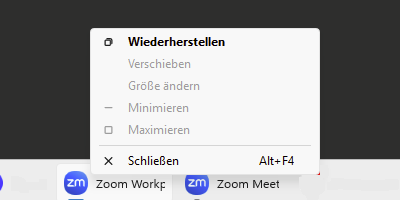
Using only the right-click gives me the regular menu, which doesn’t have any options that help
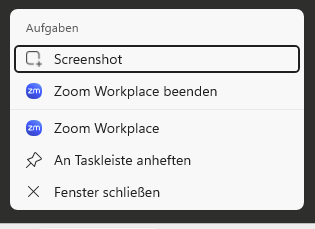
It seems I can “select” the Window via Alt+Tab, using Zoom keyboard shortcuts seems to do something, but I didn’t find a shortcut that helped. Alt+F2 seems to restart the windows (it disappears from the taskbar, and then reappears), but that’s about it.
I tried various other solutions for example from this source and this source but onthing help so far, exept leaving and reentering the call. Is there any solution without having to leave the call?