My Debian laptop (up-to-date) seems to have been locked into airplane mode. It worked fine just yesterday.
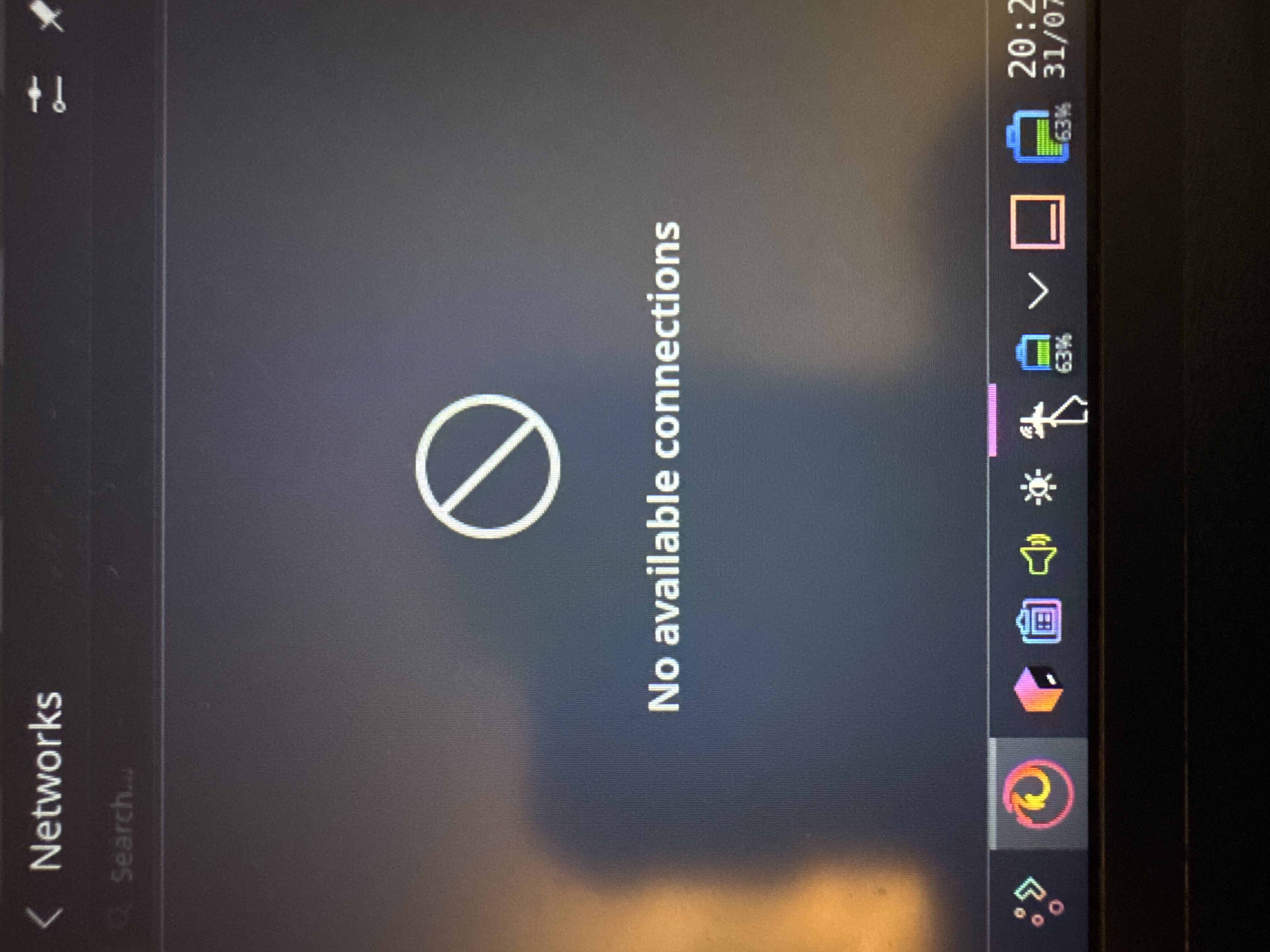
Restarting/shutting down the laptop and turning it back on hasn’t fixed it, nor has clicking the plane icon with three fingers on the taskbar (which is supposed to be the toggle), nor just clicking or right-clicking the plane.
Google says to run
sudo rfkill unblock all
nmcli radio all on
But that didn’t work either (rfkill wasn’t found, and the second command didn’t fix it, though it did seem to run). I can’t find where the toggle for airplane mode is in the GUI or settings app either (KDE Plasma).
I’m able to turn on Bluetooth and connect to my phone’s hotspot, but the moment I disconnect the laptop goes back on airplane mode.
How do I fix this?
