I bought a Ducky One 3 keyboard, and I wanted to configure it.
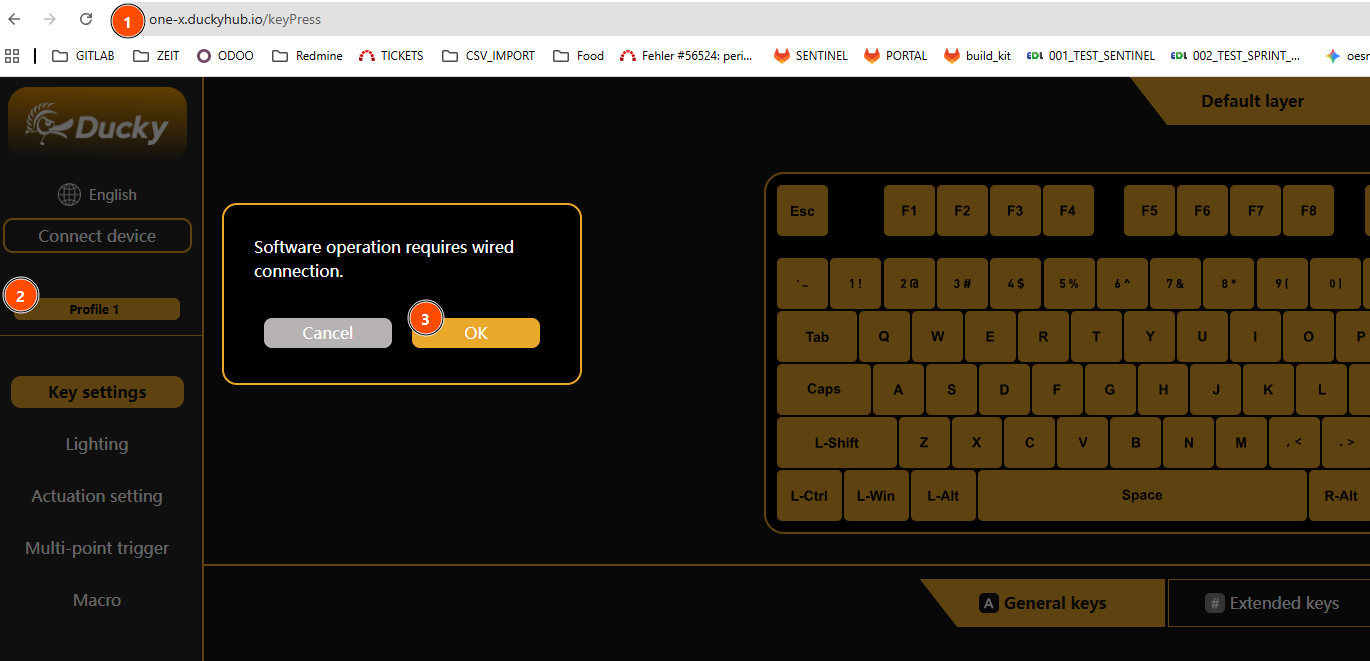
I am on Windows 11 Pro, and I want to connect via the latest Chrome to their configuration website at:
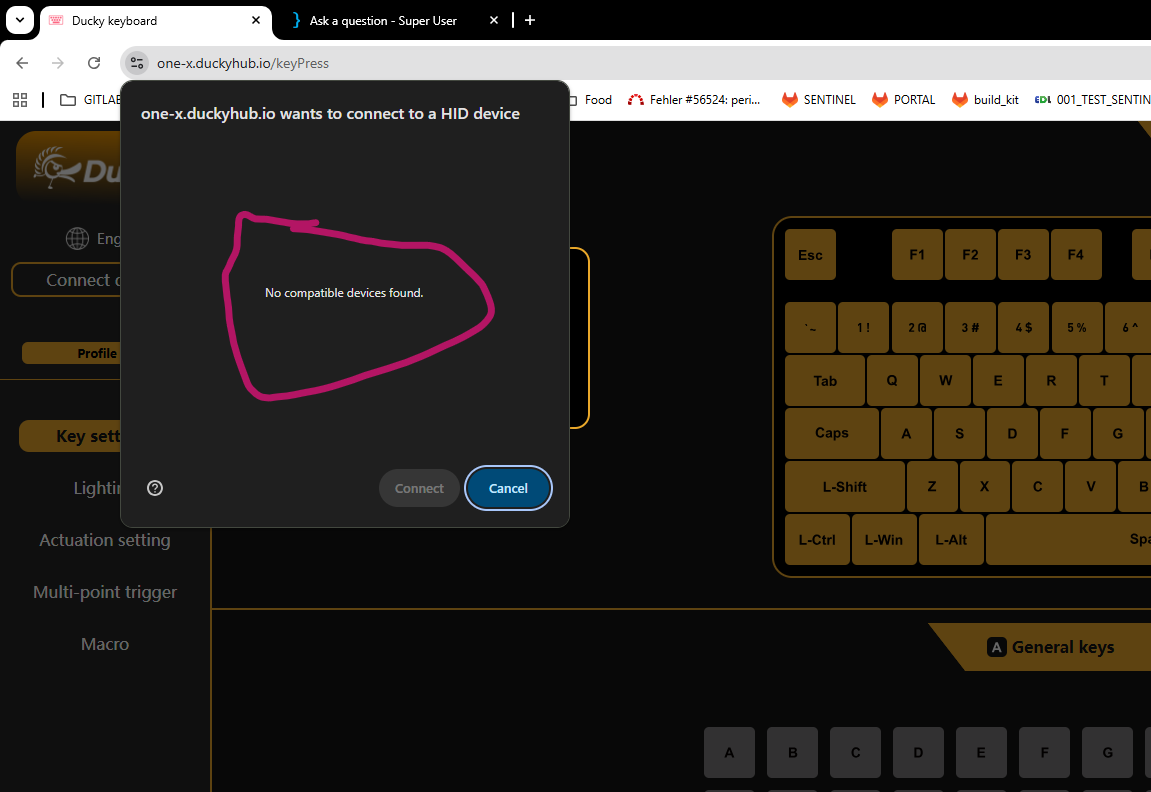
yet my keyboard is not found:
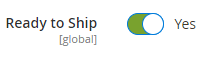
I made sure that the botton switch are all off.
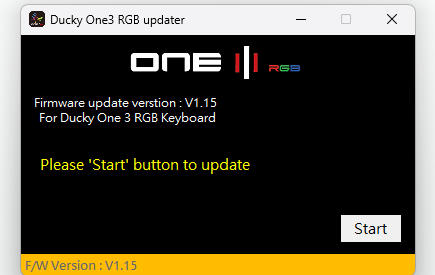
I also tried upgrading the firmware, and while that seems to work with the One 3 100% Full Size, RGB (DKON2108ST), it still won’t connect to the web page afterwards.
How can I connect my keyboard to its configuration web site?
I also tried different USB cables and different usb ports on my laptop, and I tried to connect after reboots.
I also check my device manager, and it is a bit odd to only see default keyboards listed:
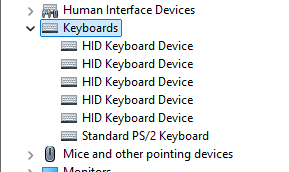
I am a bit confused, as I can type on the keyboard just fine, I just cannot configure it.
As pointed out by the manual I also tried resetting the keyboard via holding left and right windows key for 3 seconds. It will flash, yet it won’t connect to the website.