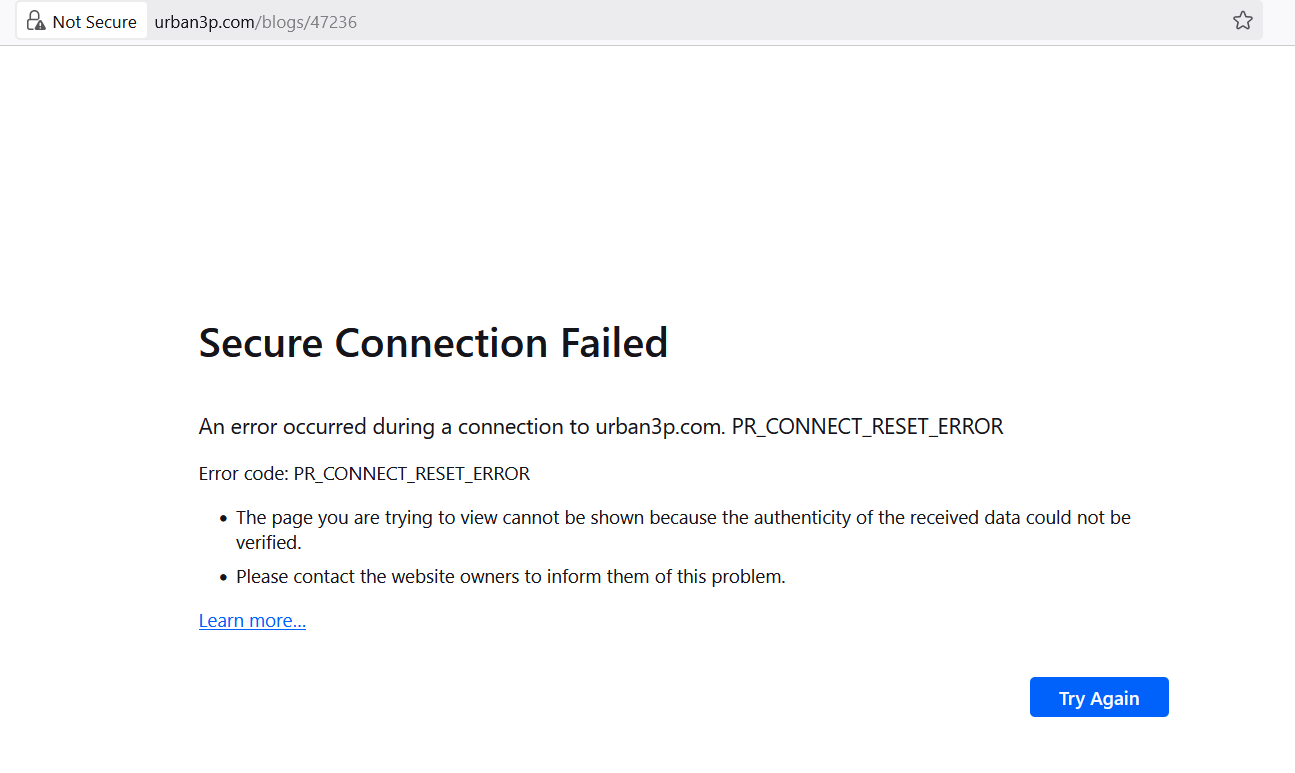
I have two machines (Windows 10 and Windows 11) with Firefox 140.3.1esr (32-bit) installed which shows the same failure when I enter one site’s (urban3p.com) URL:
PR_CONNECT_RESET_ERROR
Chrome at the same machines goes at this URL without any failures.
Any ideas what to change in about:config in Firefox to allow it opening this URL without such an error?

