I have been trying to get Firefox working with self-signed certificates on Apache webserver. I have successfully followed the instructions in Step 1 – Step 5 from the 1st answer on this post.
I added myserver.local to /etc/hosts on my clients (the 3 laptops). I added the CA certificate to Firefox on all clients.
When I go to https://myserver.local, Firefox on Linux work with my self-signed certificates perfectly, Firefox on MacOs will not.
On Linux, before importing the ca_root.crt, I get “Potential Security Risk Ahead”, and I can accept the risk and access the https site. On MacOs I get “Unable to connect”.
On Linux, after importing the ca_root.crt, I get seamless experience, no error or warning. On MacOs I still get “Unable to connect”.
I am puzzled by the “Unable to connect” on MacOs, since Safari on the same MacOs machine can access the server and when I ‘accepts the risk’ it accepts the self-signed certificates without problem. So imho it can not be a connection error or a certificate issue.
Tested on 3 machines:
- Macbook Sequoia 15.7.2: Firefox version 146.0.1 (aarch64)
- Linux Mint LMDE 7: Firefox version 146.0.1 (64-bit)
- Linux Ubuntu 25.10: Firefox version 144.0.2 (64-bit) via snap
Here is the Firefox Authorities screenhot, which is the same on Linux and MacOs:
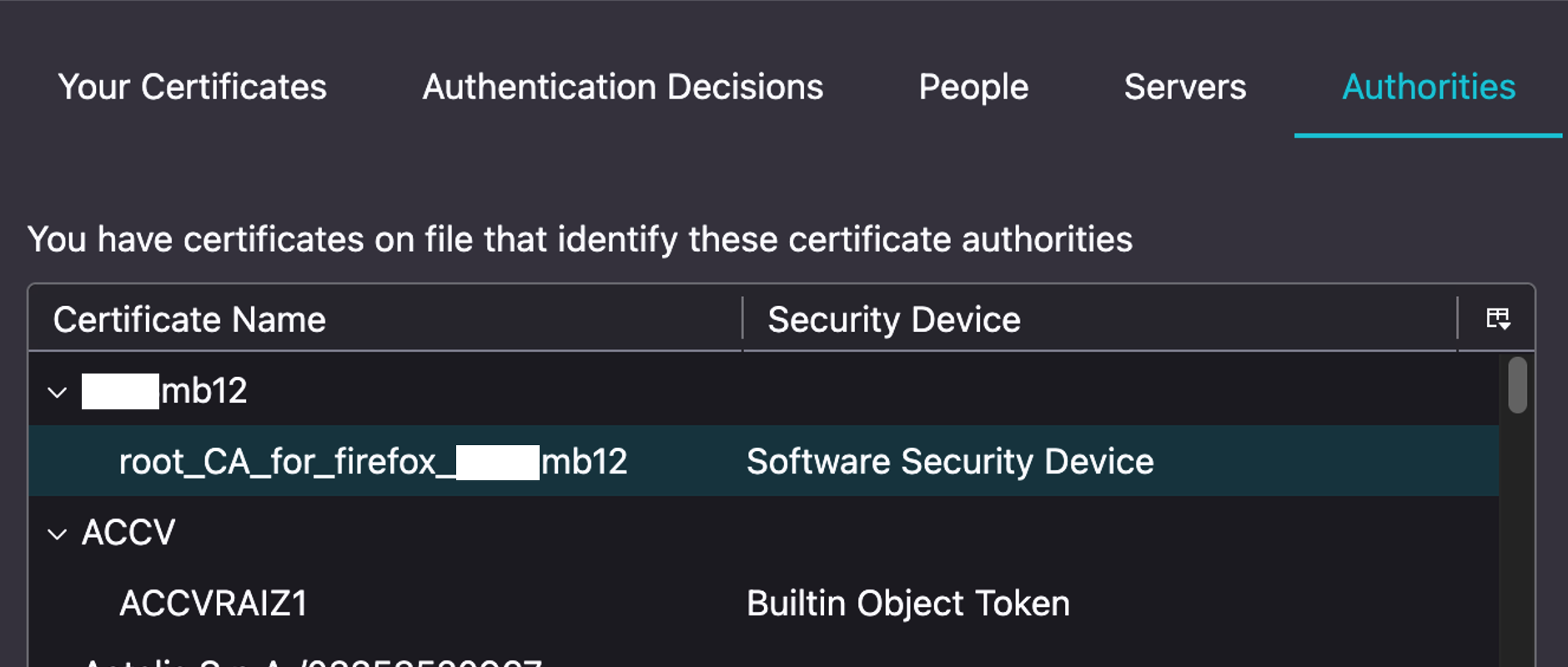
As far as I can see, this is either a bug in Firefox on MacOs or a Firefox setting-error from my part. But I may be wrong of course. Any hints?
Hope this helps others too, I read a lot about issue with this.
