I’m trying to make a uBlock Origin filter which hides the “Generate Code” option that appears in the right-click context menu of the web-based code editor GitHub Dev.
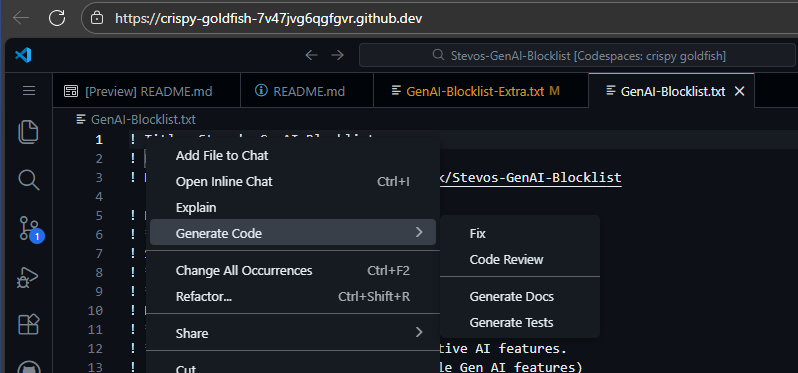
I first tried the following rule:
github.dev##.action-item:has(> .action-menu-item > .action-label[aria-label="Generate Code"])
This successfully hid the Generate Code option, but had an unintended side effect where navigating the menu with arrow keys would cause the selection would get “stuck” on the hidden option.
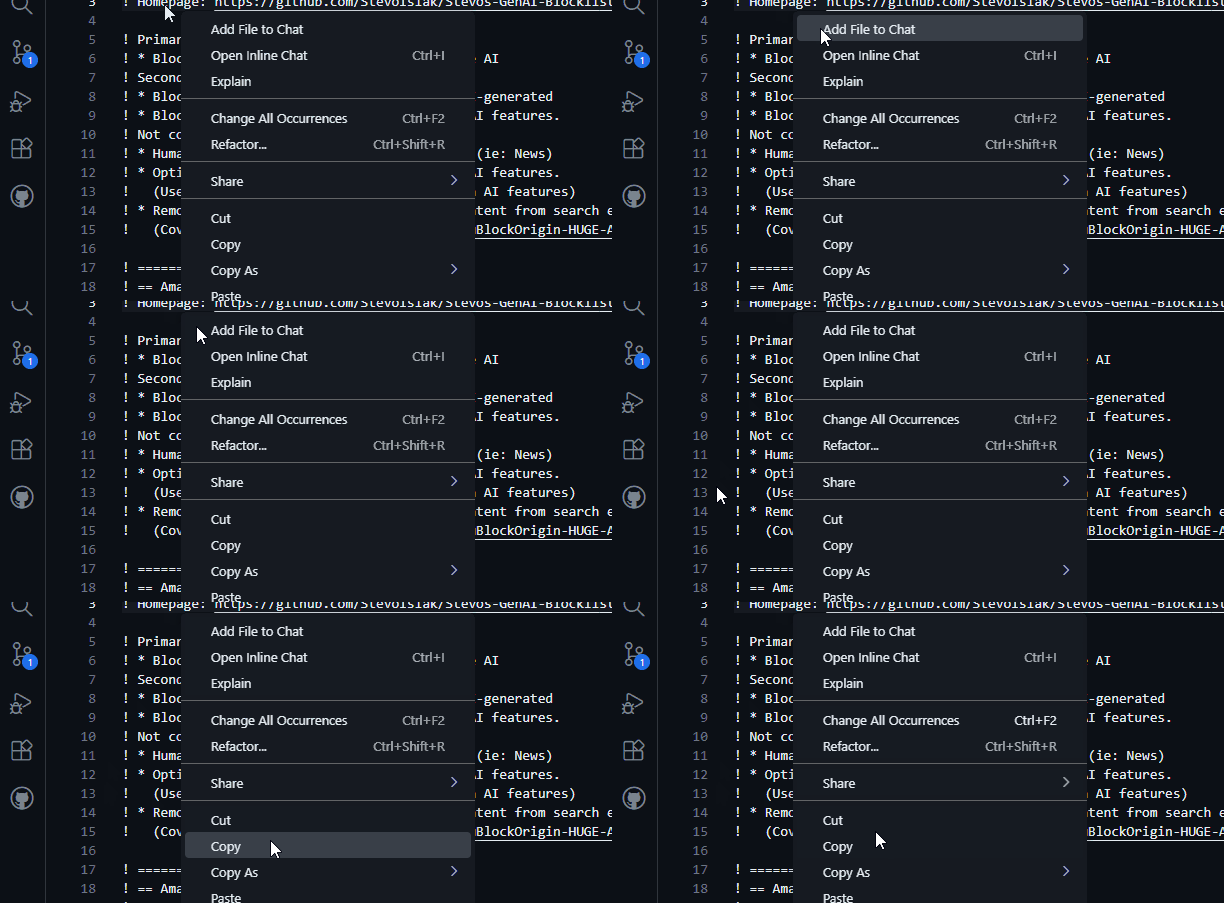
I tried to remove the button with :remove(), but this caused the button to not be hidden at all.
github.dev##.action-item:has(> .action-menu-item > .action-label[aria-label="Generate Code"]):remove()
Hiding the .action-menu-item instead of the parent .action-item fixed the selection getting stuck, but the hidden item was still selectable, meaning you would need to tap the arrow key twice to get past it.
I know that GitHub Dev has a built-in setting to disable AI features. However, I maintain a filter list that blocks generative-AI features so users don’t need to mess with per-site settings.
How can I hide the “Generate Code” context menu option in GitHub Dev using uBlock Origin without breaking menu navigation with the arrow keys?
