The Problem
Recently, I’ve been getting constant notifications from “Windows Security” that look like this: 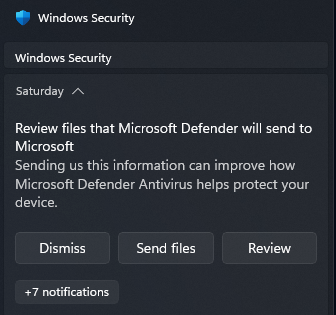 .
.
Review files that Microsoft Defender will send to Microsoft
Sending us this information can help improve how Microsoft Defender Antivirus helps protect your device.
| Dismiss | Send files | Review |
Clicking “Dismiss” will dismiss this notification, but it will reappear if I restart my computer or in a few hours if I don’t.
Clicking “Send files” also makes the notification disappear, but it will reappear again later.
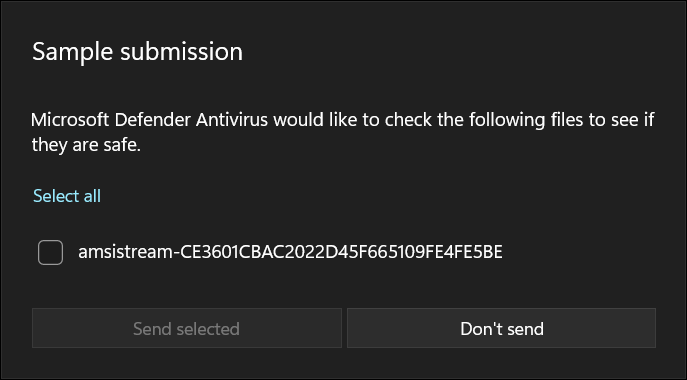
Clicking “Review” sometimes opens Windows Security with this popup. I used Everything to search for the file “amsistream” mentioned, but as far as I can tell, it doesn’t exist anywhere on my computer. Other times, it opens Windows Security with no popup at all, just the same as if I launched it from the start menu.
Since these notifications keep coming back no matter what option I click, I want to know how to permanently stop them from popping up?
What I’ve tried
- Clicking all of the obvious options on the notification
- Turning off automatic sample submission
- Reformatting my main drive and reinstalling windows (for an unrelated problem)