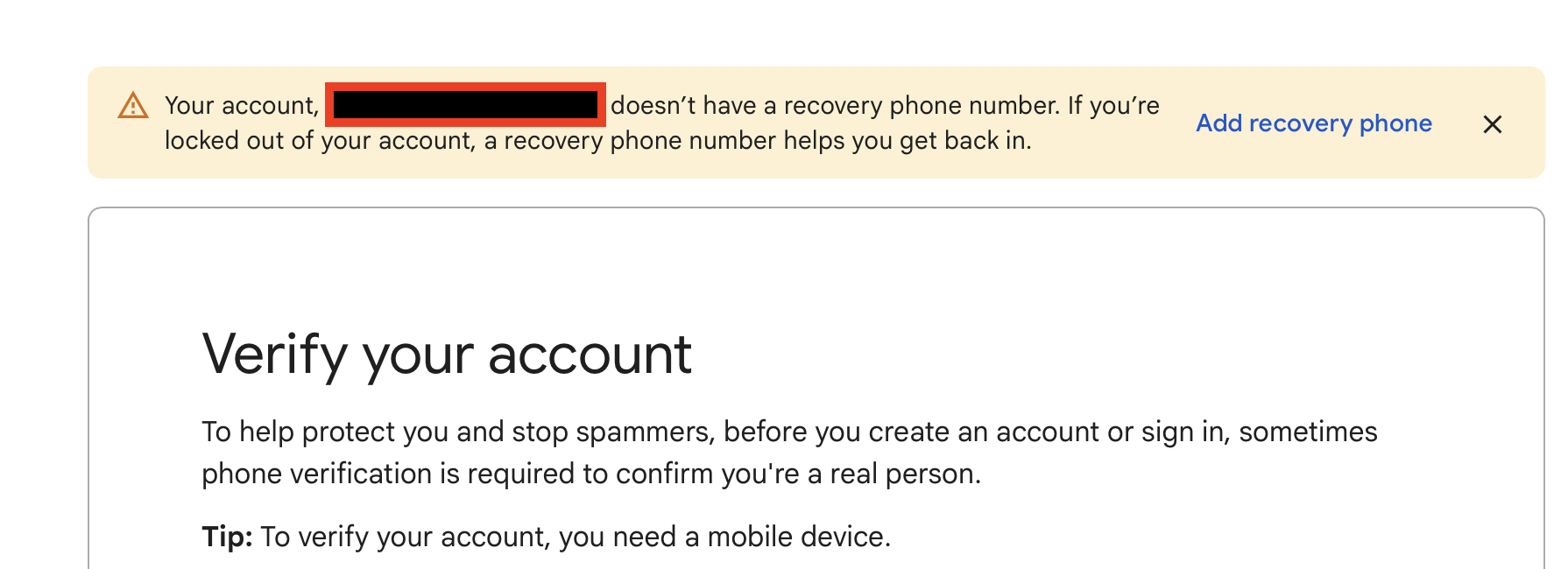
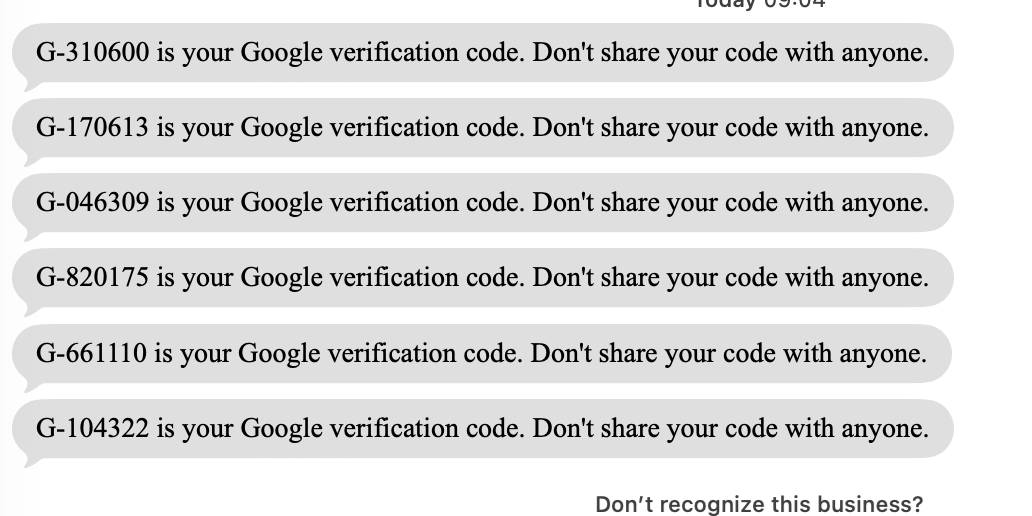
I recently replaced some older apple airport extreme routers with tp-link BE63 3 unit mesh system (TP-Link BE10000 Whole Home Mesh Wi-Fi 7 Deco BE63). Out of the box. Problem is now I cant get logged in to the Google email I used for the setup & login for TP link. Google error keeps saying they cant verify my identity or that it looks as if my account has no phone number , which it does , I get the codes. Its happened to the gmail account I used as the login id for tp link & the google address that I have the emails forward to. Ive never had issues with this before. I get the 2FA codes & verification emails from Google, but still they won’t let me log in.
Not sure if this is a Google / Gmail, mesh set up issue or phishing / hacked issue.
I possibly did something stupid too – I never usually do this , dont know why I did this time, BUT, I had to call their customer service to ask a question. I then got a follow up email to leave a review on amazon re: the experience & reply to the email ( with a screen shot of the review on amazon ) from the customer service agent and the 2 other bosses she had on the email. I did go to amazon & do a review ( left feedback) through Amazon site and cut & pasted a screenshot & replied to the email.
So, questions –
-
any connection between any of this & not being able to log in to gmail?
-
Phishing or hacked by Tp-Link?
-
Can anyone point me to any settings to check on the home network to make sure its secure as it can be?
This is totally baffling to me.
Pictures of 2FA received and other messages for Google:

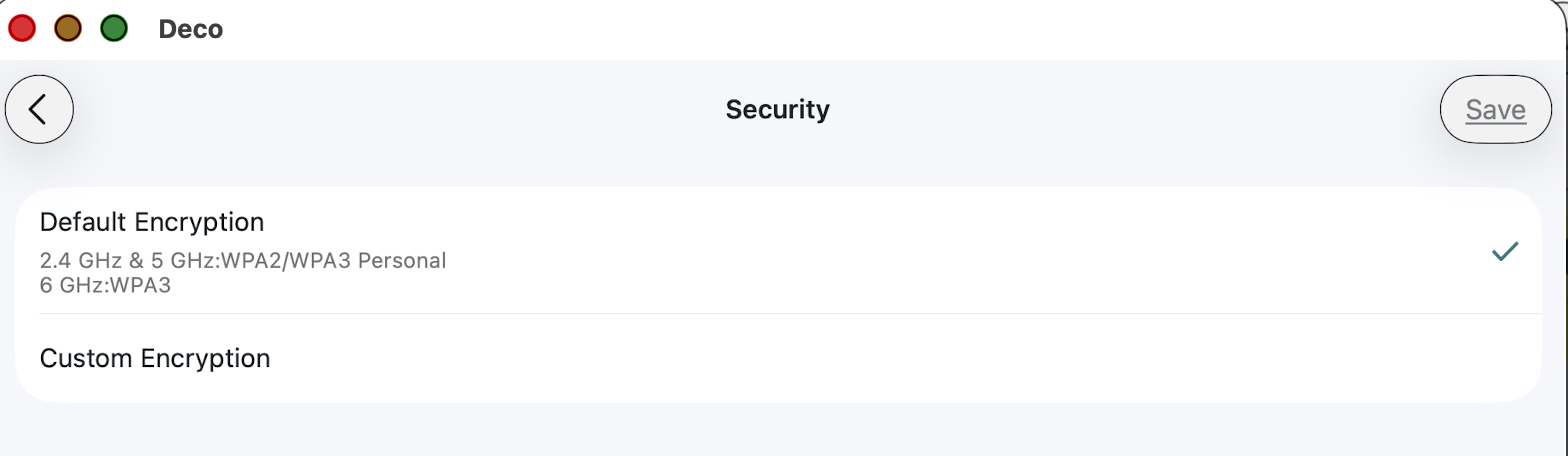
Additional security setting of network: