Running zoom on Bodhi Linux.
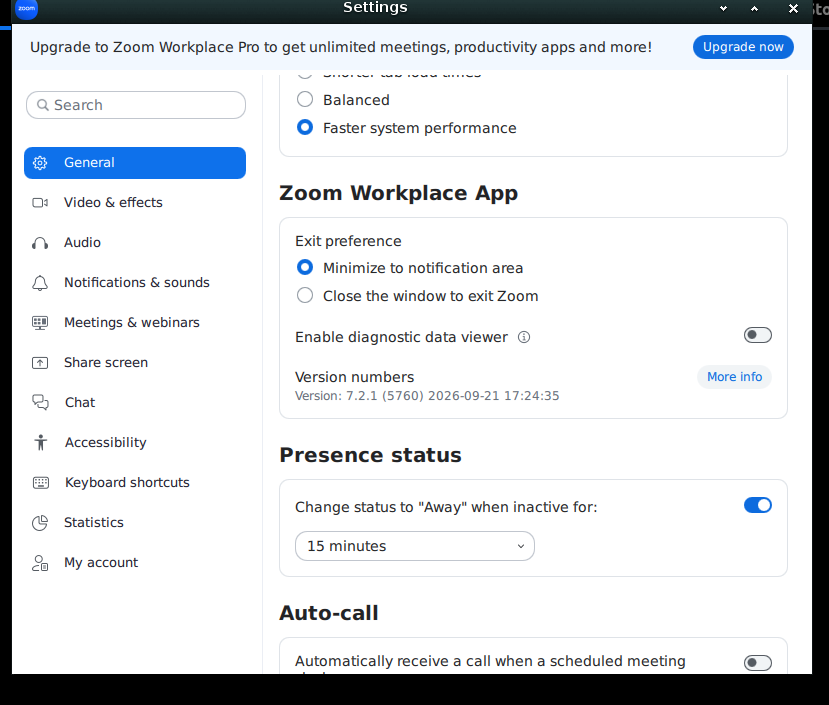
Zoom version is 7.2.1
Apps in meetings is enabled on linux from zoom 7.1
I can see the timer app in my main zoom application
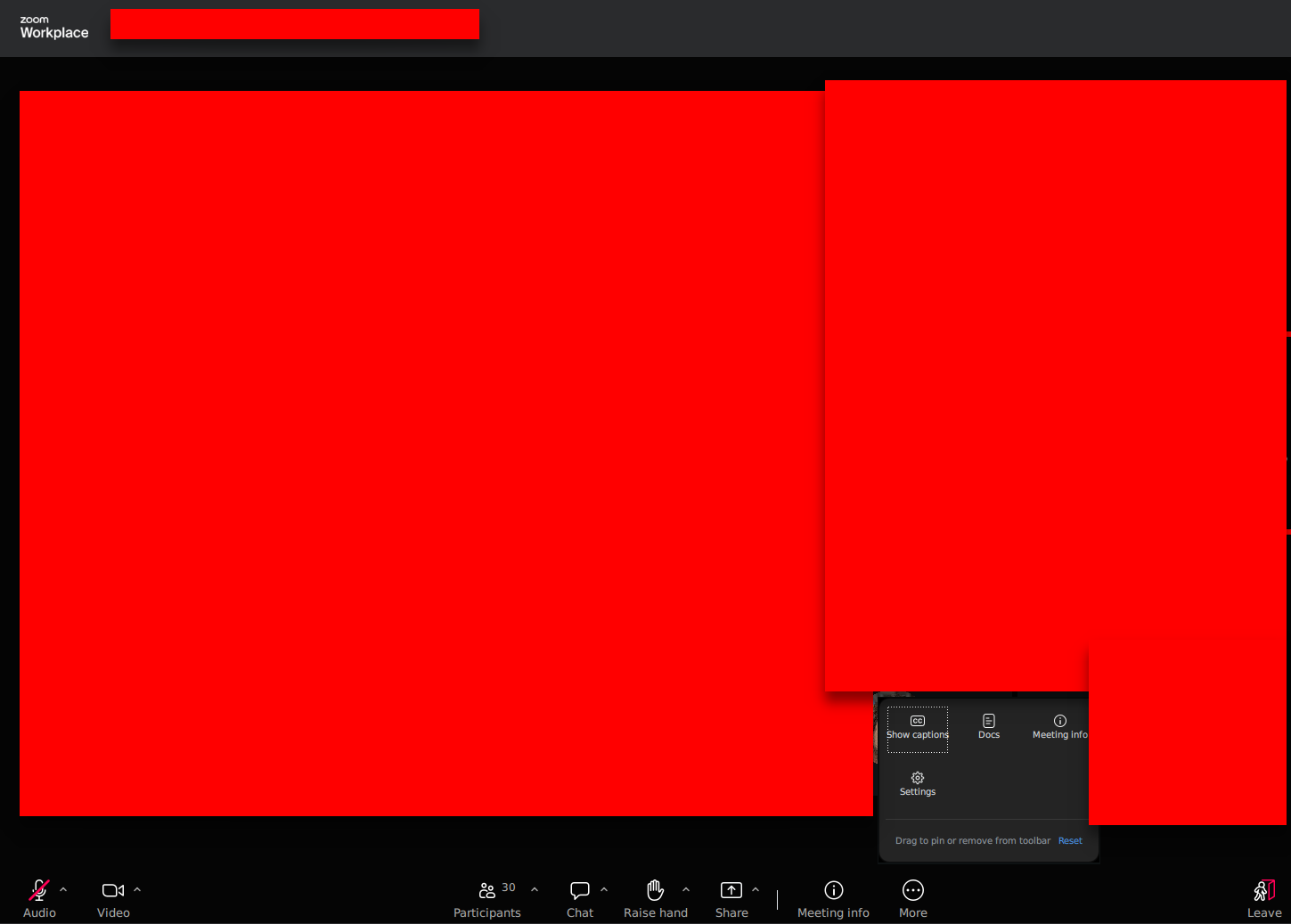
When I join someone else’s meetings I do not have access to apps in the toolbar (others in the meeting do).
I have done everything advised here from the zoom community website and they’ve:
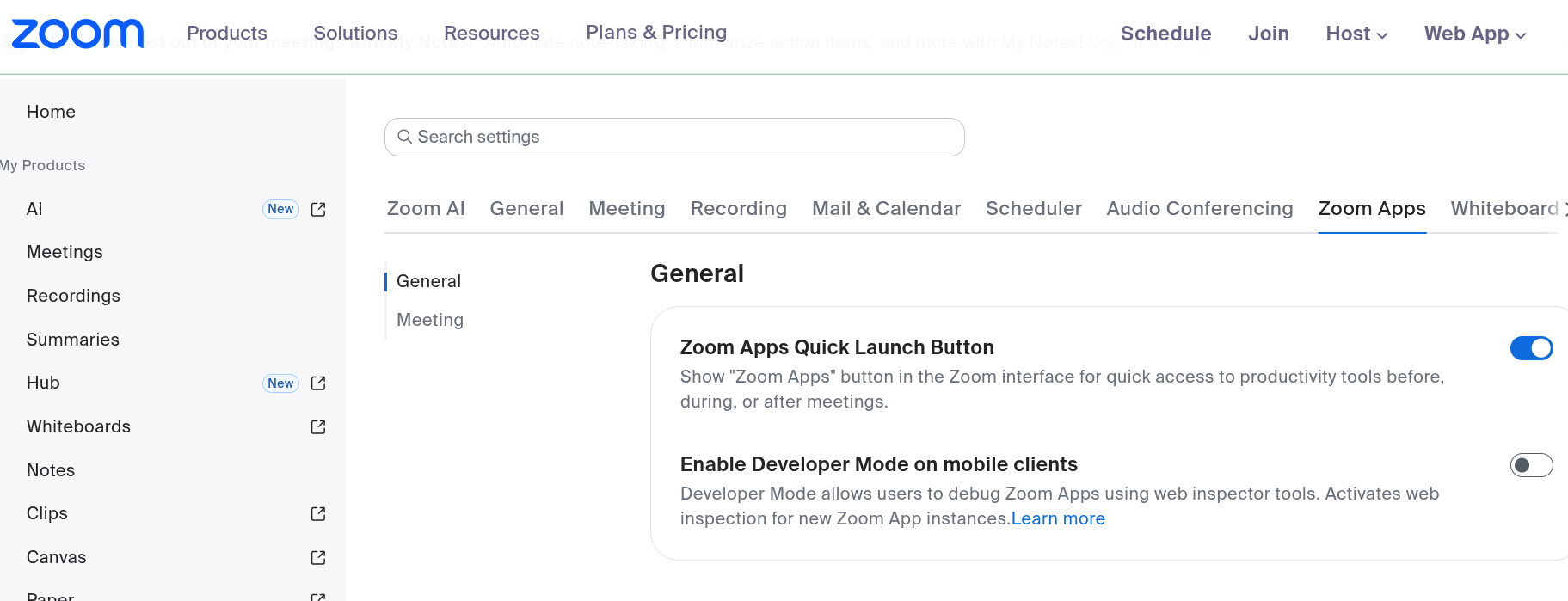
- I have enabled zoom apps on my profile on the advanced settings
- It is the same account logged into zoom
- I have uninstalled and reinstalled zoom incuding deleting any hidden files or configurations
I still do not have access to apps in a meeting. If I start my own meeting, the option is there.
How fix?