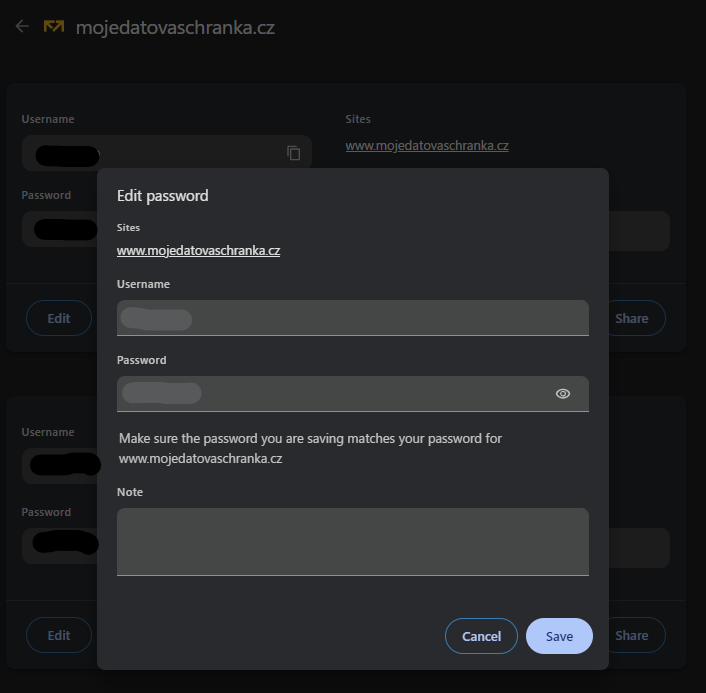
A service provider recently changed their brand name and migrated to a completely new domain. Because of this URL change, Google Chrome will no longer recognize the login forms, and autocomplete has stopped working.
Is there a way to easily update several password entries to this new domain?
It doesn’t seem to be possible from the PM itself