A cell in Excel can have a background color, or it can have a pattern applied in the background with a “foreground” color to the pattern, or it can have both.

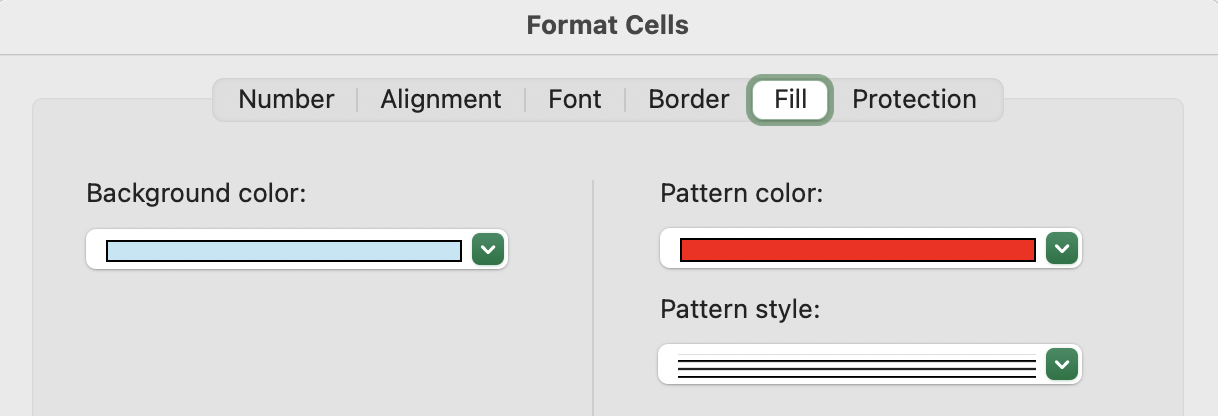
In an enormous worksheet with many cells with varying desirable background colors, I want to remove the pattern, if applied.
If I select all cells and choose “Automatic” for the Pattern color, it shows the current pattern using black. If I change the Pattern style to the “white” square, which represents a transparent pattern, there is no pattern seen on any cells…but all grid lines are “hidden” (overridden with white?) for all those cells the worksheet:

Is there any way to remove patterns while preserving grid lines and background colors across all selected cells?
I’m not looking for a scripting-based solution; my goal is to be able to “highlight” cells for executives using patterns, but then make it very easy to for the execs to completely remove with a few clicks.
