On my Chromebook, I have downloaded and installed VNC-Server-7.13.1-Linux-x64.deb.
Although VNC server does not launch when I double-click on the application icon, I can still open it from the Terminal with the command vncserver-x11.
I get this screen:
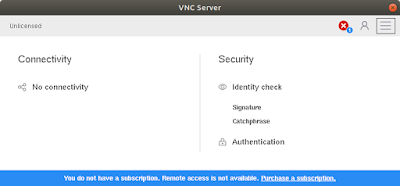
The screen shows that it has not been configured. I click on the red X, which should make the following screen pop up:
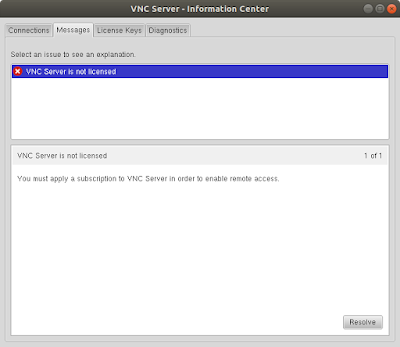
Instead, I get the following dialog box, in which the Resolve button is missing:
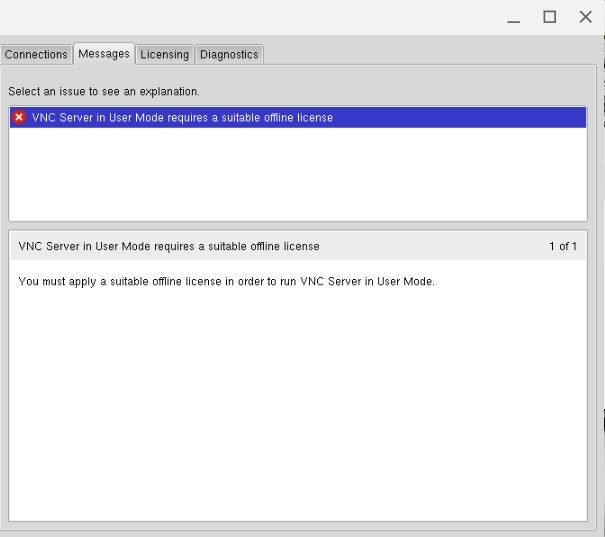
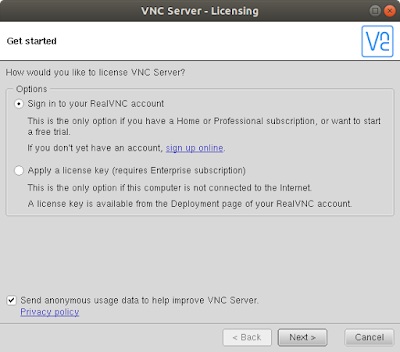
Clicking on this button would allow me to sign in to my RealVNC account:

![[RFC] Named Arguments](https://www.rubin.com.np/wp-content/themes/customizr/assets/front/img/thumb-standard-empty.png)