In order to handle a problem, I received the advise to alter the driver setting of my printer. When I try to do this, this is the list I see:
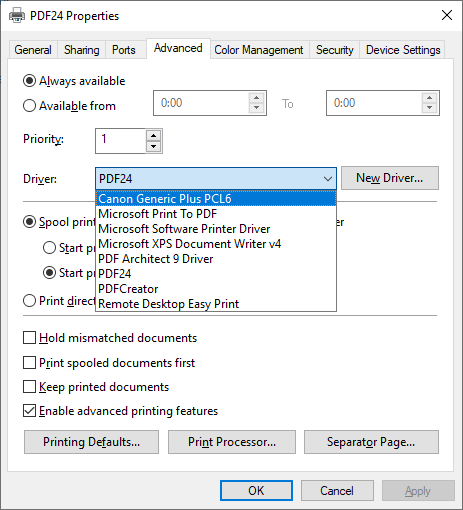
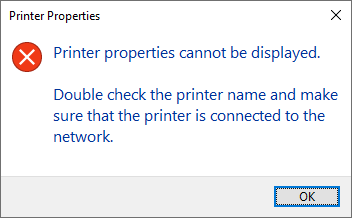
But when I choose “Canon Generic Plus PCL6”, the PDF24 printer becomes unusable, by which I mean that I see this dialog box when I ask for the printer properties again:
Normally, when the GUI of a program contains a combobox, it shows you a list of possibilities you can choose from, like the list of fonts in MS Word:
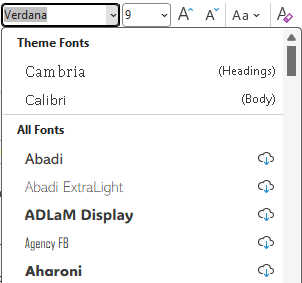
All the mentioned fonts (Cambria, Calibri, etc…) can indeed be used inside MS Word.
However, I have the impression that the driver choices are not part of the PDF24 printer: you just see a list of all drivers, available on your computer, who are present due to some other printer who is already installed, and it is very well possible that you have the opportunity to choose a driver who is incompatible with the printer, you’re currently working with, in this instance the PDF24 printer.
Is this correct?
If yes, is there a way only to see the drivers that are compatible with my PDF24 printer on Windows Server 2022?