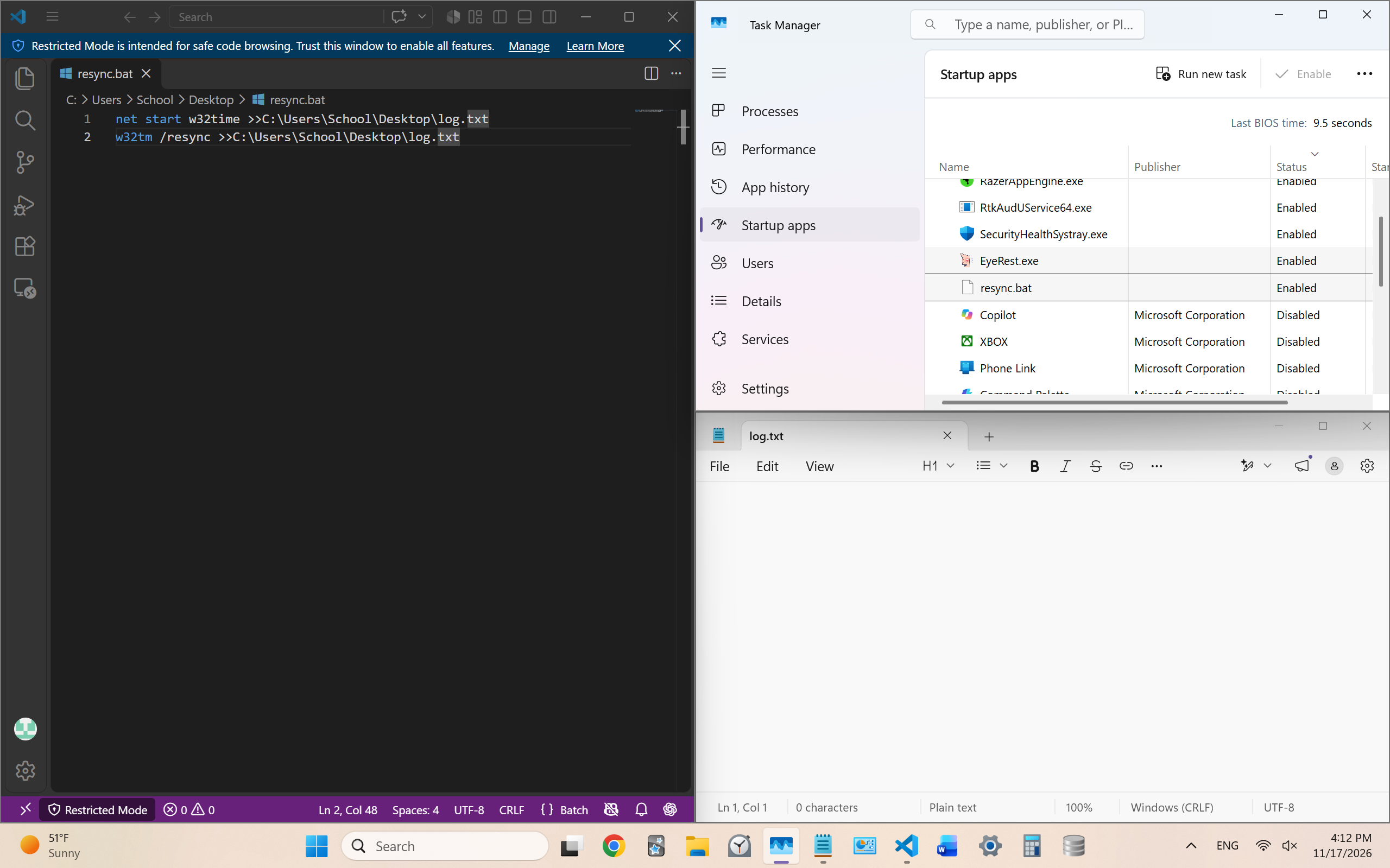
My Windows 11 laptop does not have a battery, so it cannot keep track of the time when it is not plugged in. I created a batch script to resync the time on my laptop, and I’m trying to get it to run on startup. It shows as enabled on startup in task manager, but the script doesn’t actually run on task manager. How can I get it to actually run on startup? The script requires administrator privileges, so I think that may be part of why it won’t run on startup.
I have verified that the script runs as intended if I run it with adminstrator privileges.
net start w32time >>C:UsersSchoolDesktoplog.txt
w32tm /resync >>C:UsersSchoolDesktoplog.txt