For example, I have the f.lux Windows App installed from the Microsoft App Store. However, the app does not autostart.
-
When I set autostart to
activein the Task Manager, after a logout/login into Windows, it is again reset toinactive(Deaktiviert) -
When I want to view the settings (Eigenschaften) of the app, I get this error:
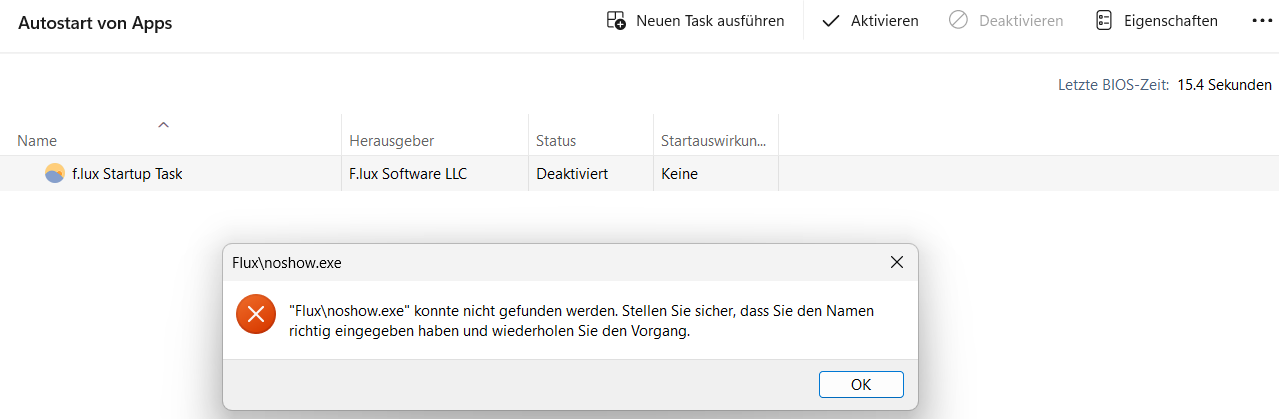
English translation: “Fluxnoshow.exe” could not be found. Make sure that you entered the name correctly and try again.
What I tried
-
Repairing the app
-
Resetting the app
-
Reinstalling the app
This is also the case for other apps I have installed:
- MS Teams
- MS ToDo
- Befehlspalette
- …
But some other apps work just fine:
- AutoDarkModeSvc
- CCXProcess
- OneDrive
- …
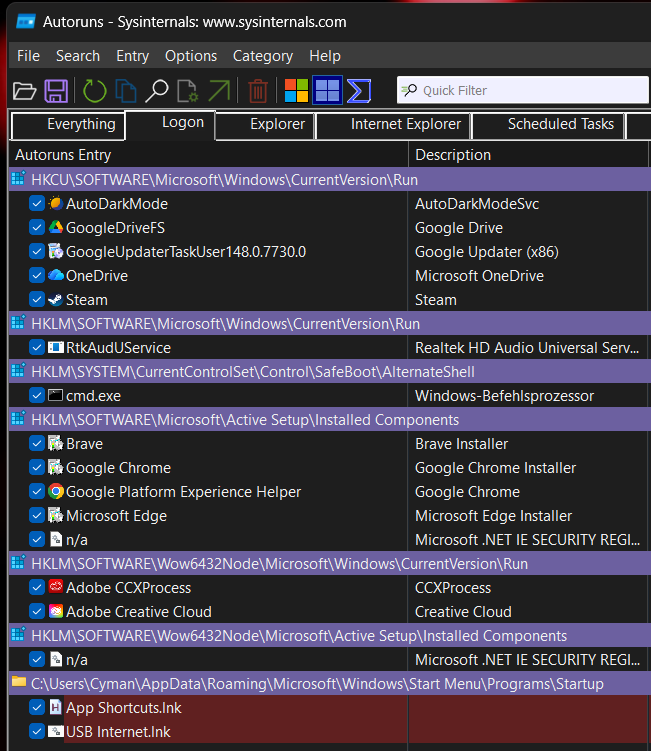
What is interesting, there is no such process listed using the MS Autoruns tool: