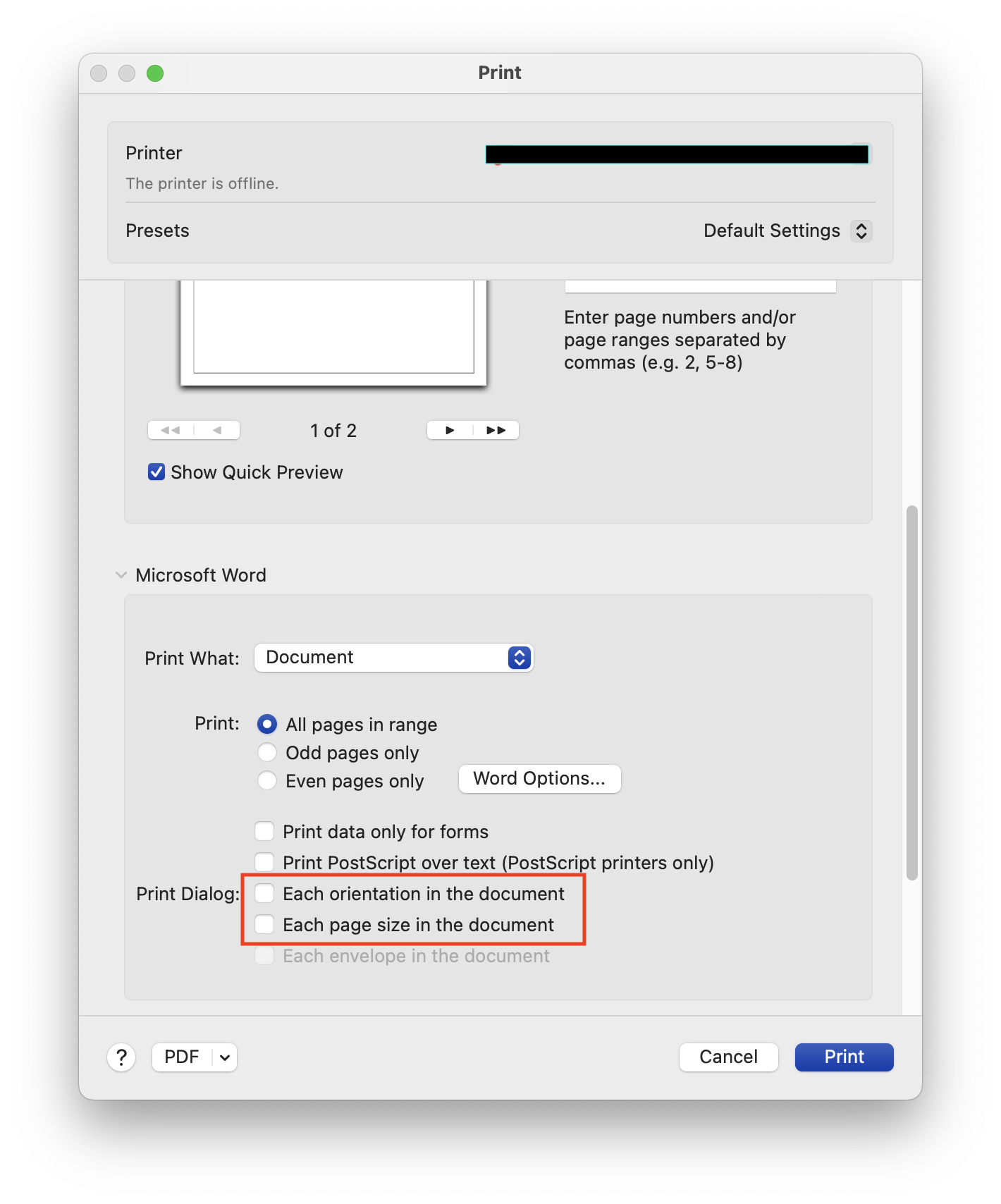
I’m using Microsoft Word (Version 16.93 (25011212)) on macOS (Version 14.5 (23F79)), and I noticed these options in the print dialog under the “Print Dialog” section:
- Each orientation in the document
- Each page size in the document
I have a document that contains a mix of portrait and landscape pages, as well as pages with different sizes (e.g., A4 and A5).
Could someone explain what exactly these options do when enabled or disabled?