I have minimal experience with OS issues. A friend helped me install Xubuntu 26.04 on an older HP laptop before; I tried to use the same USB to install it on a new Dell XPS 13, but I’ve run into a different boot menu when restarting, which doesn’t appear to actually let me select to boot from USB. When I restarted the old computer, I got a simple menu that allowed me to select a new system. This time, I got a Windows menu with options mostly based on restoring or restarting the system, not installing a new one. Looking at UEFI Firmware settings seemed to get me to a boot menu, but all the options seem to be Windows.
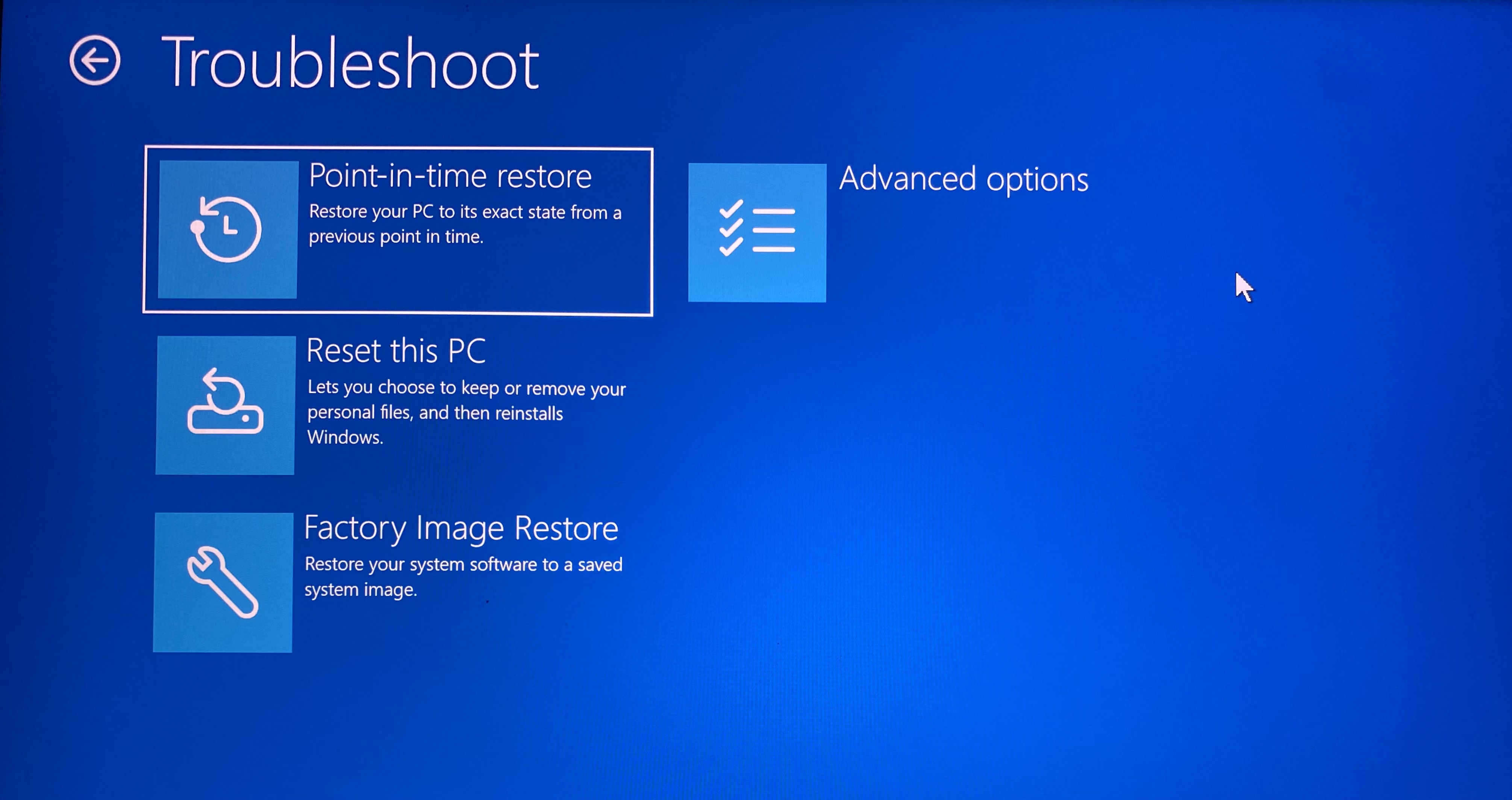
Troubleshoot options: Point-in-time restore, Reset this PC, Factory Image Restore, Advanced options:
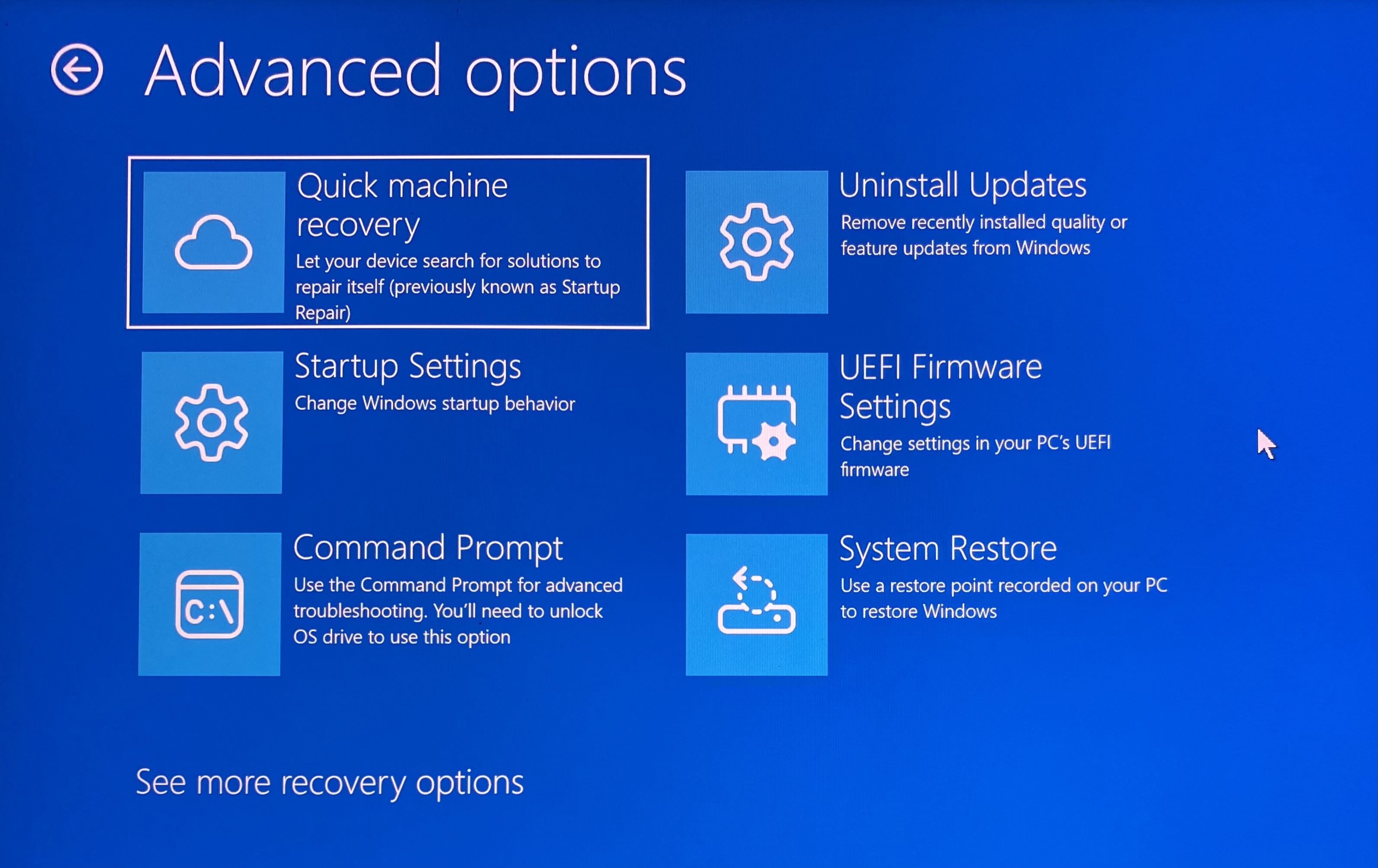
Advanced options: Quick machine recovery, Startup Settings, Command Prompt, Uninstall Updates, UEFI Firmware Settings, System Restore:
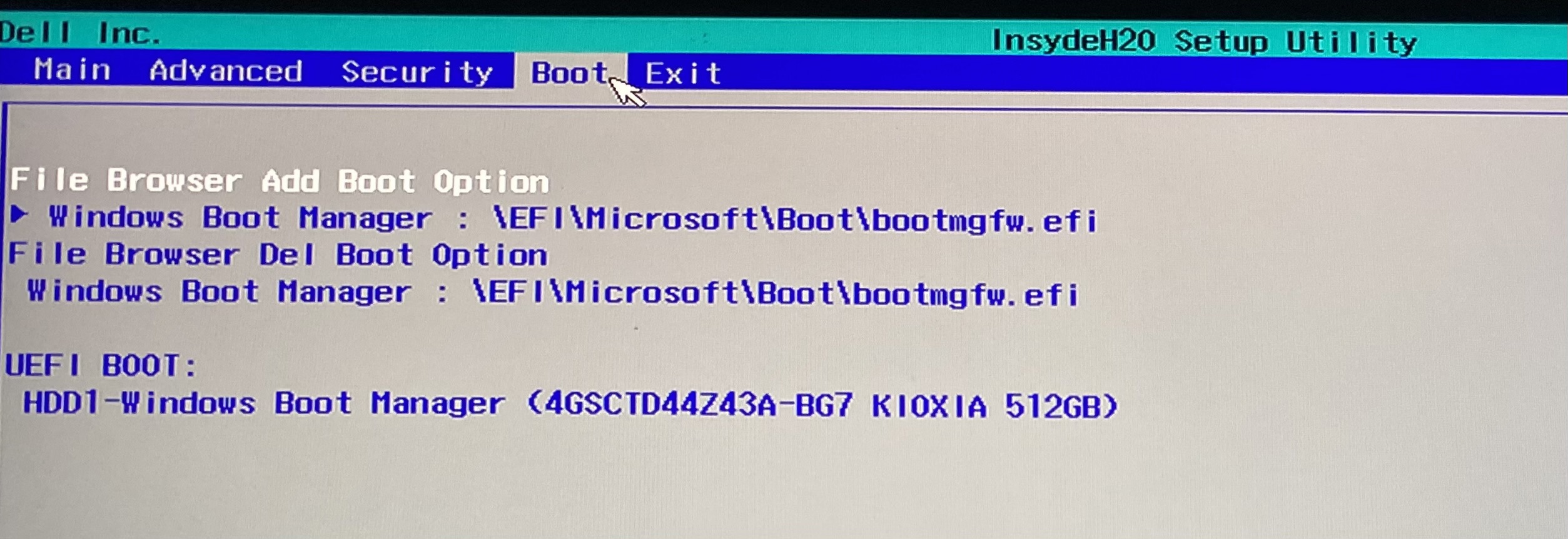
Windows Boot Manager options:
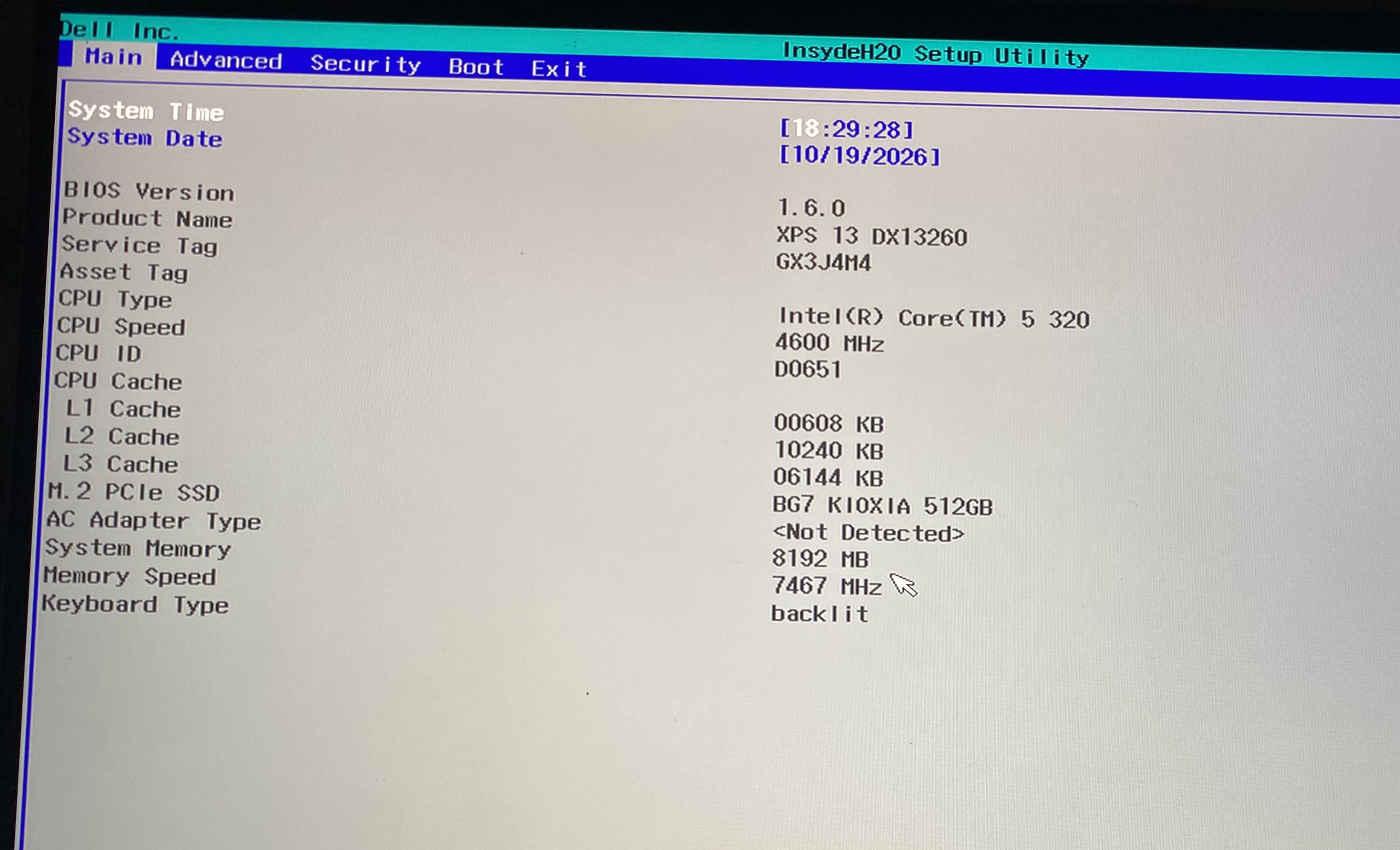
XPS 13 DX13260 product info:
Advanced menu:
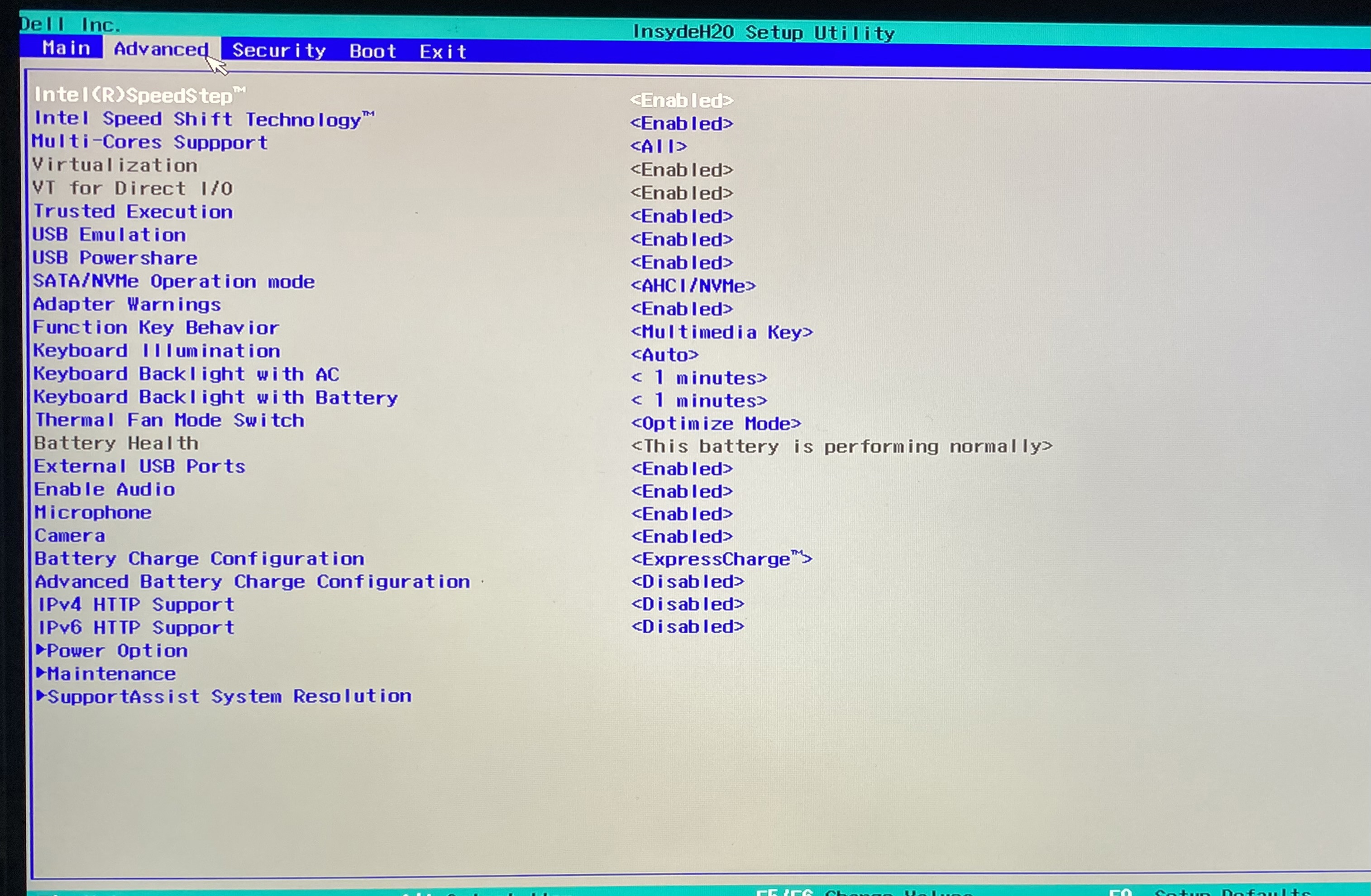
My friend doesn’t know how to work this out either. This computer and the old one with the successful install both had Windows 11 pre-installed, and I went through the same process with advanced start up for both. Does anyone know what the difference is, and how I can get Xubuntu on the new one?
