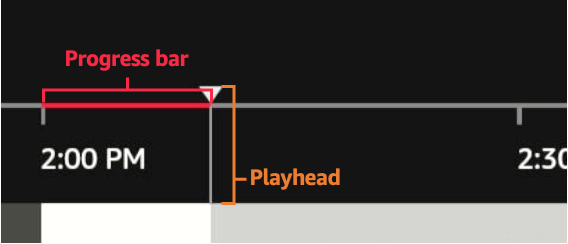
I asked the librarian if he knew how to fix glitches with the Playhead* in the progress bar in both the Windows Movies & TV App (henceforth MTVApp), and Windows Media Player (henceforward WMP). I tried to play the same .mp4 file in MPC-HC, Movies & TV App , WMP. The playhead in the scrub bar of MPC-HC worked normally.
The act of moving the playhead left or right is called scrubbing.
But I can’t scrub in MTApp, or WMP. When I click anywhere on the seek bar, the Playhead never moves to the point at which my mouse cursor is pointing. Instead, the Playhead always remain stuck at the origin on the far left.
The librarian downloaded LosslessCut, opened my .mp4 in it, and exported it as another .mp4. This new .mp4 has the same size as my original, but it works! When I play this new .mp4 in MTVApp & WMP, I can scrub! But why? Why does LosslessCut slacken the playhead?
*Pictures of Playhead 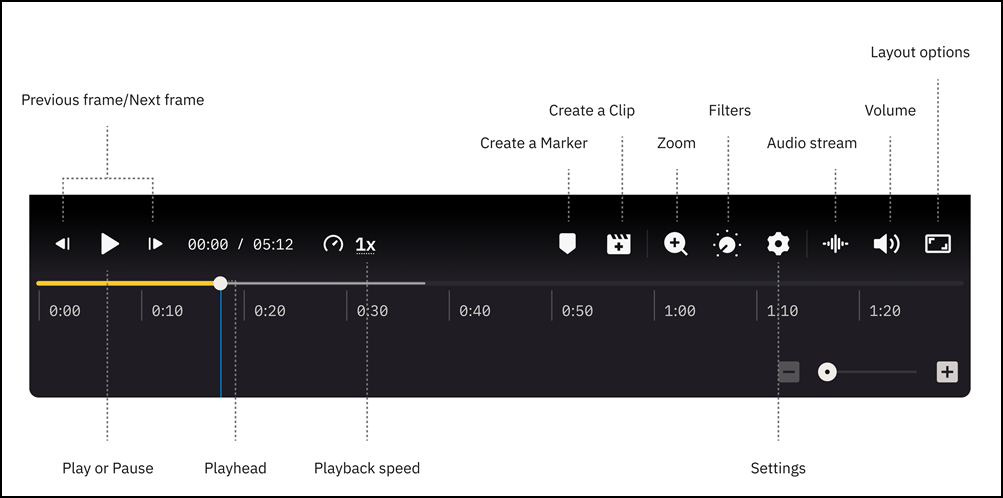
From https://developer.amazon.com/docs/vega-api/0.22/vega-epg.html