I’m a new Windows 11 user. My Quick Access list can’t be sorted. I’ve read the posts about unchecking the “Show all folders” box on the View tab in Folder options. I’ve done that, but when I drag and drop, a slashed red circle appears, indicating I can’t move the item to another position in the list. Does anyone know how to fix that?
You may also like
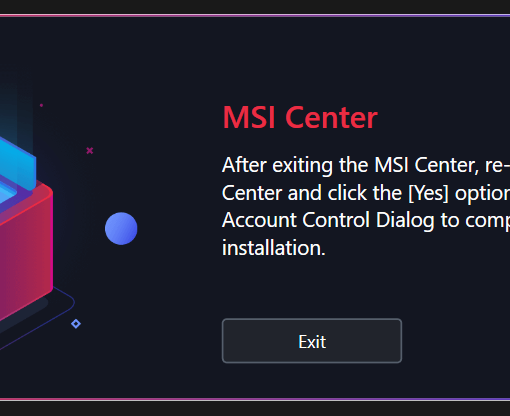
I installed the MSI Center 2.0.48. Upon start, it says: I click exit. I get the prompt which I approve. I start […]


Just today in one laptop with Windows 10 Home installed I started the machine as usual but for a first time in […]
The situation is that you want to delete an old user in google workspace and you choose to transfer his/her files to […]
Features covered in the video – Union Types – Named Arguments – Attributes – Constructor Property Promotion – Match Expression – WeakMaps […]