Last week I’ve had to install Windows on my Laptop for university and for my job. Due to time constraint, I simply installed it over my fully encrypted Ubuntu 22.04.
Stupid me, I did not reformat all the partitions beforehand. After installing Windows 10 everything worked fine except for some drivers to get an internet connection for example. To make sure everything is working I shut down the computer and restarted it. This is where I am right now… Stuck in the middle of somewhere in between.
Every time I try to boot normally now, I get stuck in the boot loader.
Each time I try to boot via a live USB stick I reach all of the options on a Windows as well as on a Ubuntu USB live stick but when I decide to go for example ‘Try Ubuntu’ it gets stuck there.
Same for the boot repair USB stick, which leads into a black screen in both normal or failsafe mode.
The furthest I felt was with a Debian live USB-stick, where I could access a GRUB command line. I could see all of the partitions and could even reach their filesystem but I did not go further there yet since I don’t know what to do next.
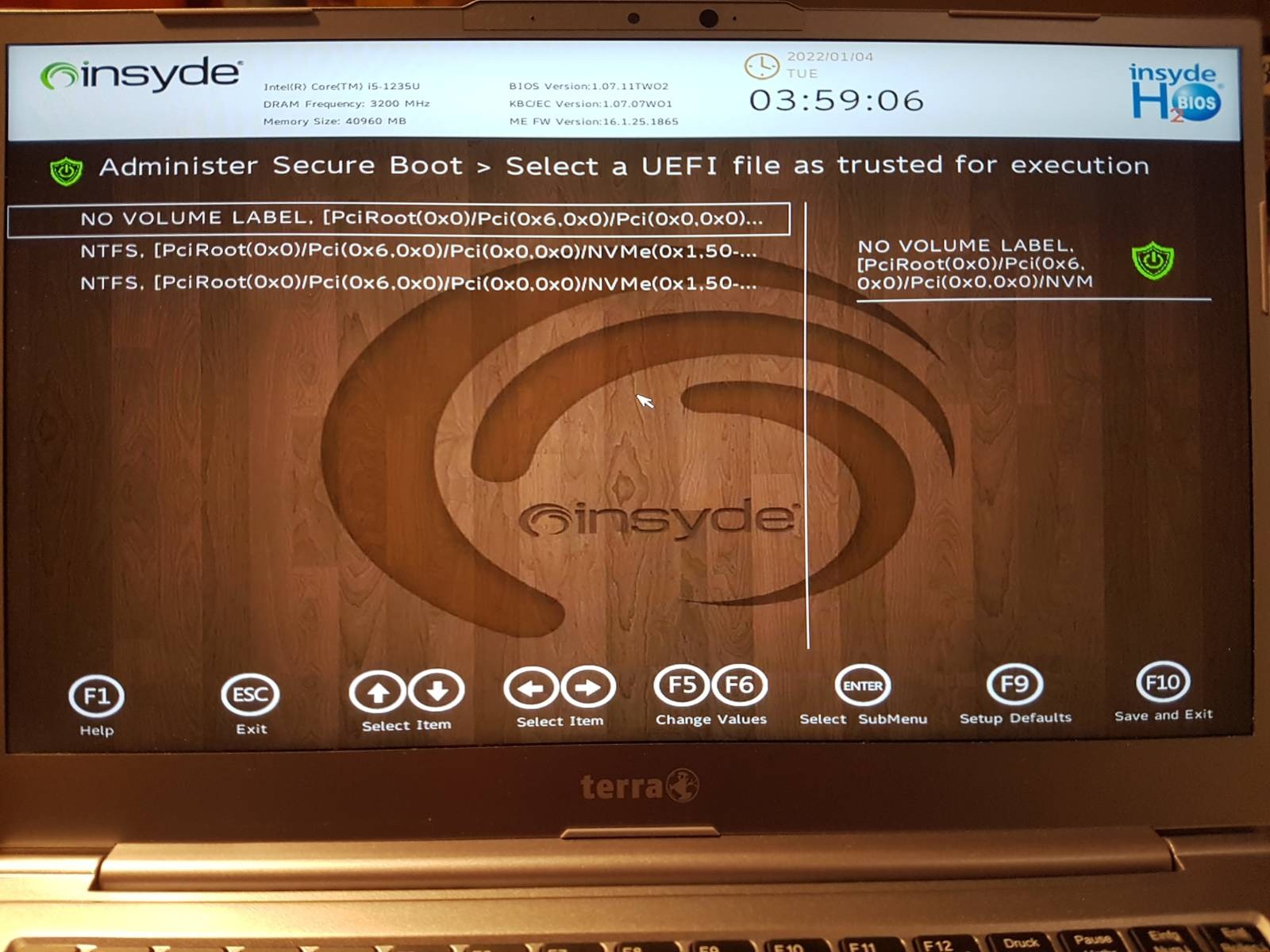
Besides all of that I can also see the whole file structure of the windows system in my UEFI/BIOS when I try to select a trusted UEFI file as shown in the pictures below.
Anyone knows whats going on? Is it still my encrypted LUKS partition that is messing with me? Any help would really be appreciated!!
I wish I could have a USB stick that wipes away all partitions right away.
Anyone knows if something hacky like that is existing?