I have enabled Enhanced Session mode for Linux VM. After successful login the quality picture on xrdp session is worse than in the standard session.
Host: Windows 11 Home (Hyper-V is disabled by default, but it can be enabled)
Guest: Manjaro installed on Hyper-V VM (xrdp and xorgxrdp configured)
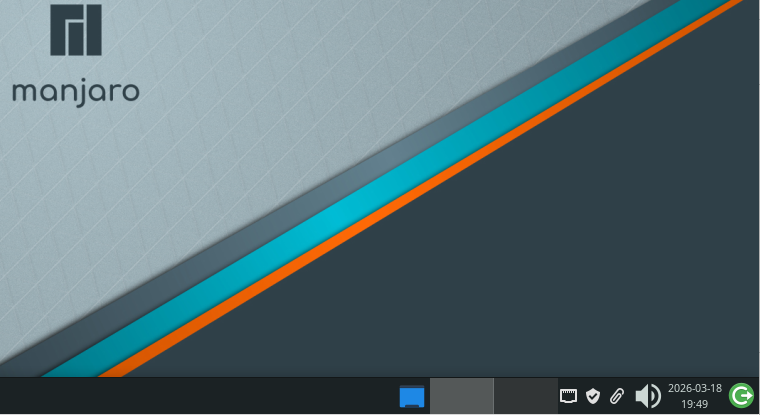
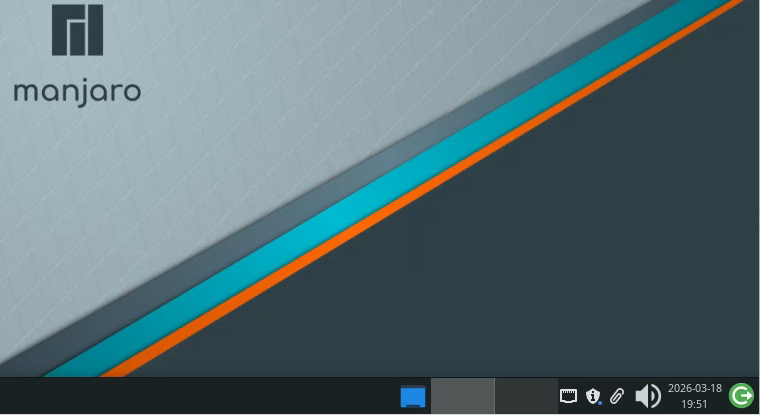
Here is the comparison of two screenshots:
1 – Standard Session graphics quality
2 – Enhanced Session graphics quality (xrdp session)
Is there a solution to make the picture as high quality during an xrdp session as it is in a standard Hyper-V session? I have the same problem with xrdp session picture quality for a remote laptop with Manjaro. Any help towards diagnosing this problem will be deeply appreciated.
