Since I posted the wrong place. Here below is my question, similar to this, but not the same(?)
Consider the following text:
"功能强大"的"功能强大"的软件
I want to replace the pairs of "..." with “...”, as below:
“功能强大”的“功能强大”的软件
Noted that there are two classes of the symbols:
-
"(U+0022) with only one direction -
“(U+201C) and”(U+201D), with two directions
I have tried with the following: replace "(?*)" with “1” , but the match pattern of ” was not in pairs!
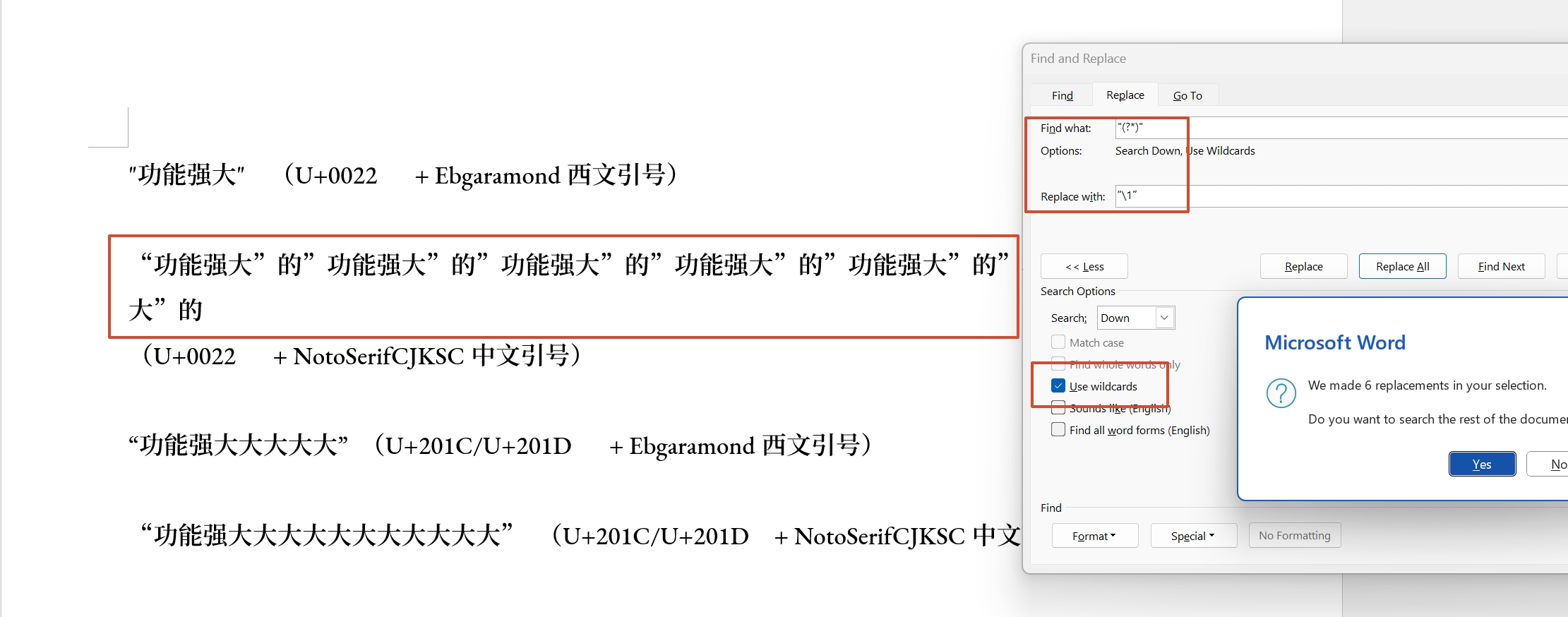
Any suggestions?
Edit
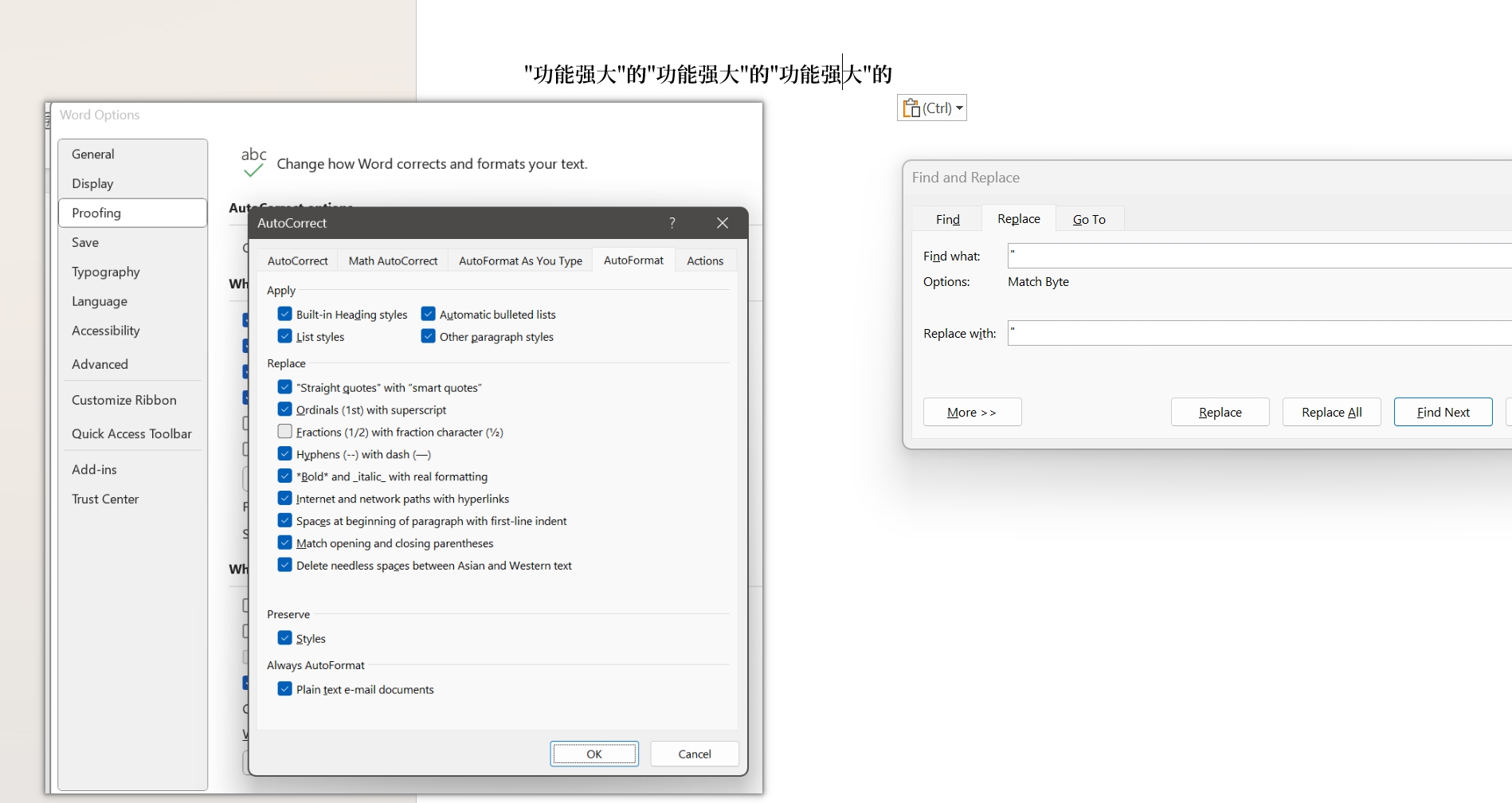
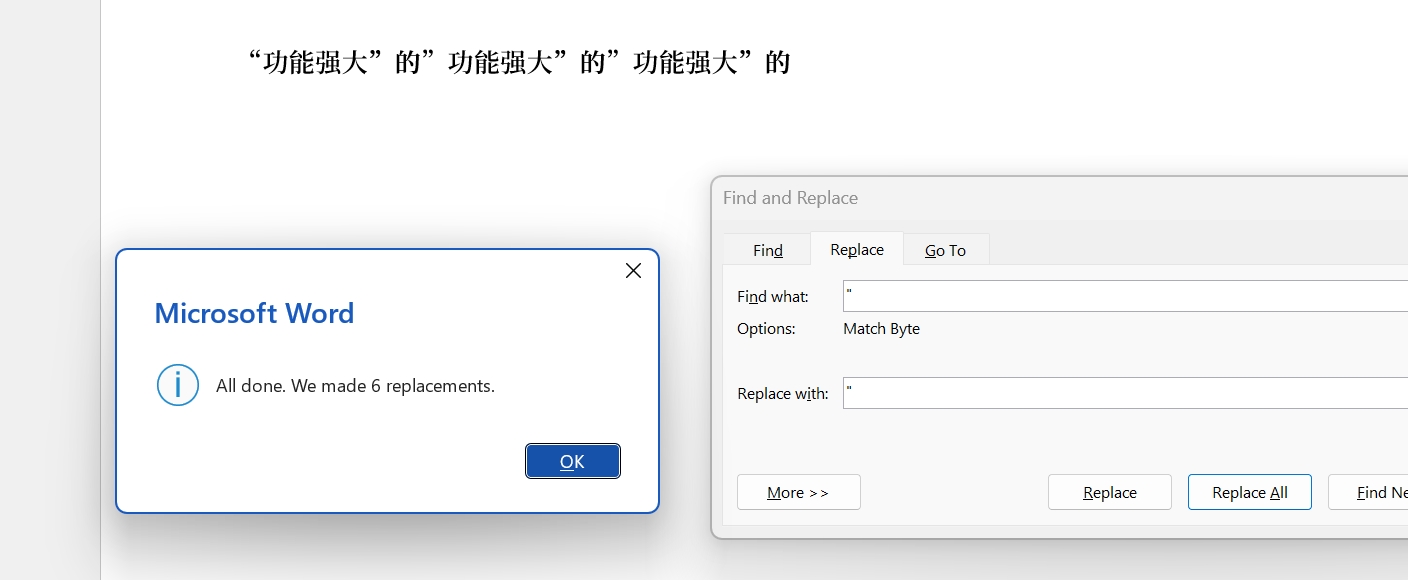
I have turn on the 「”Straight guotes” with “smart quotes’」 button, then replace " with ", but the following happened when I click 「”replace all”」:
The text:
"功能强大"的"功能强大"的"功能强大"的
was turned into
“功能强大”的”功能强大”的”功能强大”的
The direction of the second and the third was incorrect.
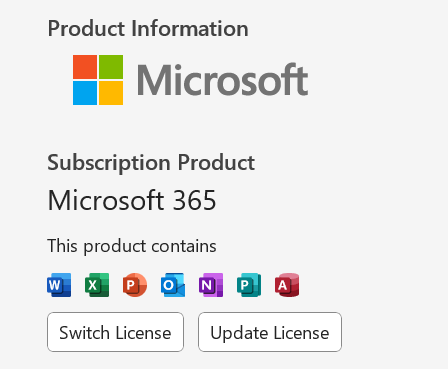
My MSoffice version was as below: