i’ve been cloning my boot drive with the same clone drive weekly for 5 years with Acronis True Image but i’ve a problem yesterday as usual, i restarted the pc then did (dism.exe /online /cleanup /scanhealth) followed by (sfc /scannow) and other scans everything is okay.
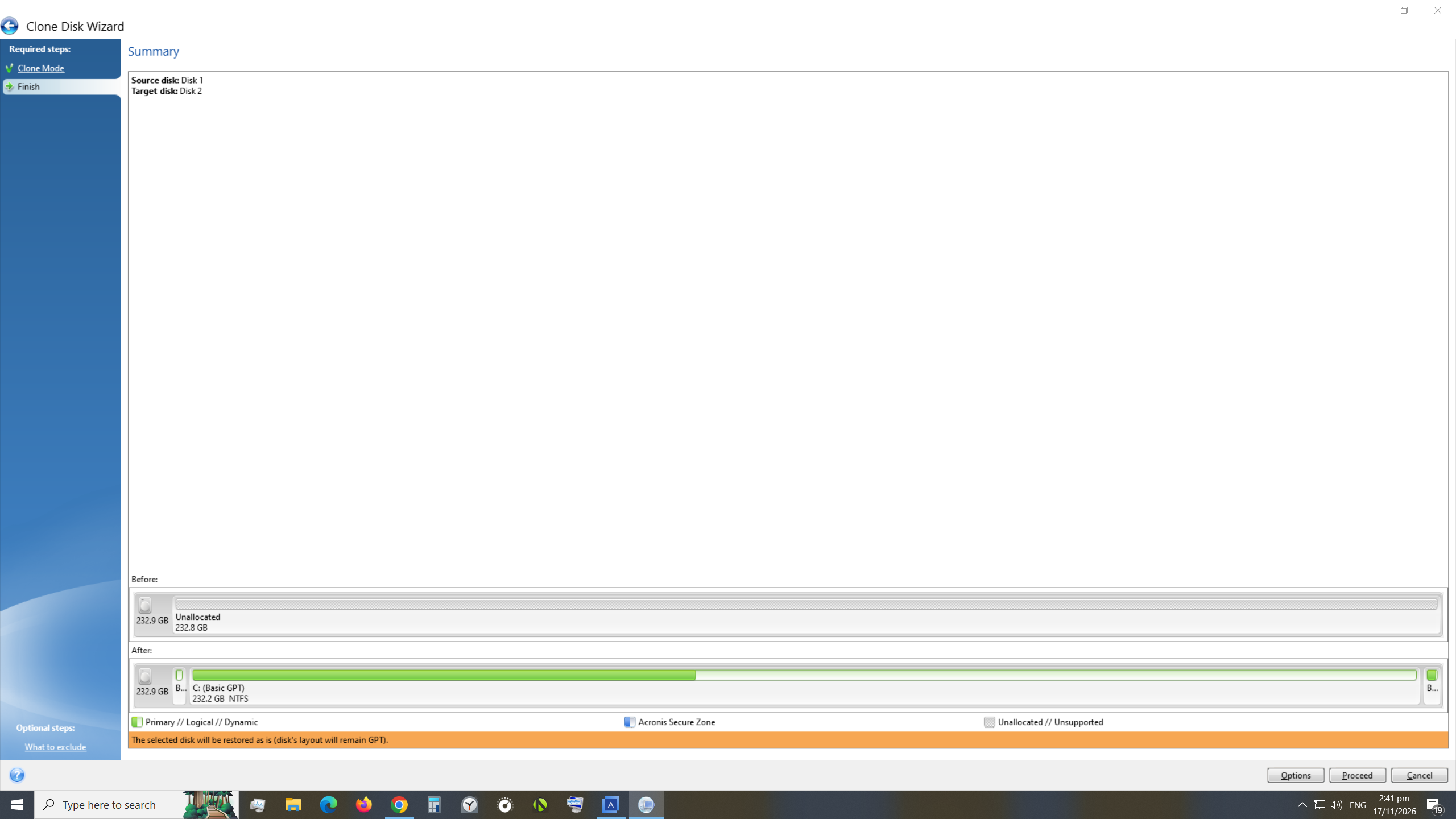
when I tried to clone – the initializing process before the actual cloning took too long so I cancelled (done this a number of times over the years with no issues) I then pulled out the USB cable from the clone drive (i can’t dismount the drive) I then reconnected a new USB cable again and this time, Acronis didn’t ask me which is the source drive and which is the target drive – just ask me if i want to proceed but the ‘Before’ and ‘After’ allocated space for the clone drive (indicated by green bars) is normally similar but now the ‘Before’ is unallocated (black bar).
Could it be that when I unplugged the USB cable – the data on the clone drive became corrupted ? And now the clone drive is like a ‘new’ drive – so entire drive is unallocated ? Later i used a 2nd spare SSD and the Acronis software managed to do the cloning.
can i just treat the unallocated clone SSD as a ‘new’ drive and use disk Management to do ‘New Simple Volume’ or is it like initializing a new drive and then clone to it again ?
I’ve posted an image of what acronis shows below