I open Firefox, click “maximize” button at the top right of the main window, then “minimize” then “maximize” again: Each time I maximize Firefox is it shifted a few pixels down. There’s a white stripe above the window (that is not clickable), and a transparent stripe above that white stripe where I can click windows behind it. The bottom of the window is hidden behind the taskbar.
Acer V3-574G-54UH running Windows 10
Graphics Hardware: Intel i5-5200U and Nvidia 940M.
This is how it looks.
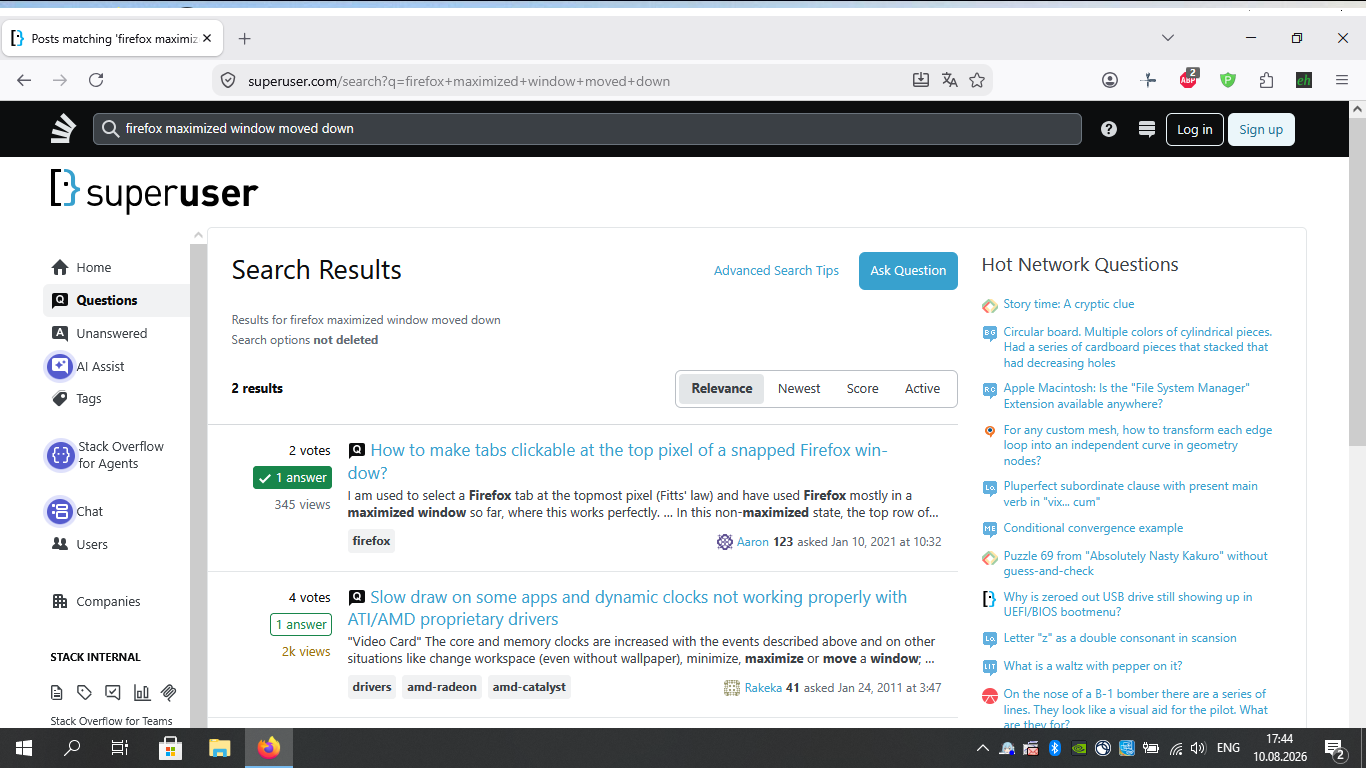
I noticed this problem first after I upgraded Firefox to 153.0.3. I downgraded to 153.0.1 to try to fix it, it didn’t change and I spo I have upgraded it again.
It also happens in Firefox’s Troubleshooting mode, which loads the browser without any extensions, and in any Firefox profile.
Firefox is the only app with this behavior.
I reinstalled Intel and Nvidia graphics drivers. These drivers are not available on Acer website anymore, but I have downloaded them before. I reinstalled the latest published versions: VGA_Intel_10.18.15.4268_W10x64 and VGA_nVidia_10.18.13.5354_W10x64.
I also tried removing xulstore.json in profile folder, it didn’t help.
