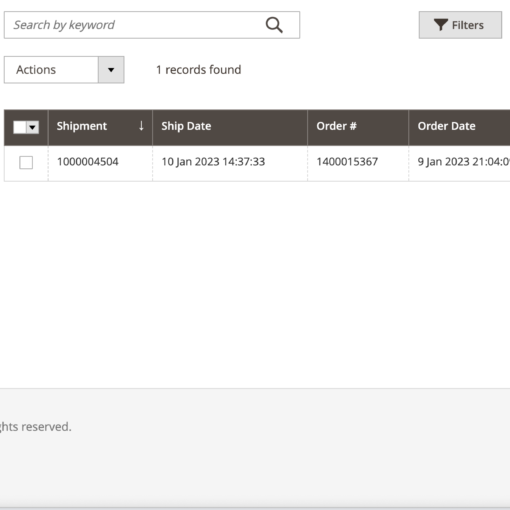
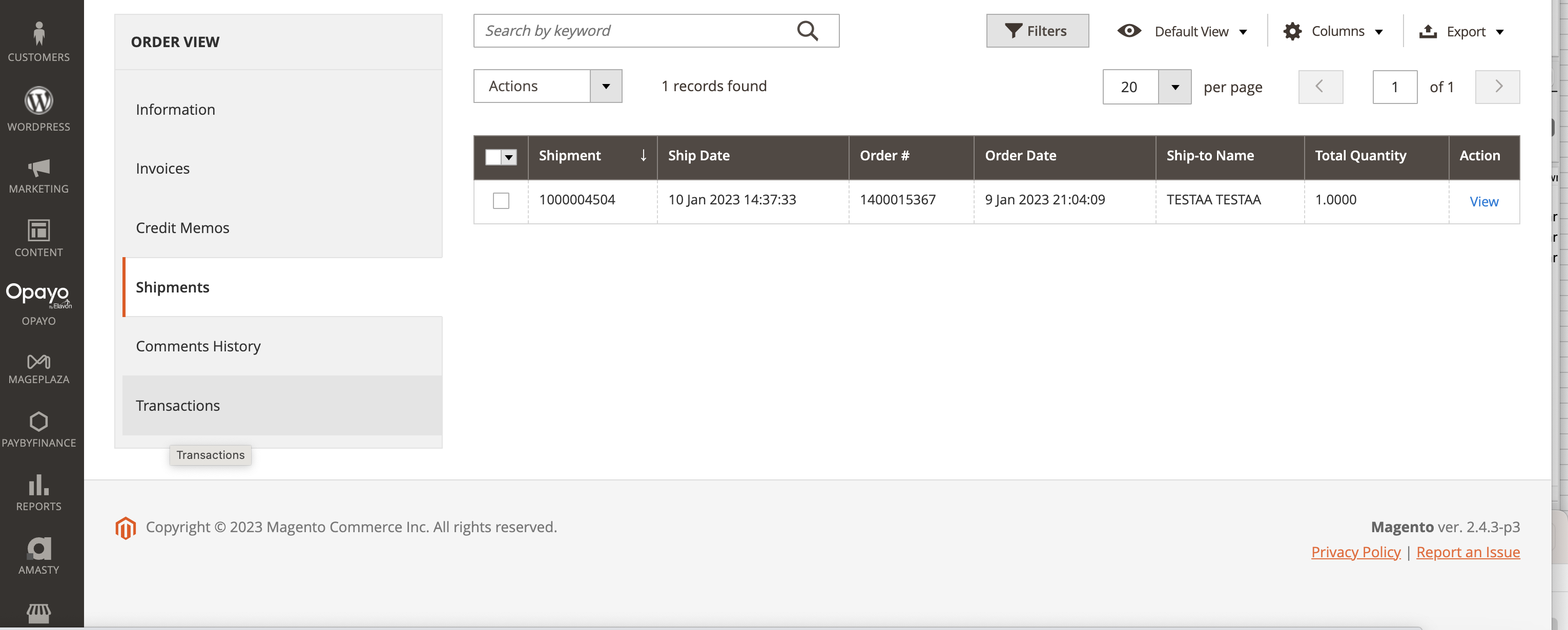
I made a mistake of buying a mining gpu that has no video outputs (gpro x080), thinking I could save a lot of money and just use another GPU or an igpu to output a video signal. While it somewhat works, and even works sorta okay with an igpu (for most of the apps, not for all), on a system that has no igpu I have to use another gpu (gt710 in my case), and in this case it does not work.
The windows menu (display settings -> graphics settings -> add executable -> select which gpu it supposed to use) does not work at all in that case, in fact, when its properly set up (by default it only shows gt 710 for both options), it only ruins everything by making the main game that I play to have fps like 35-40 fps in best case, from 150-170 fps
Some other games are just using gt710 no matter what.
Is there any reliable way to somehow make an app to use specific gpu?
My config is:
windows 10 pro n 22h2 oct 2025
qyiyda e5 a99
xeon e5 2690 v4
2x16gb server ddr4 ram
gpro x080 (no video outputs)
gt 710 (dvi cable goes here)
More info about weird games behaviour:
By default the windows menu shows gt710 twice (both power saving and performance mode). If I apply the ‘fix’ from here https://www.reddit.com/r/Windows10/comments/1hn6f4h/comment/m5z1xyu/ , rx6700 appears and I can select which gpu to use for specific applications.
The main game that I play – path of exile, by default (two gt710’s in that menu), shows that it uses gt710 in the menu, while actually it works fine, often 150+ fps in town, 170+ fps in hideout.
If I apply the ‘fix’, it starts to behave very weird – when I launch it, it shows up to 300 fps in menu, but after 6 seconds it drops to 60-ish. Then after I load in town, it becomes 35-45 fps. GPU-Z shows that its RX6700 that uses the vram, not gt710. It wont be able to do even 35 fps anyways. So something is bugged there.
I noticed in GPU-Z that for gt710, it jumps from pcie 2.0 x8 to pcie 1.1 x8 sometimes, I guess its power saving mode. Disabling that power saving behavior thing in windows settings didnt do anything.
I also tried to making the game use gt710 in that menu – it doesnt change anything. Game is working on dx12 btw which I dont think gt710 supports. If I switch to vulkan, game becomes black screen, some weird textures occasionally pop up, and it practically freezes my pc, I cant alt tab, cant alt-f4. After I removed the key from registry for gt710 (EnableMsHybrid), path of exile is back to performing okay. If I change from dx12 to vulkan now, game freezes, then on restart its 9 fps, very pixelated as if its rendering on 144p resolution, with like 500 mb memory usage. Game shows critical lack of vram error, so game is obviously working on gt710, this is its real performance. I dont know why switching to vulkan does that, on another system where I used that gpro + igpu, I always played on vulkan with zero issues. But it has extremely old cpu, so I tried to upgrade to xeon that has no igpu.
For another game that I play, dungeon defenders 1, I either have to ruin the path of exile by adding that registry key back, to make rx6700 appear back (and it doesn’t even guarantee that it would do anything cus that menu does not work), or play with below 10 fps, because it uses gt710
So, is there any other ways to force games to use specific gpu, without performance loss and other bugs? The easiest solution that I see is to sell that trash mining card and buy a normal one that has a video outputs, or pay someone to solder an output and pray that they wont ruin the card