I am recently getting a lot of BSOD errors on Windows 11. Earlier I felt it is about high temperature, since BSOD used to happen consistently in couple of minutes after boot when my machine used to hit consistent 90%+ CPU usage with temperature being 90C+.
I started using external fan below laptop and it did not BSOD. Then, I reduced Max Power State to reduce CPU usage and BSOD did not happen immediately after boot, (even I remove the fan, possibly since the temperature gets limited to 60C). However, it still happens sometimes. I am guessing if the temperature am monitoring is of CPU, while some other componenets might be getting hot.
However, dual booted Ubuntu runs just fine even if my laptop is very hot and my CPU is consistently at high load (I am running geekbench or running multiple videos in browser).
I tried to fetch System logs from Windows Event Viewer of type Error, Critical and Warning using Python script. You can find the logs in CSV format here: OneDrive CSV link
What might have gone wrong?
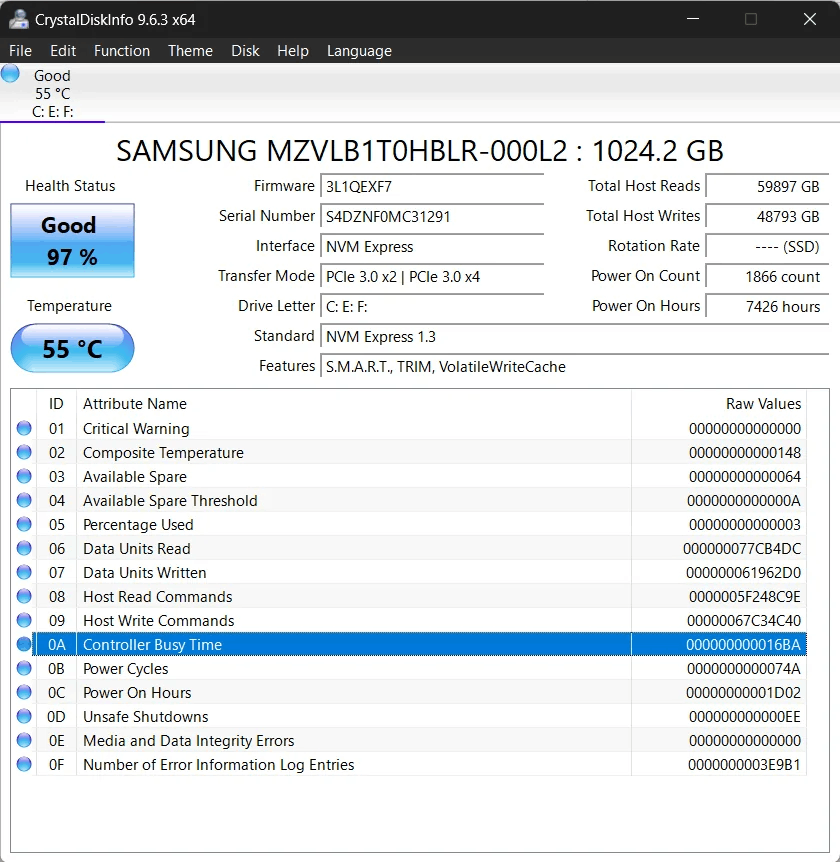
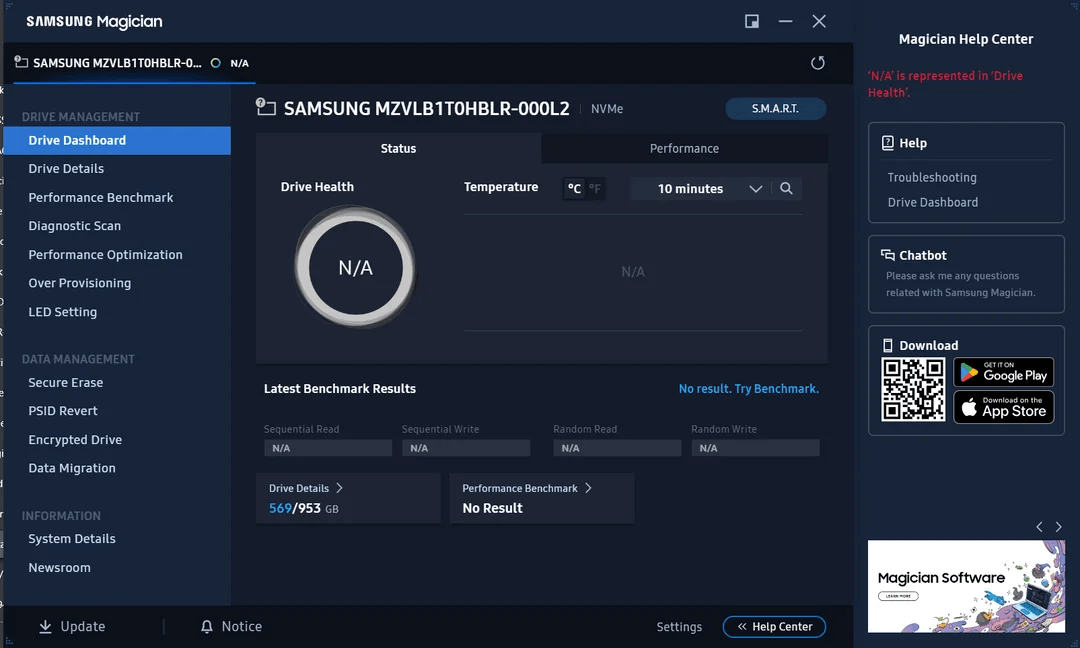
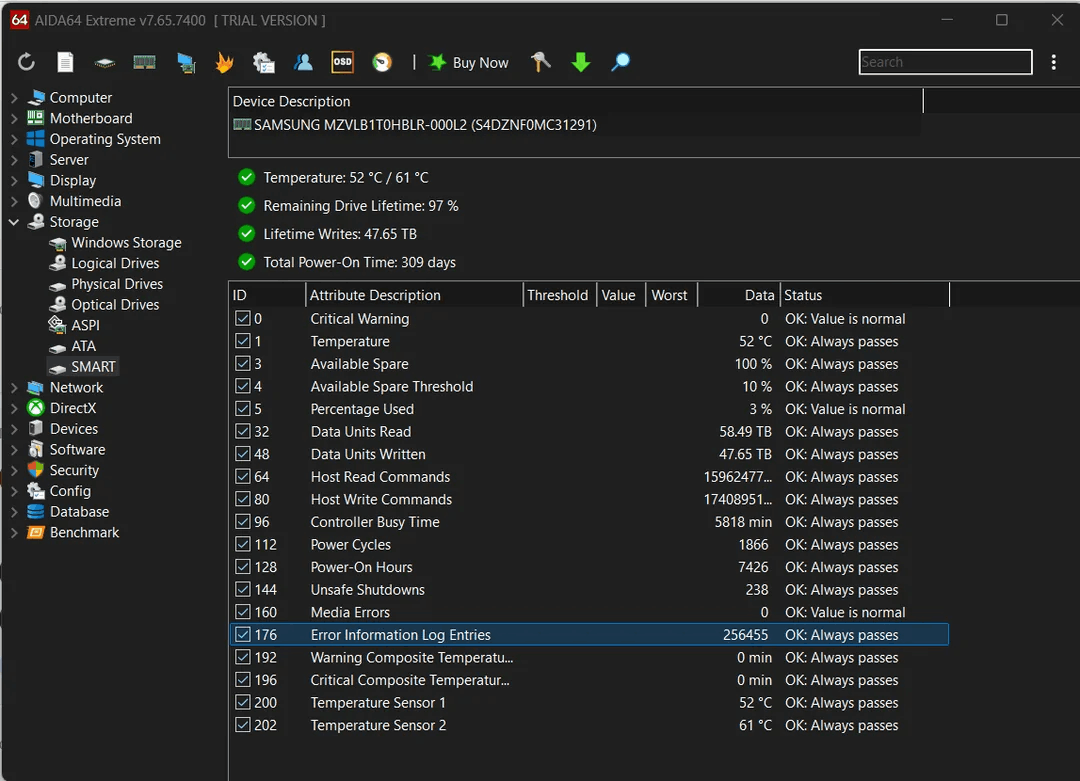
Here is SMART test output for my SSD from various softwares:
PS:
- My machine was last updated on 10 days back. I rescanned for update and lists only below update pending which was released 4 days ago: April 22, 2025—KB5055629 (OS 22621.5262 and 22631.5262) Preview – Microsoft Support
- No minidump was created as can be seen in row 119 (Event ID 161) in OneDrive CSV.